English 7
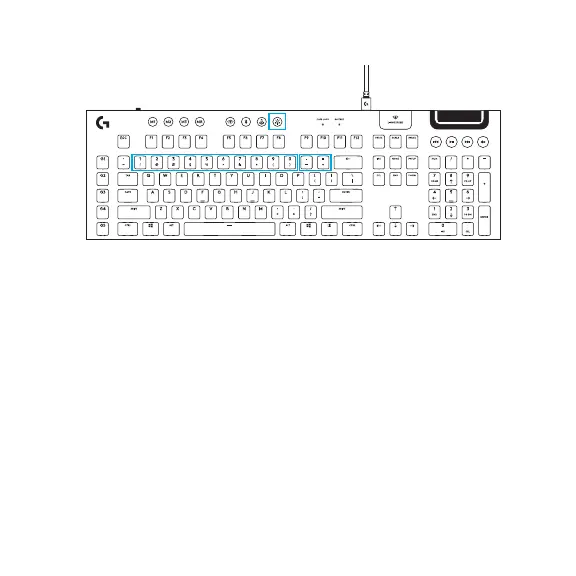
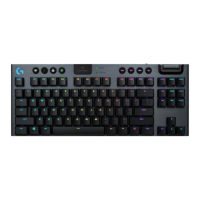
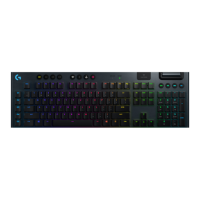
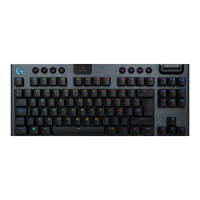
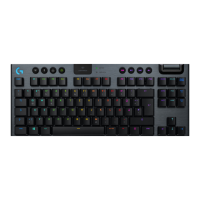
In addition to the lighting features available through G HUB software, G915 has onboard lighting
eects. To select these eects, press and hold the Brightness button while pressing the keyboard
number keys to select an eect:
• Brightness + key 1: Colorwave (left to right)
• Brightness + key 2: Colorwave (right to left)
• Brightness + key 3: Colorwave (center out)
• Brightness + key 4: Colorwave (bottom up)
• Brightness + key 5: Color cycle
• Brightness + key 6: Ripple
• Brightness + key 7: Breathing
• Brightness + key 8: User-stored lighting
• Brightness + key 9: User-stored lighting
• Brightness + key 0: Cyan blue
• Brightness + key -: Decreases eect speed
• Brightness + key +: Increased eect speed
User-stored eects are saved to the keyboard by G HUB software.
KEYBOARD FEATURES LIGHTING FUNCTIONS






 To Next Page