G920 Driving Force Racing Wheel FAQs 13
8. Try testing the device with different games or consoles.
9. Try testing the device on a computer.
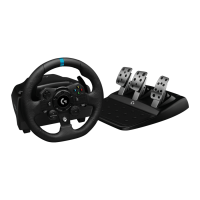
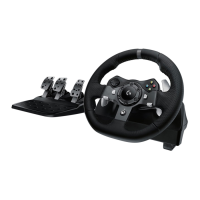
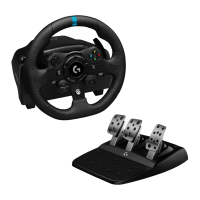
● How to set up your Logitech Wheel G923, G29, G920 on Assetto Corsa
Competizione
The following video explains how to set up your wheel on Assetto Corsa Competizione (ACC).
youtu.be/67PENT7ljqw.
NOTE: If you need to get the latest version of G HUB you can download it here:
support.logi.com/hc/en-001/articles/360025298133.
If you are experiencing connection issues with your Logitech wheel, please see Troubleshoot
G923/G29/G920 for connection issues.
● Troubleshoot G923/G29/G920 for connection issues
The following video guides you through troubleshooting your G923/G920/G29 in four steps,
ranging from beginning to advanced. The timestamp for each troubleshooting step is
available below for quick access: youtu.be/OgbNLxZJgHk.
NOTE: If you need to get the latest version of G HUB you can download it here:
support.logi.com/hc/en-001/articles/360025298133.
Timestamps:
00:00- Introduction
00:10 - Power
01:27 - G HUB
02:06 - Windows Controller
02:56 - Steam Support
03:34 - Advanced - Using Windows Registry Editor
1. POWER — How to identify and diagnose if the wheel is receiving the appropriate
amount of power.
2. G HUB and the Windows Controller — Use G HUB to validate that the wheel is properly
connected to your system, and that your inputs are being received. Next, identify that





 To Next Page