G920 Driving Force Racing Wheel FAQs 48
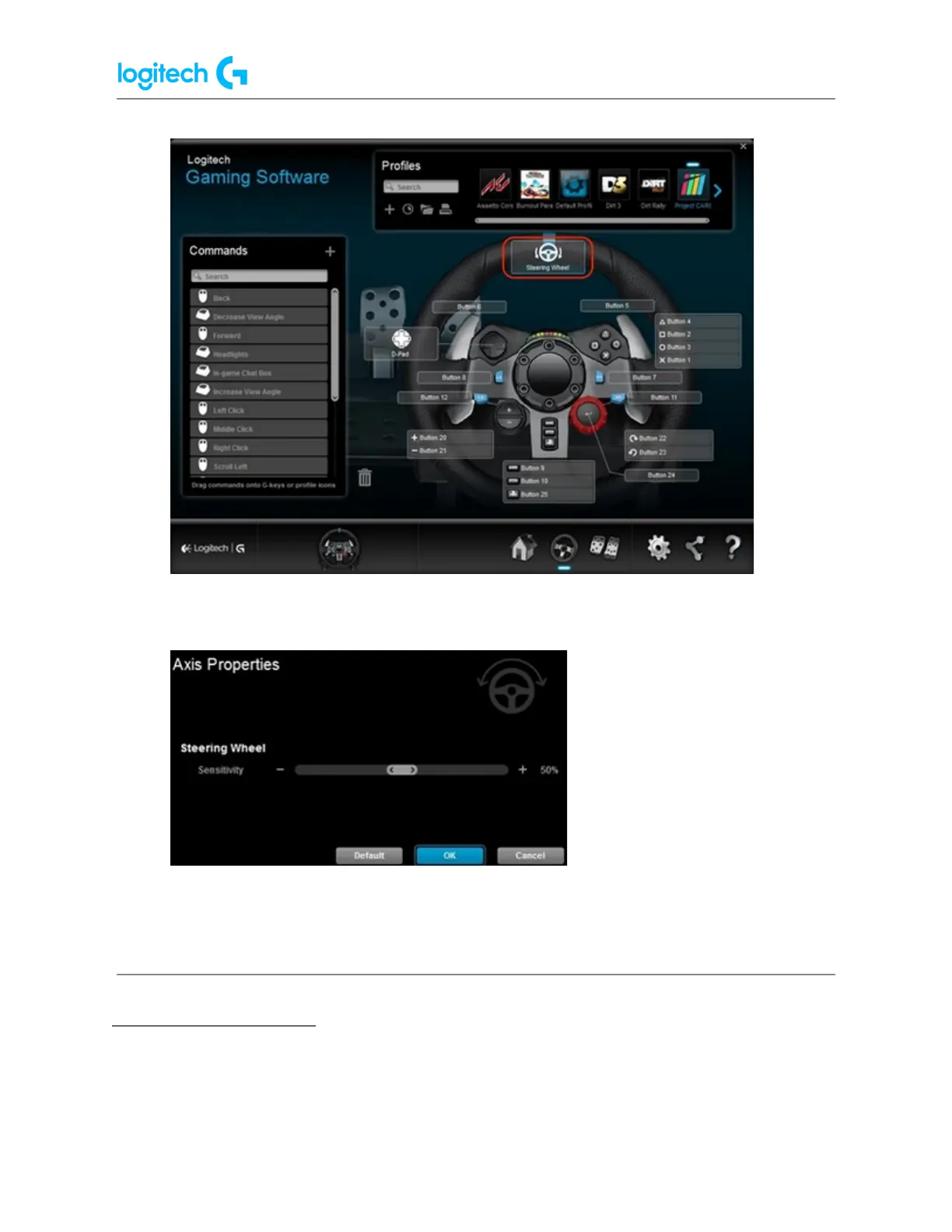
4. Drag the slider to set Steering Sensitivity to the desired percentage. Click the Default
button to return the steering sensitivity to the default value of 50%.
5. Click OK to confirm the setting and return to the Steering Wheel screen.
Wheel Operating Range
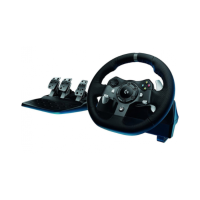
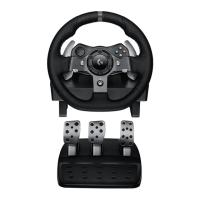
The G920 racing wheels allow for maximum lock-to-lock rotation of up to 900 degrees. Some
games may require this range to be reduced in order to provide optimal steering response in
those games.





 To Next Page