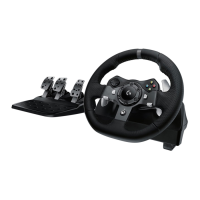
G920 Driving Force Racing Wheel FAQs 47
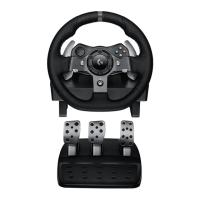
● Adjust sensitivity on the G920 racing wheels with Logitech Gaming Software
Steering wheel and pedal response can be adjusted on the G920 racing wheels using
Logitech Gaming Software (LGS). Before you attempt to make these adjustments, make sure
to download and install the latest version of LGS before connecting the G920 racing wheel to
your computer. You can get the latest version of LGS from your product’s Download page.
NOTE: Not all Logitech racing wheels are compatible with Logitech Gaming Software 8.70 (or
later). Please refer to your racing wheel’s product specifications for software compatibility
information.
● Steering Sensitivity
● Wheel Operating Range
● Pedal Sensitivity
Steering Sensitivity
Steering sensitivity on the G920 racing wheels can be adjusted to accommodate your
steering preferences, or improve steering response in some games.
NOTE: Adjustments to steering sensitivity can be customized for each game, per profile in LGS.
To adjust the steering sensitivity:
1. Make sure that the G920 racing wheel is connected to your computer, and then
launch LGS.
2. On the LGS Home screen, navigate to the device selector at the bottom of the LGS
window and click on the G920 icon.
3. Navigate to the Steering Wheel screen, then double-click on the area marked
Steering Wheel.










 To Next Page