HEADSET FIT
Adjust headset by sliding headband open
or closed.
ADJUSTING THE MICROPHONE BOOM
1 Microphone boom rotates 270 degrees.
Wear it on either left or right side.
2 Adjust exible microphone boom location
to capture voice better.
WHAT’S IN THE BOX
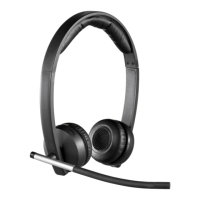
MONO
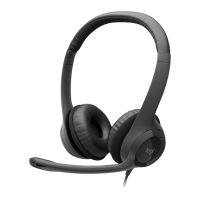
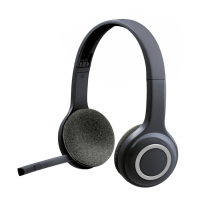
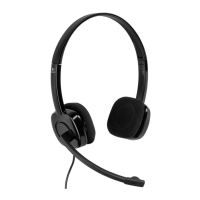
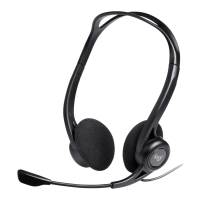
1 Headset with In-line controller
andUSB-A connector
2 User documentation
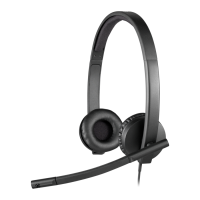
STEREO
1 Headset with In-line controller
andUSB-A connector
2 User documentation
USB-A
USB-A
CONNECTING THE HEADSET
Plug the USB-A connector into
yourcomputer USB-A port.
4 English







 To Next Page