1 2
English
Connect the M558 to your Mac
®
using Bluetooth
1. From the Apple menu, select System Preferences
2. From the View menu, select Bluetooth
3. In Bluetooth preferences, make sure that “ON” is selected.
4. Click “Setup new device” (“+” button near the lower left corner of Bluetooth
preferences)
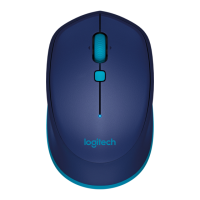
5. Press the Bluetooth connect button on the bottom of the mouse to enter
discovery mode. The blue LED on top of the mouse will blink while the mouse
is in discovery mode.
6. Follow on-screen instructions.
Note: If you are prompted for a passkey, enter 0000.
On
Logitech
®
Bluetooth
®
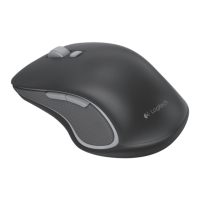
Mouse M558
Setup Guide
Logitech
®
Bluetooth
®
Mouse M558
Setup Guide

 Need help?

 To Next Page
 General