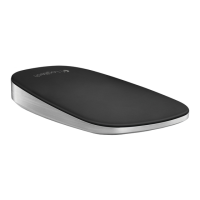
Logitech Zone Touch Mouse T400
8 English
One finger scrolling
Swipe up, down, or sideways
on the touch strip.
Clicking
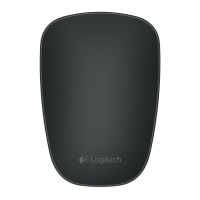
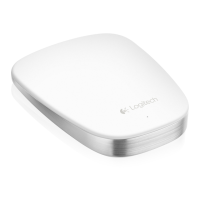
The Touch Mouse provides full
3-button operation. Click the
left, right, or middle area of the
mouse surface.
Using the mouse
Click the top 2/3 of
the touch strip to
go to the Windows
Start screen (Metro
Start in Windows 8)




 To Next Page