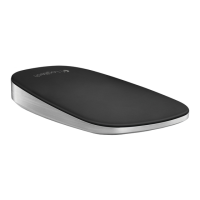
Logitech Zone Touch Mouse T400
English 9
Unifying Troubleshooting
Logitech
®
Unifying technology
connects up to six compatible
Logitech mice and keyboards to
the same receiver, using only one
USB port for multiple devices. To
learn more, visit:
logitech.com/support/unifying
Touch Mouse not working?
Troubleshoot the problem:
• Restart the mouse by turning it
off and then back on.
• Check the Unifying receiver
connection.
• Move the Unifying receiver
to another USB port on your
computer. (Always connect
directly to your computer; do
not use a USB hub.)
• Remove any metallic objects
near the mouse.
• If the status light blinks red,
replace the battery.




 To Next Page