EasyManua.ls Logo

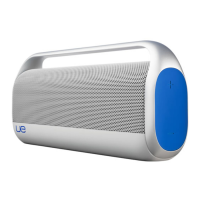
Logitech ue boombox - Bluetooth Pairing Procedures; First-time setup; Set up more devices

Logitech ue boombox
9 pages
Print Icon
To Next Page IconTo Next Page
To Previous Page IconTo Previous Page
Loading...
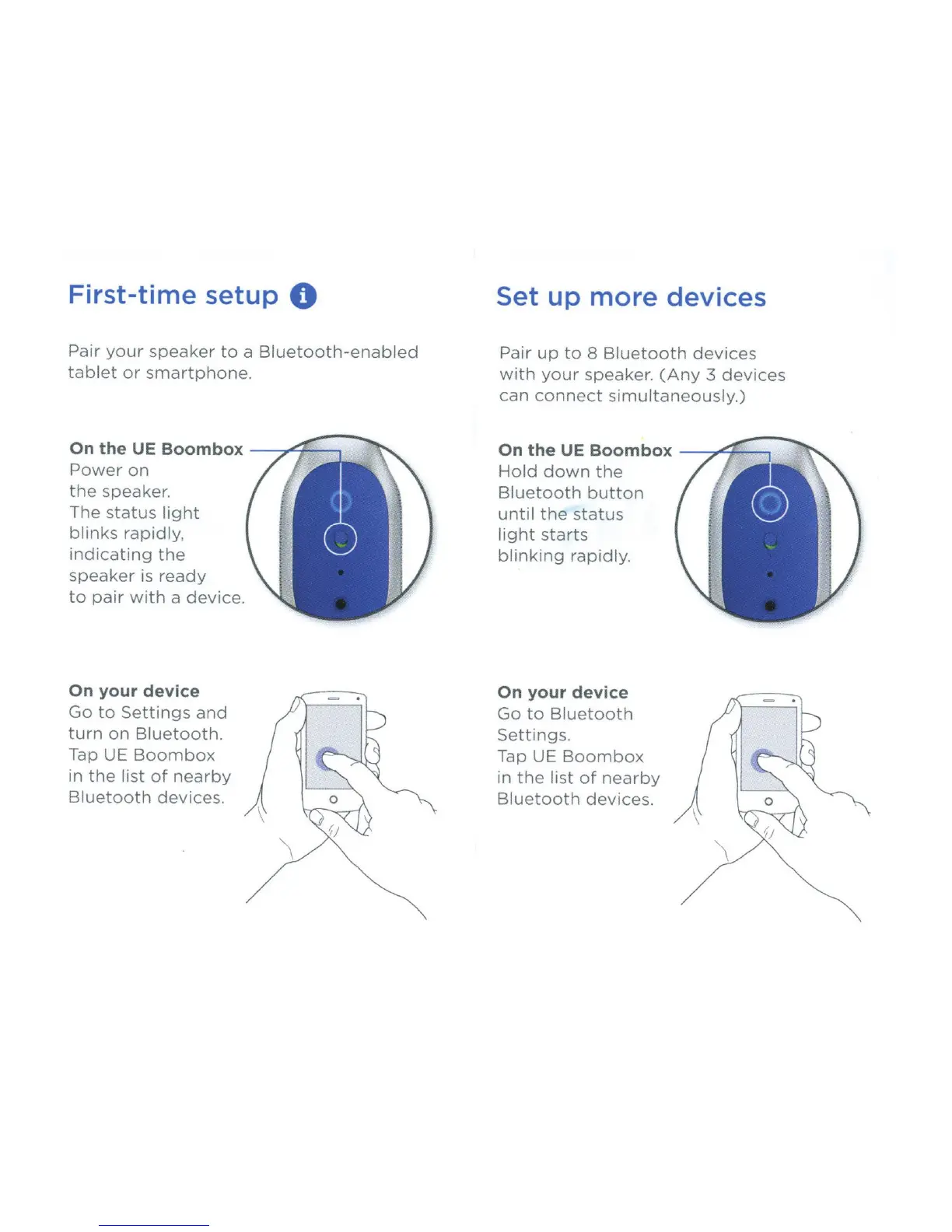
First-time setup
0
Pair
your
speaker
to
a
Bluetooth-enabled
tablet
or
smartphone
.
On
the UE Boombox
,ct=
Power
on
the
speaker.
The
status
light
blinks
rapidly,
indicating
the
speaker
is
ready
to
pair
with
a device.
On
your device
Go
to
Settings
and
turn
on
Bluetooth.
Tap UE
Boombox
in
the
list
of
nearby
Bluetooth
devices.
Set up
more
devices
Pair
up
to
8
Bluetooth
devices
with
your
speaker.
(Any
3
devices
can
connect
simultaneously.)
On
the UE Boombox
/"/
.
Hold
down
the
Bluetooth
button
until
the
status
light
starts
blinking
rapidly.
On
your device
Go
to
Bluetooth
Settings.
Tap UE
Boombox
in
the
list
of
nearby
Bluetooth
devices.