FAQs
● Unifying Receiver & Software - Pairing and Troubleshooting
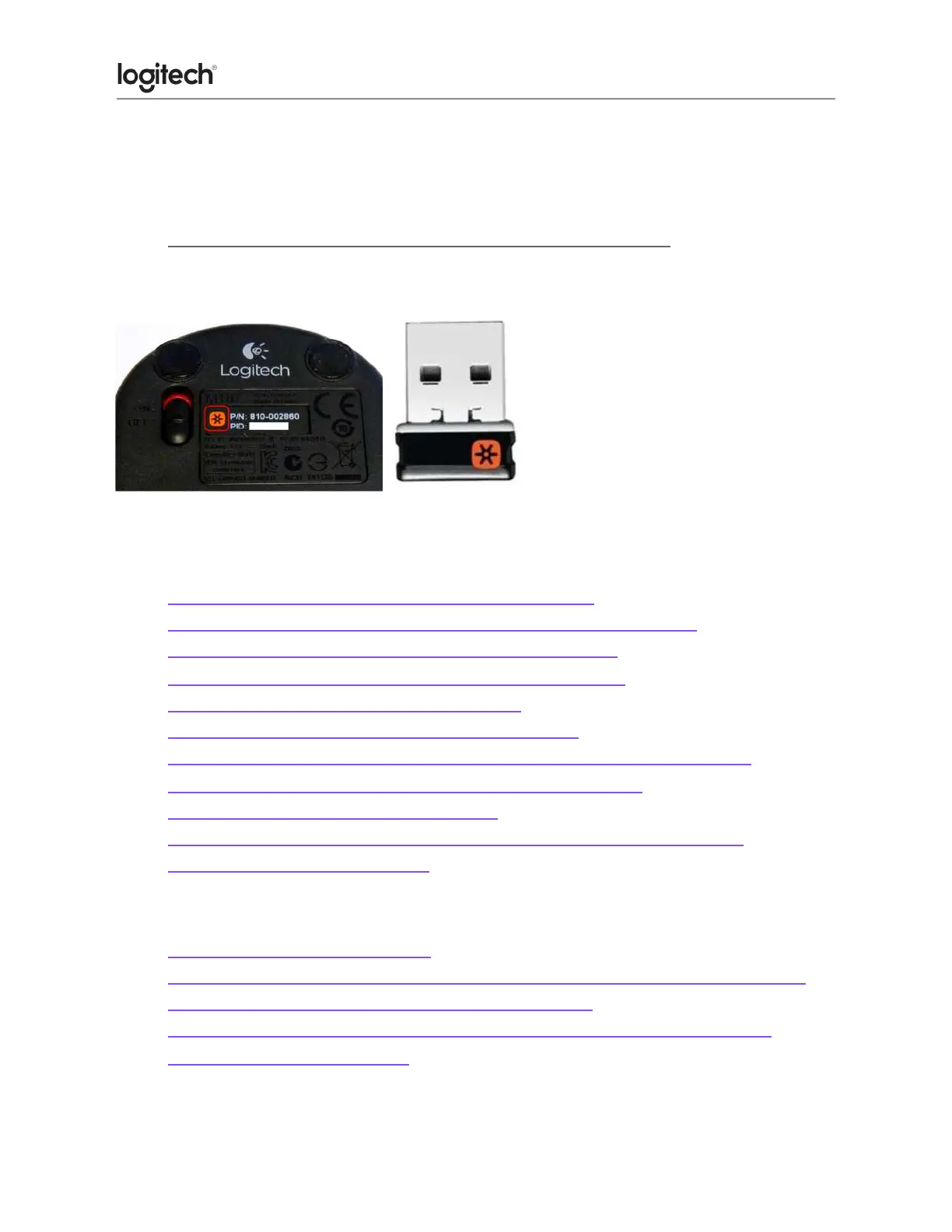
Your Unifying USB receiver can be paired with up to six Unifying devices at a time. You can
determine if your Logitech devices are Unifying by this logo:
Connect my device to a Unifying receiver
VIDEO: Connecting a Logitech device to your Unifying Receiver
● Connect your Logitech keyboard or mouse with the Unifying receiver
● Connecting a Unifying-ready device to a Unifying receiver
● Connecting a second Unifying device to a Unifying receiver
● Pairing multiple devices to a Unifying receiver
● Use a different USB receiver with my Unifying product
● Change connection type from Unifying to Bluetooth or Bluetooth to Unifying
● Gaming mouse compatibility with Logitech Unifying receivers
● Connectivity range of the Unifying receiver
● Operating distance between the mouse or keyboard and Unifying receiver
● Where to store a Unifying receiver
Re-pair or Troubleshoot
● Unable to pair to Unifying receiver
● Can I pair one channel to the Unifying receiver after connecting both to Bluetooth?
● Unpair a mouse or keyboard from the Unifying receiver
● My Unifying mouse or keyboard wakes the computer even when it is set not to
● Lost or broken Unifying receiver





 To Next Page