English 5
www.logitech.com/support/Z313
CONNECT YOUR HEADPHONES
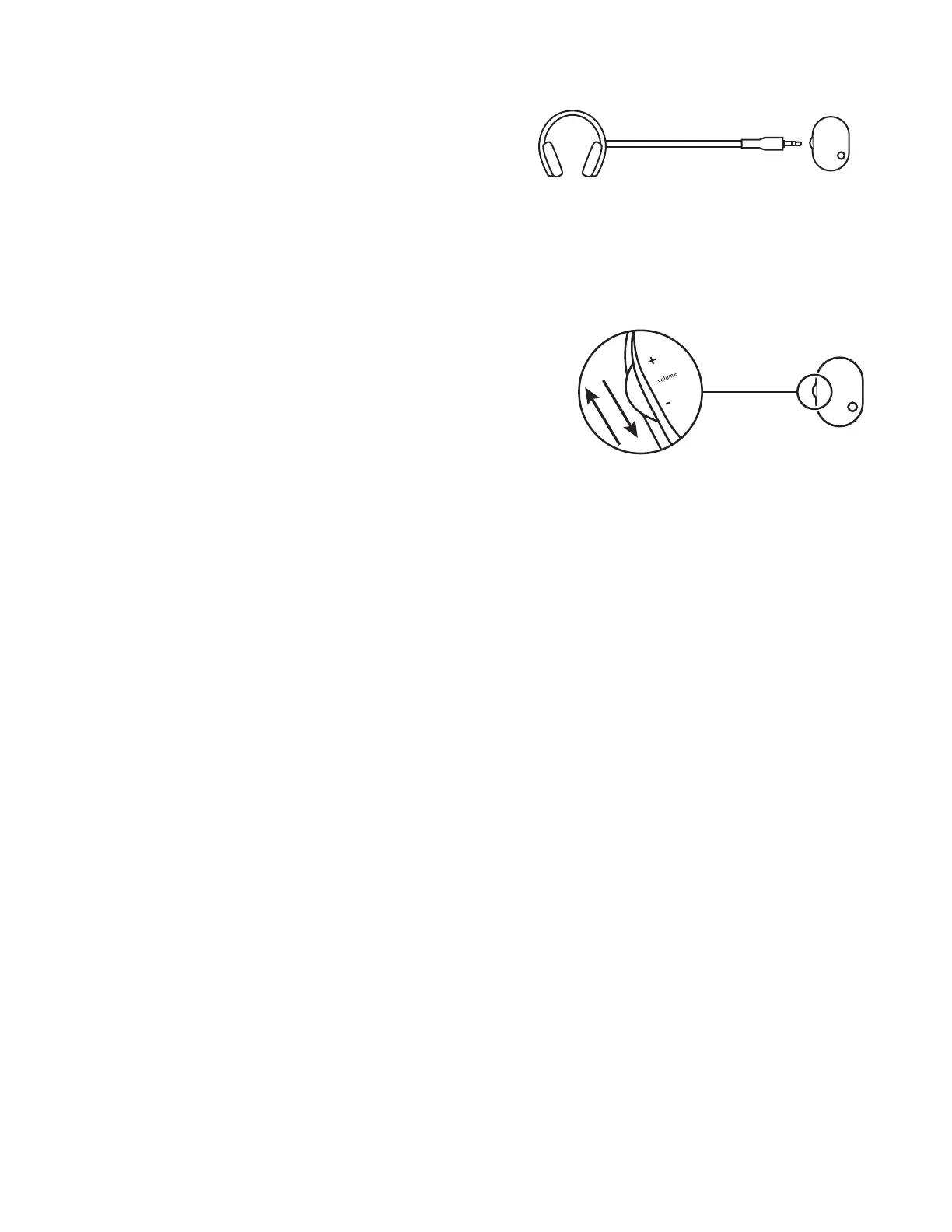
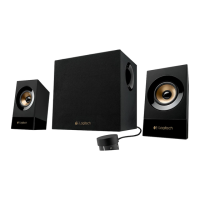
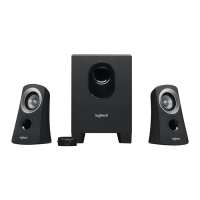
To use headphones with your Z313 speakers, plug them into
theheadphone jack on the control pod.
To change the volume of your headphones, adjust the volume
from your audio input source.
NOTE: The volume control on the control pod does not control
theheadphone volume
ADJUST THE VOLUME
Increase (or decrease) the speakers volume by rolling up (or down)
the wheel located on the left side of the control pod.


 To Next Page