English 5
AUX
RIGHT SPEAKER
LEFT SPEAKER
1A
2 3
1B
AUX
CONNECT TO AUDIO SOURCE
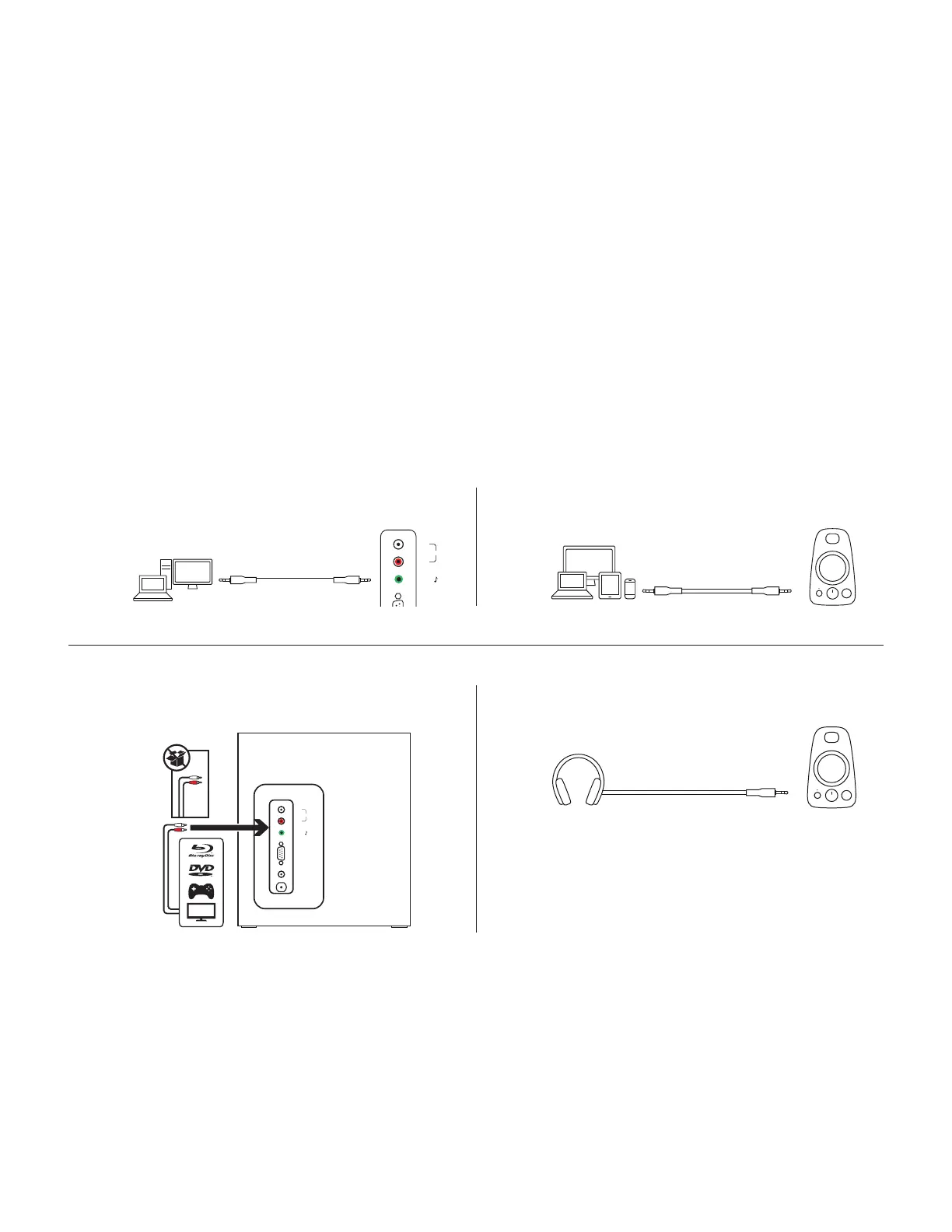
1A. Using a 3.5 mm cable:
Connect one end of the provided 3.5 mm cable to the auxiliary input jack on the back
ofthesubwoofer and the other end to the 3.5 mm jack on your device.
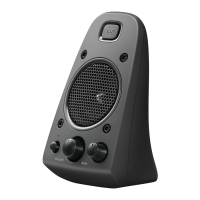
1B. Connect one end of the provided 3.5 mm cable to the auxiliary input jack on the right
satellite and the other end to the 3.5 mm jack on your device. To adjust the volume
onthespeakers, use the volume control knob on the front of the right speaker. If youare
using the headphone output on your device, make sure the volume level on your device
issetto 80% or higher.
2. Using a RCA cable:
Connect one end of the RCA cable to the corresponding RCA jack on the back of
thesubwoofer and the other end to the RCA jack your device.
NOTE: The RCA cable is not included in the box and must be purchased separately.
3. Plug your headphones into the 3.5 mm headphone jack on the right speaker. To adjust
thevolume of your headphones, use the volume control knob on the front of the right speaker.


 To Next Page