English 6
- +
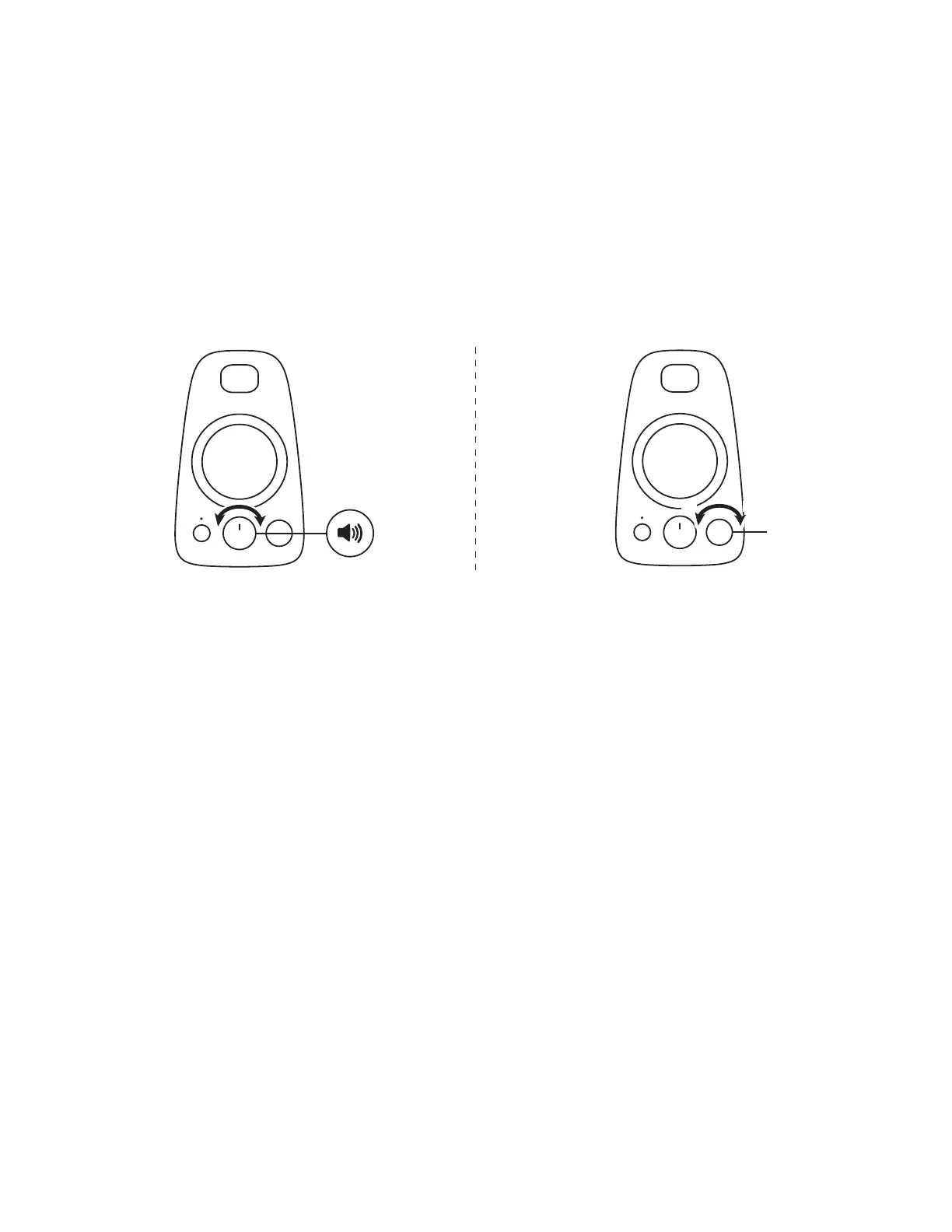
ADJUST THE VOLUME
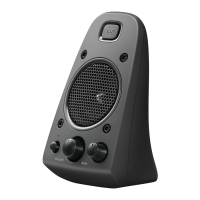
1. To adjust the volume on the speakers, use the middle knob on the front of
the right speaker. Turn clockwise (counterclockwise) to increase (decrease)
the volume.
ADJUST THE BASS
2. Adjust the bass level by turning the bass control knob on the right speaker.
Turn bass knob to the right for deeper bass or to the left for less bass.
1 2
- +- +
www.logitech.com/support/Z623


 To Next Page