English 9
Logitech
®
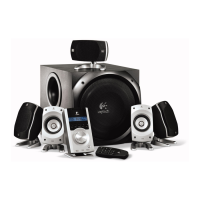
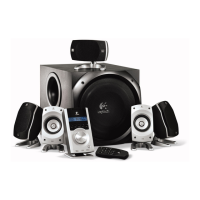
Surround Sound Speakers Z906
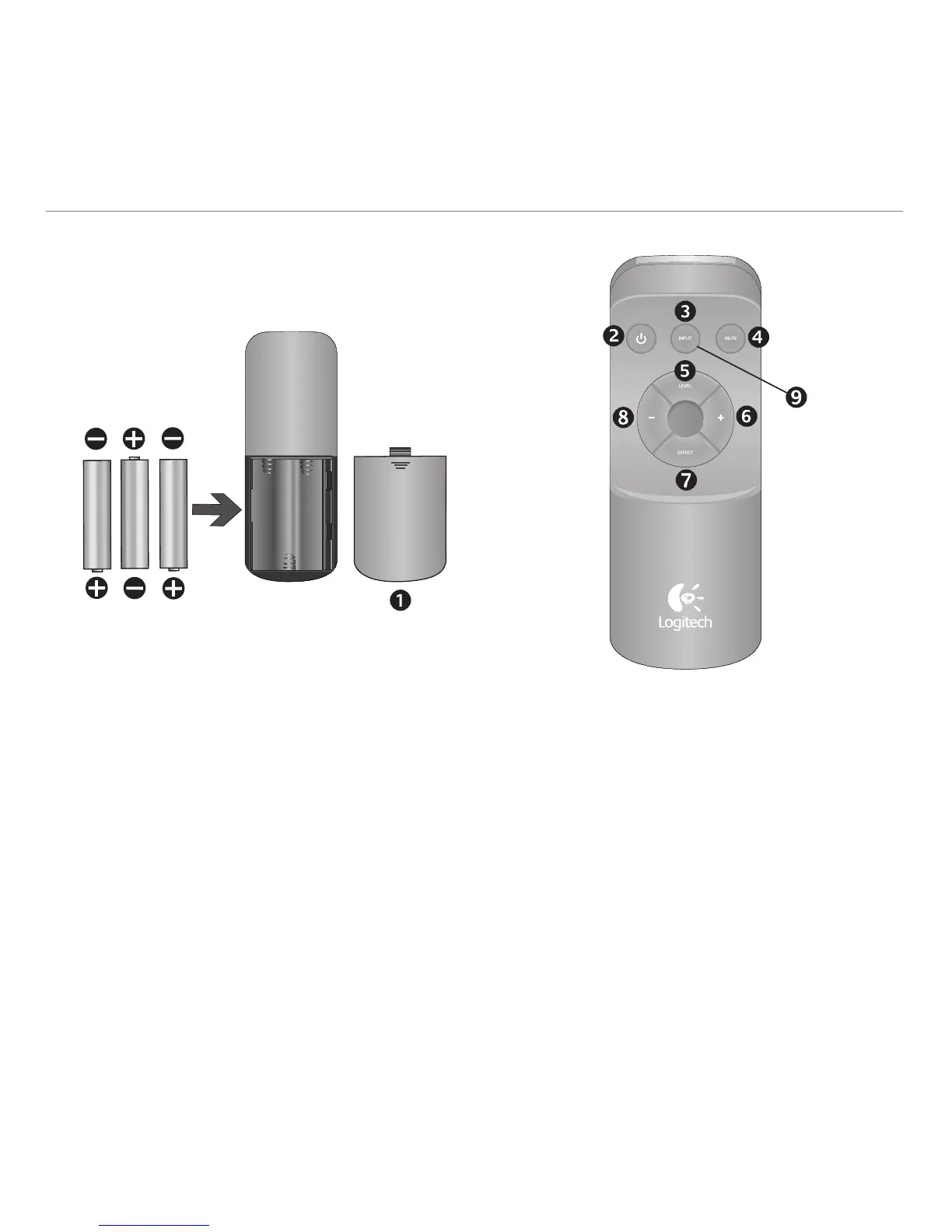
1. Battery door: Install the three AAA batteries
2. Power On/Off
3. Input select: Use this to select your audio source
(6-channel direct, stereo, optical, coax, and Aux).
4. Mute: Mutes the whole system.
5. Level select: Use this to select subwoofer, rear
satellites, center channel, or main volume levels.
6. Volume/Level up: Use this to adjust the main
volume, subwoofer, rear satellites, and center
channel levels
7. Effect select: When a stereo source is present,
use this to select your desired sound effect:
Stereo 3D, Stereo 4.1, and Stereo 2.1.
8. Volume/Level down: Use this to adjust the main
volume, subwoofer, rear satellites, and center
channel levels
9. Test: See Testing your system for more information
about this mode.
Remote control
Control your listening experience without ever getting off the couch.
INPUT
MUTE
LEVEL
EFFECT



 To Next Page