Installation Guide (Standard)
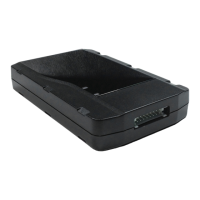
LoJack ATS100 LTE
GPS Device
Please contact customer service at: Spireon.com/lojack
Phone: 1-877-563-0032 Email: customer_support@spireon.com ©2021 Spireon, Inc. All rights reserved.
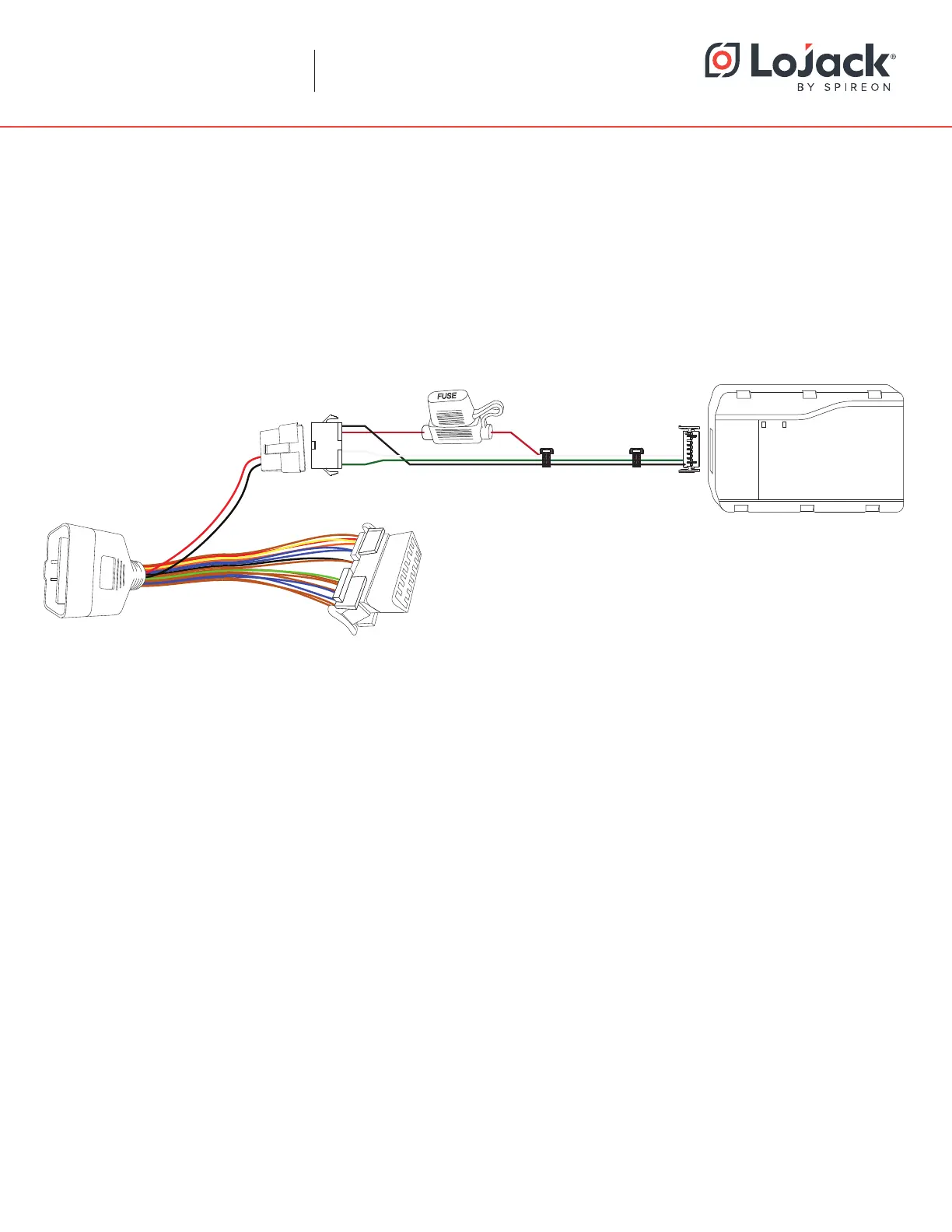
Optional OBDii Pass-through Cable Installation Instructions:
1. Unclip or unscrew the vehicle’s stock OBDii plug from its mounting location.
2. Plug the OBDii pass-through cable into the stock OBDii port and clip or screw the opposite end into the
stock plug’s original mounting location using the supplied bracket where necessary.
3. To install the Edge, mount the device as instructed in Step 3 of the standard installation before plugging the
quick disconnect on the device harness into the one on the passthrough cable.
OBDII Pass-through Cable
(where applicable)
ATS100 Harness


 To Previous Page
 Loading...