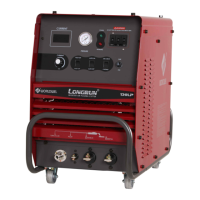
■ INSTALLATION
● The welding machine shall be installed at a place ;
․ free from the inflammables
․ less humidity, dirt and dust
․ protecting from influence of direct sunlight, wind and rain
․ not generated oil vapor and corrosive gas
․ operating temperature range is from -102℃ to 40℃
․ least 30㎝ away from wall and other welding machine
● Input Connection (Rear of the machine)
Be sure the voltage, phase and frequency of the input power is as specified on the name plate
located on the rear panel of the machine.
․ To connect the power cables, turn the power switch OFF
․ Verify the voltage to be supplied from main power.
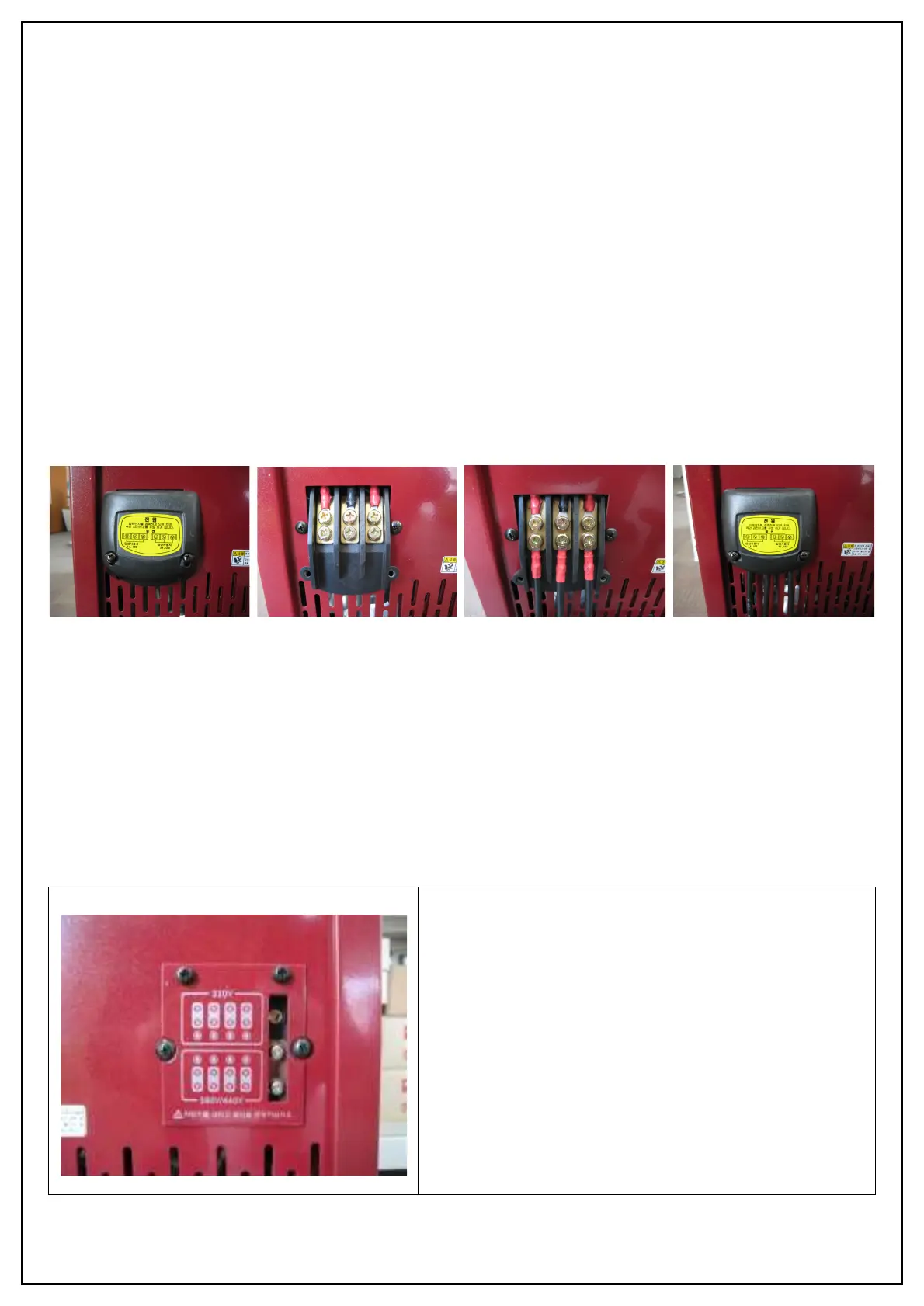
․ Open the cover of terminal plate and connect the power cable to the power input terminal on the rear of
the machine and close the cover of terminal plate.
√ If the input power is single phase, connect two cables on left and right terminal without center.
․ For grounding the machine, connect a ground wire to the ground terminal marked with the symbol is
located on the rear panel of the machine.
․ Connect the air hose to the air-in of air regulator.
※ Input voltage selection
․ Verify the connection of voltage selection terminal.
√ If necessary to change it,
․ Remove the cover of input voltage selection plate.
․ Position the wires for the voltage to be supplied
from main power.
․ For 380V and 440V input, position a switch for the
voltage would be used which is inside welder after
removing top cover.


 To Next Page
 Loading...