EasyManua.ls Logo

Longtime LIV-10 - User Manual

Default Icon
20 pages
Print Icon
To Next Page IconTo Next Page
Loading...
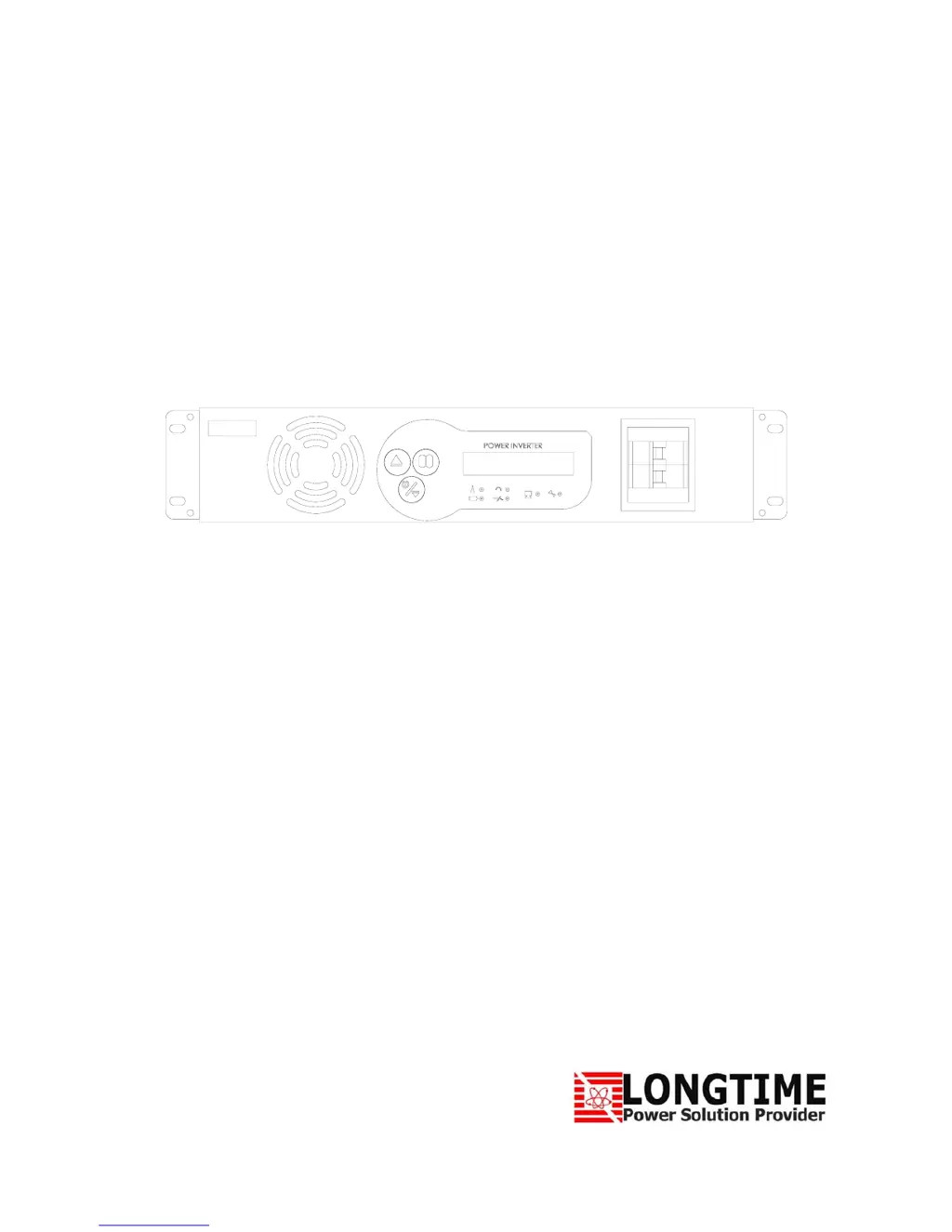
DCACPOWERINVERTER
LIV‐10/LIV20/LIV30
UserManual

Questions and Answers

Summary

Safety Instruction

Notes on Using the Instruction Manual

Guidance on manual usage and potential for material damage if instructions are not followed.

General Safety Instruction

Essential safety guidelines covering installation, wiring, electrical shock prevention, environment, and fire hazards.

Installation and Wiring Compliance

Requirements for installation and wiring to comply with local/national electrical codes by a certified electrician.

Preventing Electrical Shock

Procedures to prevent electrical shock, including proper grounding, disconnecting power, and capacitor safety.

Installation Environment

Specifies the ideal installation environment: indoor, well-ventilated, cool, dry, and avoiding obstructions.

Preventing Fire and Explosion Hazard

Warns against using the inverter in areas with flammable materials due to potential arcs or sparks.

Precaution when Working with Batteries

Detailed safety precautions for handling batteries, including corrosive acid, hydrogen gas, sparks, and metal objects.

Power Inverter Related General Safety Instruction

Specific safety instructions related to the power inverter's operation and connections.

Preventing Paralleling of AC Output

Instructions on preventing AC output paralleling to avoid inverter damage and safety hazards.

Connecting to Multi-wire Branch Circuits

Guidelines for safely connecting to multi-wire branch circuits to prevent overloading and fire risk.

Preventing DC Input Over Voltage

Caution against exceeding the specified DC input voltage range to prevent permanent damage to the inverter.

Preventing DC Input Under Voltage

Caution against operating below the specified DC input voltage range to prevent permanent damage.

Preventing Reverse Polarity on the Input Side

Emphasizes correct polarity connection for batteries to prevent alarms and auto shutdown.

Introduction

Outlook

Front View

Details the components and controls located on the front panel of the inverter.

Rear View

Illustrates and describes the connections and features on the rear panel for different models.

Terminal Block Connecting Diagram

Provides a detailed diagram for connecting various cables to the terminal blocks.

Operation Panel

Explains the function of each button, LCD display, and LED indicator on the operation panel.

Installation

Unpacking and Inspection

Instructions for unpacking the inverter and performing an initial inspection for any shipping damage.

Installation and Wiring Compliance

Mandates adherence to electrical codes and professional installation for wiring compliance.

Preventing Electrical Shock

Critical safety measures to prevent electrical shock during the installation process.

Installation Environment

Guidelines for selecting an appropriate and safe environment for inverter installation.

Cooling By Forced Air Fan Ventilation

Explains the thermostatic control of the forced air cooling fan and its operation.

Precautions When Working with Batteries

Essential safety precautions when working with batteries, focusing on chemical and electrical hazards.

DC Side Connection

Detailed instructions on connecting battery cables, emphasizing cable gauge and length for optimal performance.

Operation

Start-Up

Procedure for correctly starting the inverter, including button presses and display messages.

Shutdown

Procedure for safely shutting down the power inverter.

System Test

How to perform a system test and what to expect in case of faults or abnormal conditions.

Page Display Operation Status

Guide to navigating and interpreting the various operation status displays on the unit.

Troubleshooting

Communication Port

Dry Contact

Details the functions and connections of the dry contact terminals for external control signals.

RS232

Outlines the RS232 communication parameters and pin assignments for data transfer.

Warranty

Specification

Wiring Diagram

Longtime LIV-10 Specifications

General IconGeneral
Input Voltage12V DC
Output WaveformModified Sine Wave
Continuous Power1000W
Peak Power2000W
Efficiency90%
USB Output5V/2.1A
ModelLIV-10
CategoryInverter
CoolingFan
Protection FeaturesOverload, Overheat, Short Circuit, Low Voltage