EasyManua.ls Logo

Lonpoo LP-100 - User Manual

Lonpoo LP-100
24 pages
Print Icon
To Next Page IconTo Next Page
Loading...
User Manual
MODEL: LP-100
BLU-RAY DISC PLAYER

Questions and Answers

Summary

Welcome

General Safety Instructions

Remote Control

Buttons and Functions

Lists and describes all buttons on the remote control for user operation.

Using the Remote Control

Explains how to operate the remote control and insert batteries.

Battery Precautions

Details safety precautions and guidelines for using batteries in the remote control.

Parts and Connections

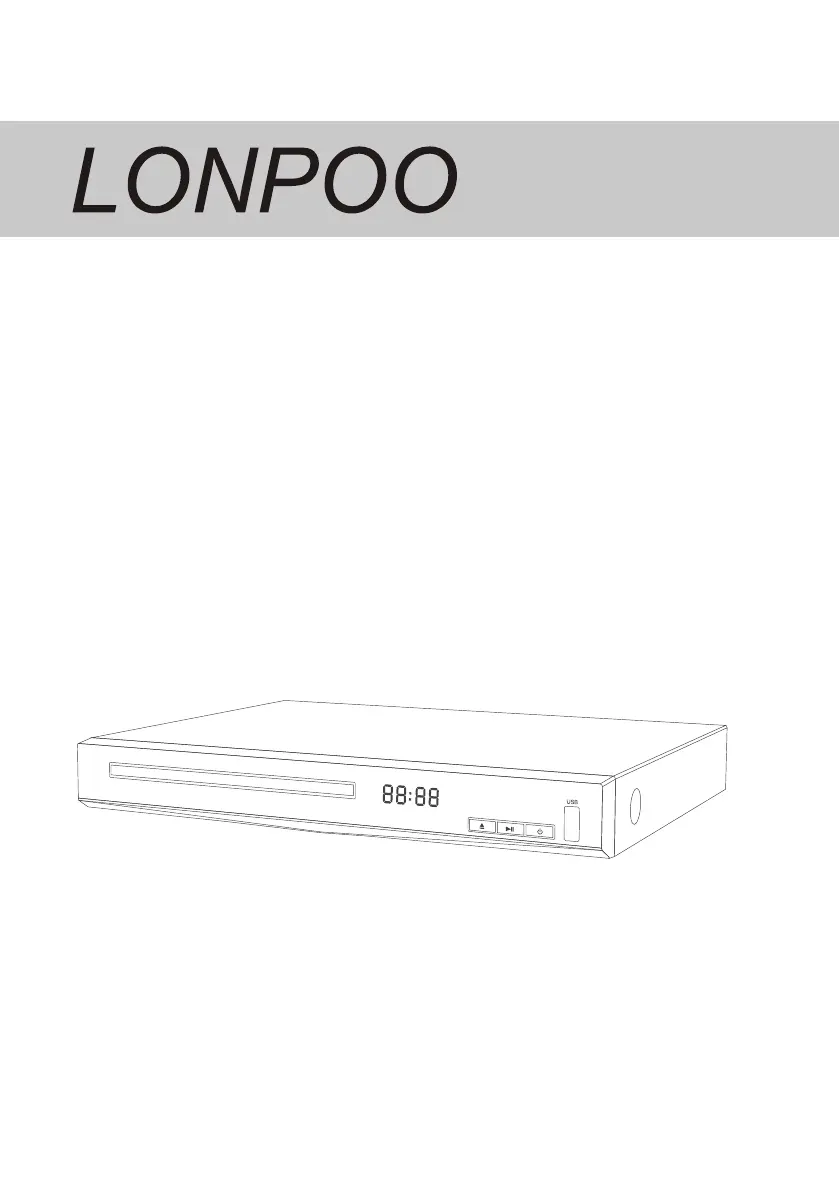
Front View

Identifies and describes components visible on the front panel of the Blu-ray player.

Rear View

Identifies and describes ports and connectors on the rear panel of the Blu-ray player.

Instructions

Basic Operations & Setup

Covers turning on the player, accessing setup menus, and language selection.

Playing a Disc

Step-by-step guide on how to insert and play a disc.

Video Playback Controls

Details buttons for controlling video playback, including play, pause, stop, and search.

Disc Menu Navigation

Explains how to access and use BD-video and DVD-video disc menus.

Playback Features

Describes various playback functions like audio/subtitle selection, repeat modes, and bookmarking.

Blu-ray Disc Playback

Specific instructions for playing Blu-ray discs and handling secondary audio/video.

Music Playback

Guide on playing audio files using the remote control.

Photo Slideshow Operation

Instructions for viewing JPEG files as a slideshow and controlling it.

Slideshow Settings & Music

How to adjust slideshow settings and play music simultaneously with photos.

General Settings & System Options

Covers player settings like screen saver, auto playback, load defaults, and software upgrades.

Language, Playback & Security Settings

Details settings for OSD language, playback options (CC, Angle Mark), and parental controls.

Display and Video Processing Settings

Options for TV screen, resolution, color space, and video adjustments like brightness.

Audio & System Information

Configuration for HDMI audio, speaker output, and displaying system software version.

Troubleshooting

Remote Control Issues

Solutions for problems related to the remote control not functioning.

Picture & HDMI Connection Issues

Troubleshooting steps for no picture, HDMI connection problems, and sound issues.

Disc & Data File Playback Issues

Solutions for discs not playing and data files not being read or played.

Error Messages & Accessories

Explains error messages and lists included accessories.

Specifications

Technical Specifications

Details power supply, consumption, disc/video formats, dimensions, and net weight.

Region Code & Disposal

Information on region coding and environmentally friendly product disposal.

Lonpoo LP-100 Specifications

General IconGeneral
BrandLonpoo
ModelLP-100
CategoryBlu-ray Player
LanguageEnglish