12
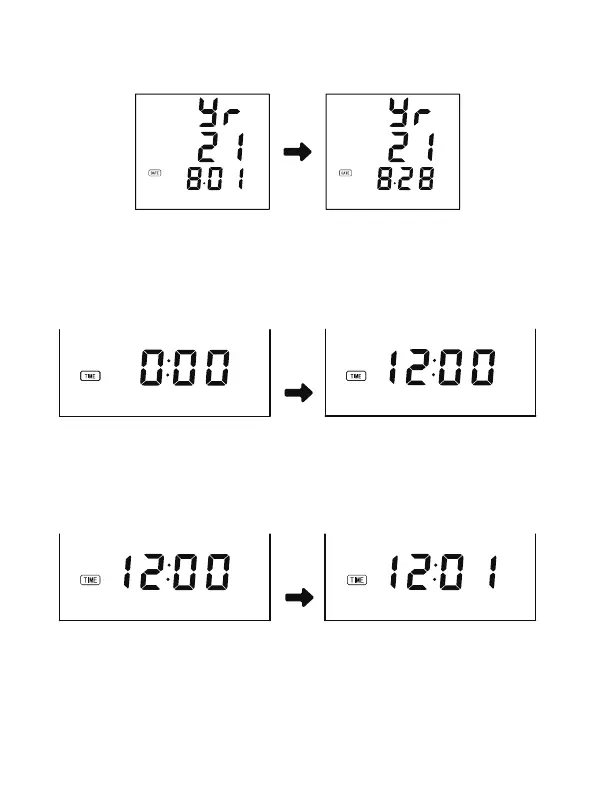
at this time, the last two digits of the date will start to flash. You can enter the
date by pressing the [MEM] button (for example, you can change the date
from 1st to 28th by pressing the button 27 times)
4. Press the [START/STOP] button again, the screen will switch to the time
setting. At this time, the first digit (indicating hour) starts to flash. Please input
the time by pressing the [MEM] button (for example, you can change the time
from 0:00 to 12:00 by pressing the [MEM] button 12 times).
5. Press the [START/STOP] button again, and the last two digits (in minutes) will
start to flash. You can enter the minute by pressing the [MEM] button (for
example, pressing the button 1 times will increase the time from 0 minutes to
1 minutes).
6. Press the [START/STOP] button again to enter the kPa/mmHg unit selection.
You can select kPa or mmHg by pressing the [MEM] button, “0.0” will display
on the screen when kPa is selected, and “0”will display when mmHg is
selected.


 To Next Page