EasyManua.ls Logo

Lotos Technology LTP5500D - User Manual

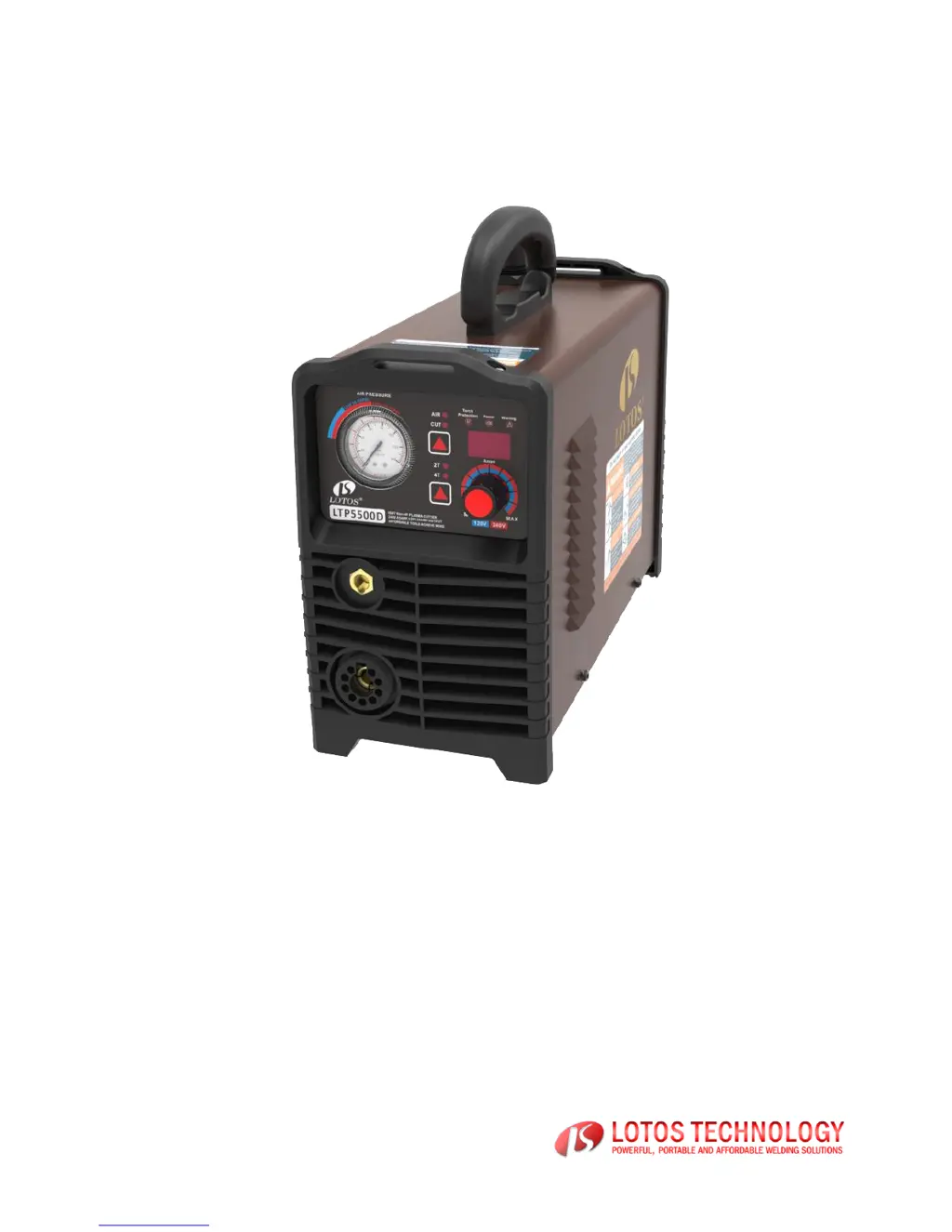
Lotos Technology LTP5500D
31 pages
Print Icon
To Next Page IconTo Next Page
Loading...
Affordable Tools Achieve More
Visit Our Website at:
www.uwelding.com
LTP5500D
OWNER’S MANUAL
Carefully read the operation manual prior to using, installing and maintaining the electric
welding machine
The contents of this manual may be revised without prior notice and without obligation.
This instruction manual is issued on 1st Jan 2018. Rev 01
Conforms with EMC Directives:
73/23/EEC and 89/336/EEC
European Standard: EN/IEC60974

Questions and Answers

  • D
    Darrell DuarteJul 28, 2025
    Why is the pilot arc not striking on my Lotos Technology Welding System?
    • S
      Sierra RussellJul 28, 2025
      If the pilot arc is not striking when you press the torch trigger on your Lotos Technology Welding System, it might be due to a low input voltage. Ensure you are using a stable 120 V or 240 V power source. Also, check that the input air pressure isn't too high or too low, and adjust it accordingly.
  • V
    Vickie HudsonAug 3, 2025
    What to do if there is no arc-striking and inter red LED light is not on Lotos Technology LTP5500D Welding System?
    • G
      garyyoungAug 3, 2025
      If your Lotos Technology Welding System's digital display is on and the fan is working, but there's no arc striking and the internal red LED is off when you press the torch trigger, there could be damage on the PCB board. Specifically: * The primary coil of the arc-striking transformer might be damaged or have poor contact. * The voltage rectifier diode could be damaged. In this case, contact LOTOS for repair.
  • A
    Anthony HicksAug 8, 2025
    What to do if there is no arc striking and inter red LED light is on Lotos Technology LTP5500D Welding System?
    • J
      Jennifer GuerreroAug 8, 2025
      If the digital display is on, the fan is working, but there's no arc striking and the internal red LED is on when pressing the torch trigger of your Lotos Technology Welding System, it indicates potential damage to components on the PCB board. The IGBT or driver module, the voltage rising transformer, or the control module may be damaged. Contact LOTOS for repair.
  • L
    Lindsay GentryAug 14, 2025
    What to do if no arc-striking and electromagnetic valve is not working on Lotos Technology LTP5500D Welding System?
    • M
      Maria JonesAug 14, 2025
      If the digital display is on, the fan is working, but there's no arc-striking and the electromagnetic valve isn't working when you press the torch trigger on your Lotos Technology Welding System, first check if the torch is properly connected. Then, verify that the control knob on the torch isn't damaged. If these steps don't resolve the issue, the assistant power module on the top PCB board may be damaged. Contact LOTOS for repair.
  • Z
    Zachary FigueroaAug 21, 2025
    How to fix Lotos Technology Welding System when digital display is on, but fan and control knob are not working?
    • N
      Nicholas MillerAug 21, 2025
      If the digital display is on, but the fan and control knob are not working on your Lotos Technology Welding System, it means the over voltage protection is active. Turn off the machine, wait a few minutes, and then turn it back on.

Summary

SAFETY WARNINGS AND PRECAUTIONS

ARC WELDER SAFETY WARNINGS AND PRECAUTIONS

Electric Shock Hazards

Dangers of electric shock from live parts, cables, and electrodes. Importance of protective clothing and insulation.

Fumes and Gases Safety

Risks associated with welding fumes and gases. Importance of ventilation, exhaust, and respirators for safe operation.

Arc Rays and Sparks Hazards

Hazards of arc rays and sparks causing burns or fires. Need for eye, body, and flammable material protection.

SPECIFICATIONS

PANEL EXPLANATION

QUICK SETUP GUIDE

INSTALLATION

Machine Setup

Instructions for physically setting up the machine, including electrical safety, location selection, and environmental considerations.

Input Cable Connection

Guidelines for correctly connecting the power input cable, including breaker recommendations and voltage checks.

Output Cable Connection

Procedure for connecting the work clamp and torch cables to the machine for proper electrical contact and grounding.

OPERATION

Safety Operations

Crucial safety precautions to follow during operation, covering electric shock, fumes, sparks, and arc ray hazards.

Operation Steps

Step-by-step guide on powering on, setting controls, adjusting air flow, and setting amperage for cutting.

MAINTENANCE

TROUBLESHOOTING

Lotos Technology LTP5500D Specifications

General IconGeneral
Input Frequency50/60Hz
Rated Input Power7.5 kVA
Rated Input Current34A
Rated Output Current200A
Output Current200A
Efficiency85%
Power Factor0.93
Insulation ClassF
Protection ClassIP21S
Input Voltage220V
Output Current Range (TIG)10-200A
Output Current Range (MMA/Stick)10-200A
Duty Cycle60%
ProcessTIG/MMA

Related product manuals