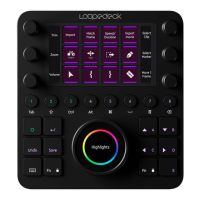
Please note, in some cases the naming of the function within the Loupedeck+
configuration software differs from the naming presented in Premiere Pro.
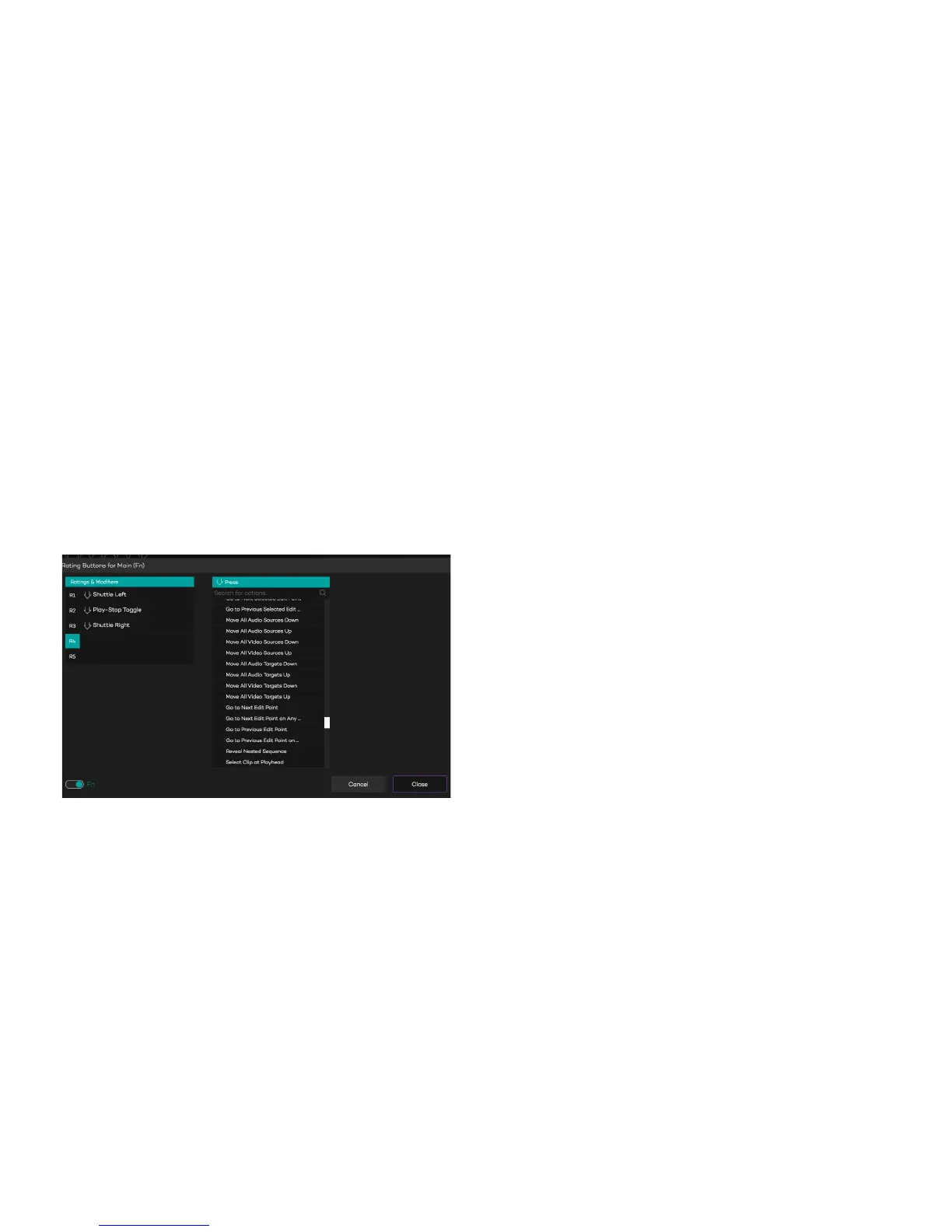
You will find the second level by clicking FN-switch from bottom-left corner.
All of these commands are available in Loupedeck+ when you have FN button
pressed down.
All changes are automatically saved, no additional actions are necessary to
apply changes. When “Cancel” is pressed all changes will be discarded.


 To Next Page