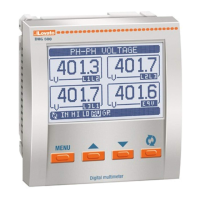
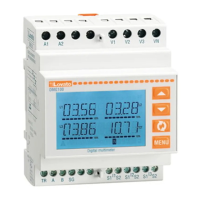
Sélection des mesures
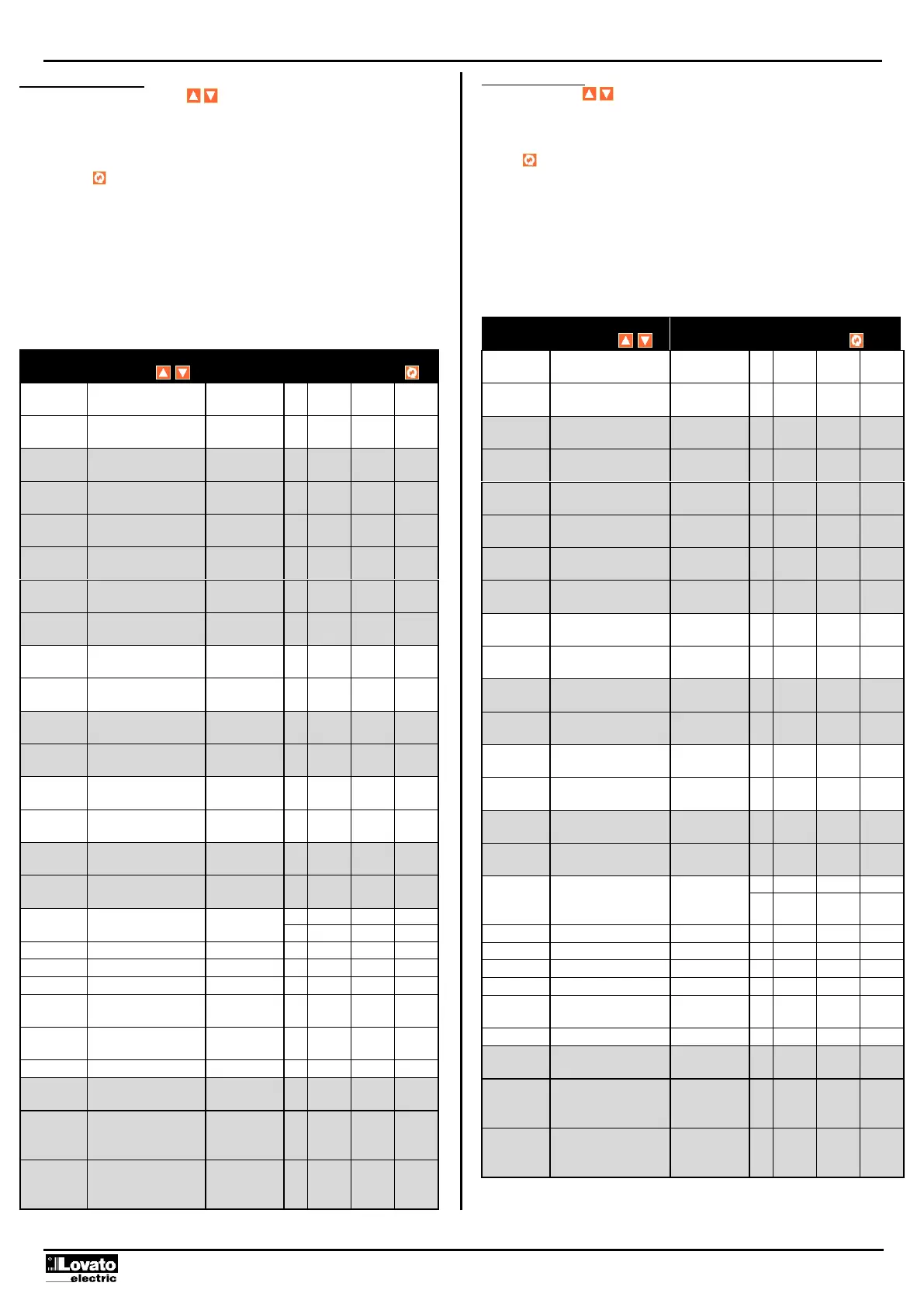
En appuyant sur les boutons , il est possible de sélectionner les mesures
sur l'écran de l'appareil, conformément à la séquence indiquée dans le tableau
ci-dessous.
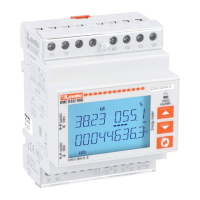
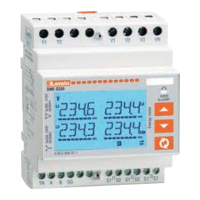
À chaque sélection correspond une icône dans la partie basse de l'écran, avec
l'unité de mesure sélectionnée.
Le bouton sert, à l’inverse, à sélectionner l'affichage des mesures totales ou
par phase.
Normalement, l'écran indique les mesures totales ou de système, indiquées
avec le symbole Σ dans le tableau suivant. Dans ce cas, l'écran affiche
uniquement la mesure et l'unité de mesure.
Quand, à l’inverse, une mesure en référence à une seule phase est
sélectionnée, l'icône de la phase choisie (L1, L2, L3) est visible dans la partie
haute de l'écran.
Après une minute sans appuyer sur aucun bouton, la mesure se repositionne
sur le compteur total d'énergie active.
Selection of readings
By pressing the keys, it is possible to select the readings on the display,
following the sequence in the table reported below.
Each measurement unit is indicated by the correspondent icon in the lower part
of the display.
The key is used to select the viewing of total or per phase readings.
Normally the display indicates the total (system) readings, indicated by Σ
symbol in the following table. In this case, the display shows only the
measurement and the unit of measure.
When instead the selected measurement is referred to a particular phase, the
icon of that phase (L1, L2 L3) is shown in the upper part of the display.
After one minute has elapsed after the last keystroke, the display moves
automatically back to the total active energy screen.


 To Next Page