EasyManua.ls Logo

Lowrance Ghost Series - User Manual

Lowrance Ghost Series
32 pages
Print Icon
To Next Page IconTo Next Page
Loading...
www.lowrance.com
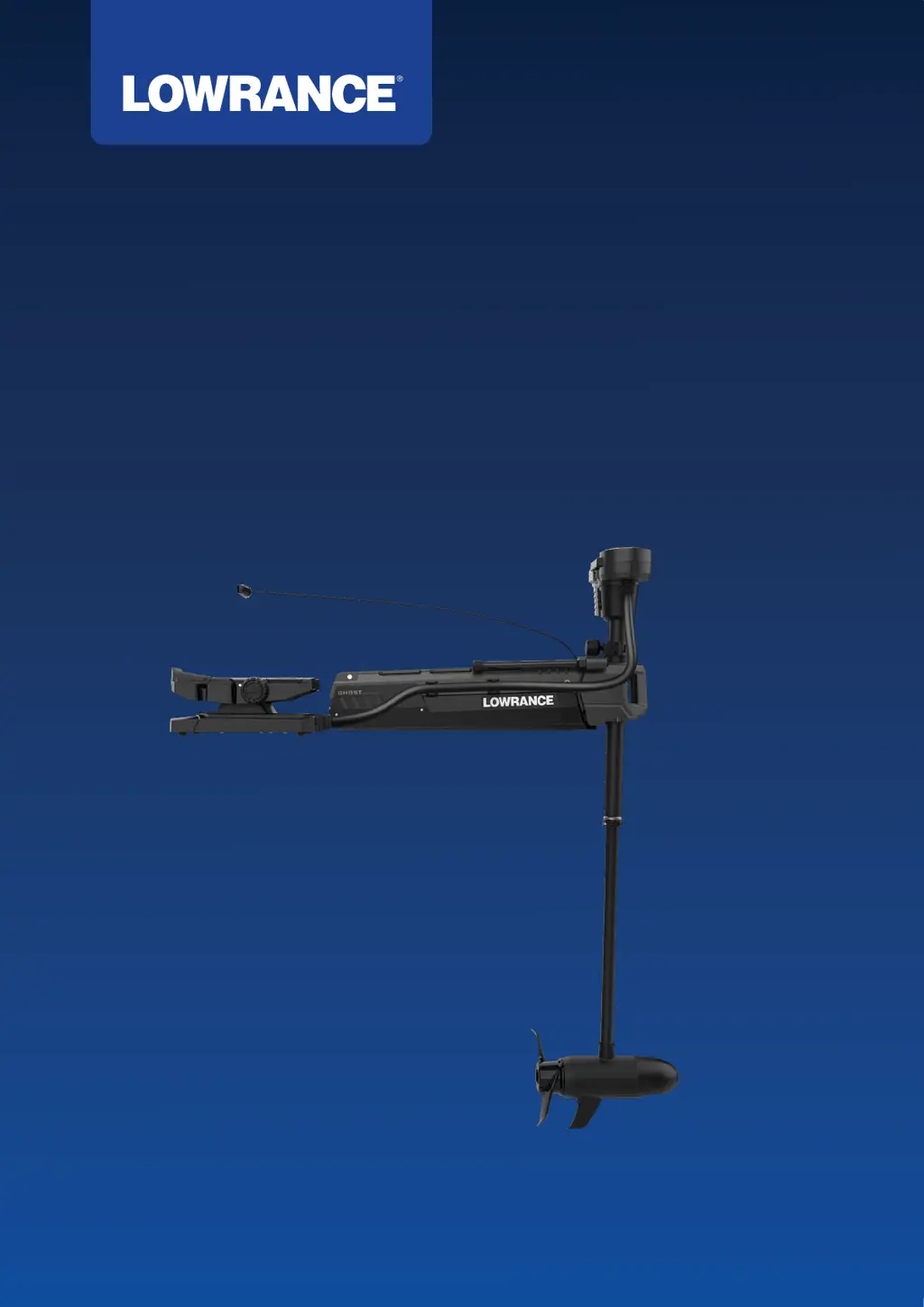
Ghost
®
Series
OPERATOR MANUAL
ENGLISH

Other manuals for Lowrance Ghost Series

Questions and Answers

  • E
    Ernest BeasleySep 23, 2025
    What to do if TMR-1 remote LED never flashes green on Lowrance Outboard Motor?
    • E
      Erin BrownSep 23, 2025
      If the TMR-1 remote LED never flashes green when pairing your Lowrance Outboard Motor, stop the pairing process and complete a factory reset. After the reset, press any button on the remote. If the LED turns green, pairing is complete. If the LED is red, restart the TMR-1 pairing sequence.
  • U
    uwardAug 23, 2025
    Why does my Lowrance Outboard Motor lose power quickly?
    • D
      Dana AndersonAug 23, 2025
      If your Lowrance Outboard Motor loses power quickly, check the battery charge level. Additionally, inspect the power wires and connections, ensuring that the correct cable diameter is being used.
  • V
    Victor RiosAug 25, 2025
    What to do if Lowrance Ghost Outboard Motor propeller vibrates?
    • J
      Jacqueline BlairAug 26, 2025
      If you experience propeller vibration during operation of your Lowrance Outboard Motor, inspect the propeller and propeller shaft for any damage and replace if necessary. You can also try removing the propeller and rotating it 180 degrees.
  • B
    bradley36Aug 27, 2025
    What to do if direction indicator stutters on Lowrance Ghost Outboard Motor?
    • J
      Jennifer SmithAug 27, 2025
      If the direction indicator on your Lowrance Outboard Motor hangs up or stutters during rotation, clean the indicator. Remove it by carefully prying it off with a flat head screwdriver and then blow or wash it out as needed.
  • T
    tdavisAug 27, 2025
    Why is my Lowrance Outboard Motor trolling motor not detected?
    • A
      Austin PhillipsAug 27, 2025
      If the trolling motor does not appear as a device in the display unit of your Lowrance system, check the NMEA 2000 wiring. Also, make sure that the proper sources have been selected.
  • R
    rthompsonSep 18, 2025
    What to do if Lowrance Outboard Motor does not appear in the display unit?
    • M
      Melissa TaylorSep 18, 2025
      If the trolling motor does not appear as a device in the display unit, check the NMEA 2000 wiring. Also, make sure that the correct sources have been selected.
  • R
    Rhonda GatesSep 15, 2025
    Why direction indicator hangs up on Lowrance Outboard Motor?
    • R
      roy39Sep 15, 2025
      If the direction indicator on your Lowrance Outboard Motor hangs up or stutters during rotation, clean the indicator. Remove it by carefully prying it off with a flat-head screwdriver and blow or wash it out if necessary. Check that the white Teflon sticker is correctly placed within the small circle of the gear cover window. Verify the indicator races are free of debris, and inspect the indicator tabs for deformation or flashing, filing any nicks or imperfections as needed.
  • W
    Wayne HinesSep 16, 2025
    What to do if my Lowrance Outboard Motor has anchoring issues?
    • A
      Adam RogersSep 16, 2025
      If you are experiencing anchoring or heading issues with your Lowrance Outboard Motor, perform a calibration of the compass and/or bow offset. Also, validate that the TMC-1 compass installation location is adequate and free of magnetic interference.
  • D
    Donna JohnsonSep 6, 2025
    Why is my Lowrance Outboard Motor hard to deploy?
    • M
      Megan NelsonSep 6, 2025
      If your Lowrance Outboard Motor is hard to deploy, check the stabilizer for proper installation and spacing. Make sure the mount is level. Add grease to the latches and inspect the wear bearings for damage.
  • R
    robbinskennethSep 3, 2025
    Why is my Lowrance Ghost Outboard Motor propeller vibrating?
    • J
      Justin RossSep 4, 2025
      If your Lowrance Outboard Motor's propeller vibrates, ensure the thrust washer is correctly seated and the propeller nut is tight. Inspect the propeller and shaft for any damage, filing off any nicks or imperfections.

Summary

Introduction

Product Overview

Provides a detailed overview of the trolling motor's components in stowed and deployed states.

Foot Pedal and Safe Operation

Foot Pedal Components

Identifies the various parts and keys of the foot pedal.

Safe Operation Guidelines

Lists essential safety precautions for operating the trolling motor.

Deploy and Stow the Trolling Motor

Deploying the Trolling Motor

Step-by-step instructions for deploying the trolling motor from its stowed position.

Stowing the Trolling Motor

Step-by-step instructions for stowing the trolling motor safely.

Adjusting the Trolling Motor

Depth Adjustment

Instructions for setting the correct depth for the trolling motor's lower unit.

FlipSwitch Adjustment

Guide on how to move the momentary switch on the foot pedal.

Braided Stainless Steel Pull Cable Length Adjustment

Steps to adjust the braided stainless steel pull cable length for optimal reach.

Trolling Motor Operation

Powering the Trolling Motor On or Off

How to turn the motor on/off.

Checking the Battery Capacity

How to check the battery status.

Steering with the Foot Pedal

Instructions on how to steer the motor using the foot pedal.

Activating the Propeller

How to engage the propeller.

Speed Adjustment and Foot Pedal Functions

Adjusting the Speed

How to increase or decrease the propeller speed.

Selecting Modes and Actions

How to choose operational modes and actions.

Foot Pedal Key Configuration

Details on configurable keys on the foot pedal.

Advanced Modes and Actions

Anchor Mode

Details on using Anchor mode to maintain vessel position.

Course Lock and Heading Lock

Explains autopilot functions for maintaining course and heading.

Adjusting Course or Heading

How to adjust the vessel's course or heading in lock modes.

Deactivating Lock Modes

Procedures for turning off Course Lock and Heading Lock modes.

Propeller Constant ON Mode

How to engage the propeller for continuous spinning.

Service and Maintenance

General Maintenance Procedures

Routine checks and cleaning before and after use.

Maintenance Schedule

A schedule outlining required maintenance for various components.

Bushings and Foot Pedal Maintenance

Lubrication of bushings and cleaning of foot pedal terminals.

Propeller Replacement

Step-by-step guide for replacing the trolling motor propeller.

Configuration and Calibration

Entering and Exiting Configuration Mode

How to enter and exit the system configuration mode.

Voltage Input and Bow-Mount Offset Calibration

Setting voltage and calibrating bow-mount offset for accuracy.

TMC-1 Compass Calibration

Calibrating the TMC-1 compass for optimal performance.

Bluetooth Pairing

Steps to pair the trolling motor with a Bluetooth device.

Software Updates and Factory Reset

Software Updates

Procedures for updating the trolling motor software.

Factory Reset

Restoring the trolling motor to its factory default settings.

Troubleshooting Guide

Motor Operation Issues

Troubleshooting problems like motor not running or losing power.

Indicator and Feedback Troubleshooting

Explains indicator lights and sound cues for status and errors.

Error Codes and Resolutions

Details specific error codes and their troubleshooting steps.

Foot Pedal Indicators and Serial Number

Foot Pedal LED Indicators

Explains the meaning of various LEDs during routine operation and upgrades.

Serial Number Location

Guidance on where to find the trolling motor's serial number.

Lowrance Ghost Series Specifications

General IconGeneral
GPSYes
Wireless Foot PedalYes
SteeringElectric
Integrated SonarYes
Battery TypeLithium
ControlWireless Remote
MountingBow
Voltage24V