7
You can turn the temperature alarm off by pressing the SET key until the
temperature alarm appears, then press the MODE key once, then press
the SET key again. The word "OFF" appears on the display. Press the
SET key to exit the set clock alarm.
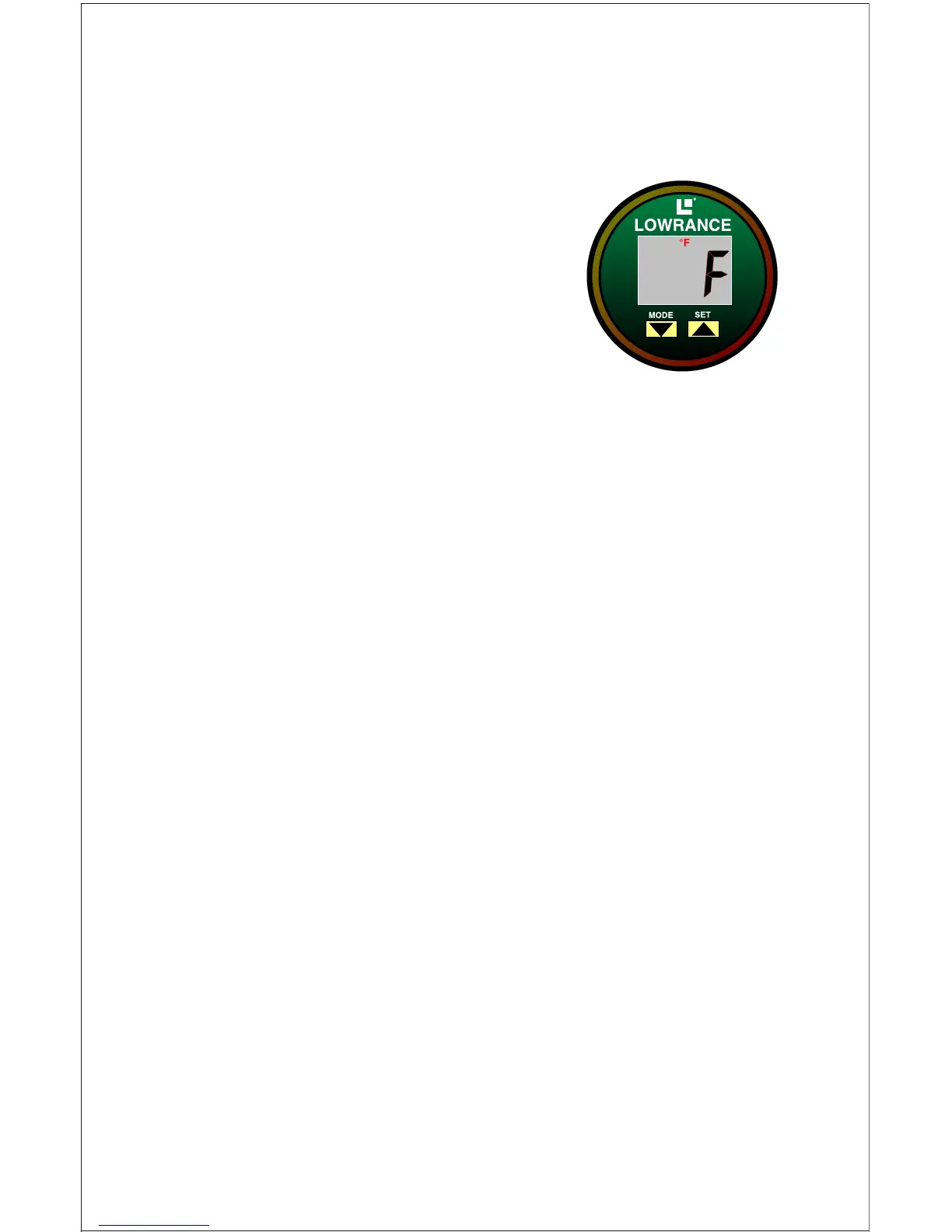
Set Fahrenheit or Celsius
To change the temperature displays from Fahren-
heit to Celsius, press the SET key until the °F and
the letter "F" flashes on the screen. Now press the
MODE key to switch it to °C. Press the SET key
twice to exit.
The clock should now be showing on your screen. If it
isn't, or if you get lost in any of these menus, simply turn the unit off and
back on again. Then begin pressing the SET key until you reach the alarm
or time that you wish to change.



 To Next Page