Chapter 4. System Configuration
4-7
4.6 Contrast Setting (only for XP30-BTA(BTE)/DC)
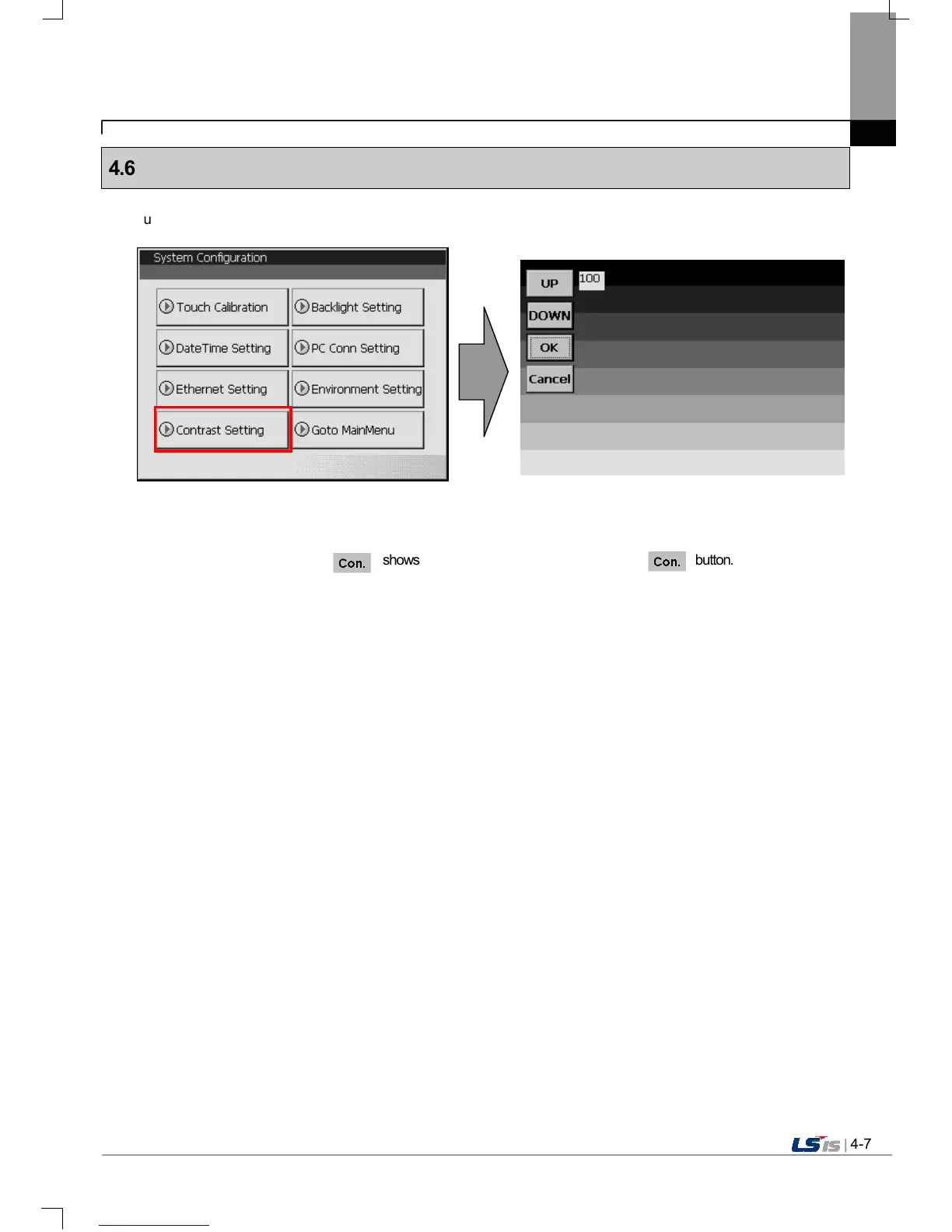
If you press [Contrast Setting] button on [System Configuration] screen, you can adjust mono LCD’s Contrast.
UP button increase Contrast, DOWN button decrease Contrast. Contrast value is between 0~100.
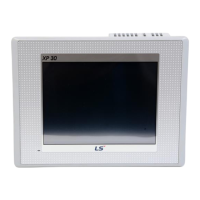
Adjustment is only available for mono type XP30-BTA/BTE
Adjustment is available during operation.
If you press the screen for 3 second, shows up. You can adjust contrast by pressing button.


 To Next Page