SAFETY RECOMMENDATIONS
• Before using the device, please check it for any possible damages. In case of damage do not operate it.
• Unplug the UNIT if you do not use it for a certain time.
• Do not expose the unit to mechanical stress and humidity.
• Ensure sufficient ventilation around the unit. Do not cover the device and protect it from direct solar radiation.
• Clean the device with a dry and soft cloth only.
• Caution! Should the device itself get damaged, please let the repair to the manufacturer or to a qualified service
agent.
• The unit must be connected to an earthed mains outlet only.
• Keep out of the reach of children
• DISCONNECT DEVICE
Where the MAINS plug or an appliance coupler is used as the disconnect device, the disconnect device shall remain
readily operable.
Features
• Black Piano finish
• FM Tuner
• USB/SD card input
• VFD to display track title, track no & elapsed time
• 2 microphone inputs with Echo & volume control
• MP3 input
• Headphone output
• Bluetooth function
Front panel
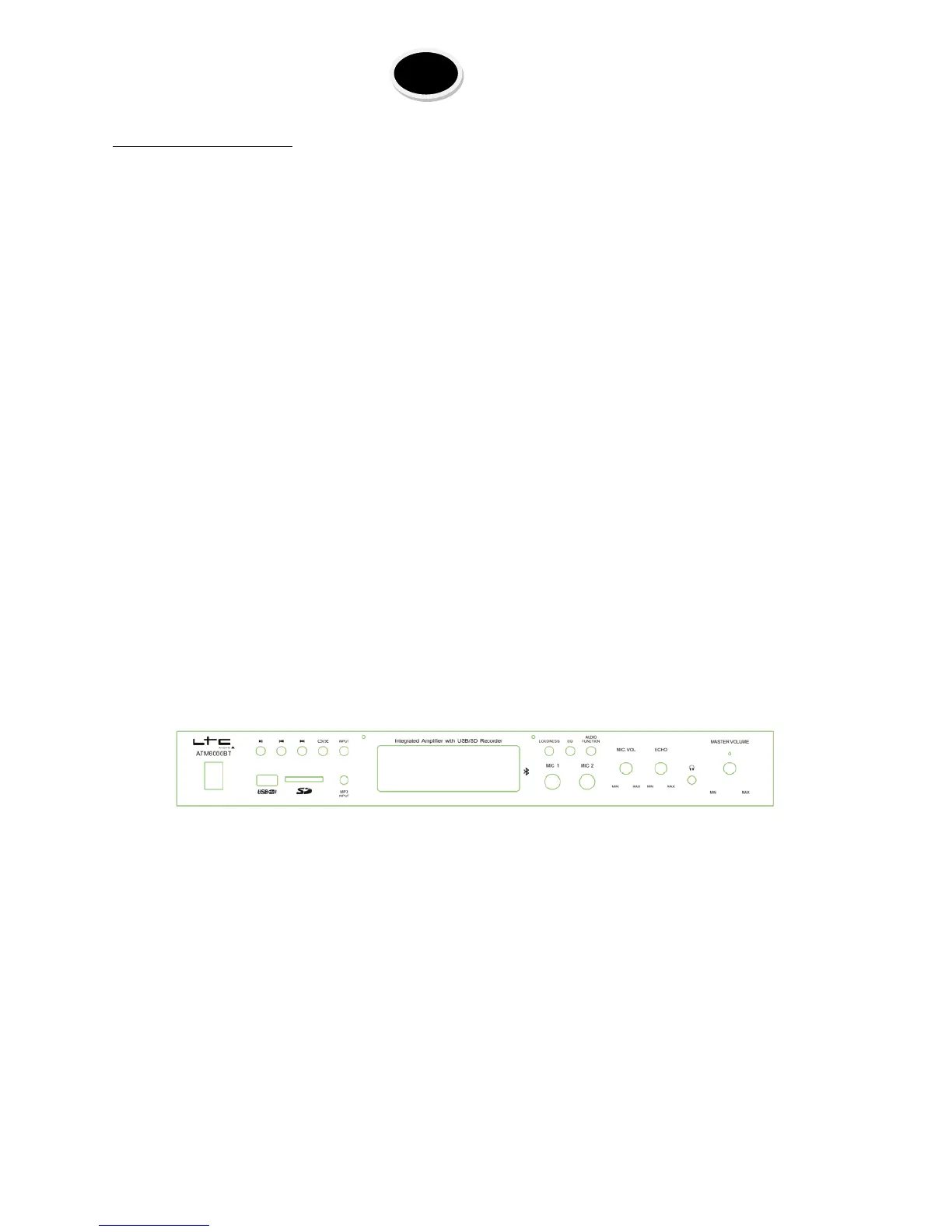
POWER: Press this button to power ON or OFF the unit
Play/Pause: Press this button to play the signal from USB/SD, Bluetooth. Press again to pause
Previous: Press this button to go back to the beginning of the current track or move to the previous track.
Next: Press this button to move to the next track.
Repeat/Random: Press this button to select the repeat mode between REPEAT ONE, REPEAT ALL, RANDOM. The default
setting is repeat all.
Input: Press this button to cycle through the various inputs.
USB: Connect your USB flash drive here
SD: Connect your SD card here
MP3 input: Connect your MP3 here
LOUDNESS: Press this button to adjust the loudness
EQ MODE: Press this button to cycle through the pre-set equalizer modes.
Audio Function: Press this button to switch the control mode between bass, treble & master volume
MIC1 & MIC2: Connect your microphones here
MIC VOL: Use this knob to adjust the microphone volume


 To Next Page