
 Need help?
Do you have a question about the LTE inadria LC300 and is the answer not in the manual?
Cautionary advice on maintaining compliance with FCC RF exposure guidelines for safe usage.
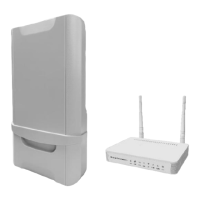
Detailed specifications for the Indoor Unit (IDU) and Outdoor Unit (ODU) of the LC300 CPE.
Technical specifications for radio frequency bands, access, operation mode, output power, antenna, and throughput.
Specifications for the Wi-Fi capabilities, including radio access, output power, antenna, and security protocols.
Details the contents of the LTE CPE Unit Installation Package and the standard parts included.
Instructions for installing and powering on the CPE device, including connection details and LED indicators.
Procedure for accessing the device's web interface for configuration and management.
Displays comprehensive system information, including general, WAN, LAN, and Wi-Fi details.
 General
| Brand | LTE |
|---|---|
| Model | inadria LC300 |
| Category | Wireless Router |
| Language | English |

 To Next Page