9
5. Advanced functions
5.1 Control the Wireless module locally by linking it with a local scene.
5.2 Add a smart gateway like Super Panel 6S to achieve a variety of cloud scenes, cloud-based
automation and local automation. For details, please view the instructions in the APP.
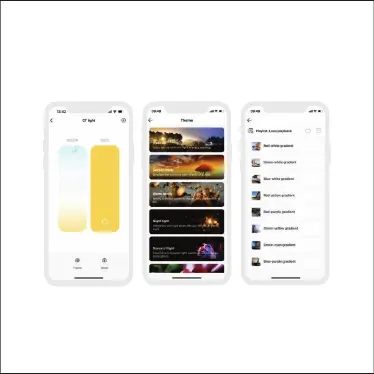
After pairing your device, go to the control interface. You'll be able to achieve your desired lighting effects
by changing brightness, colors and color temperature. Click “Theme”and you’ll easily switch between
various theme lighting effects with one tap.Click“Mode”and the App provides you editable editable
advanced modes. Customize dynamic modes to put you into a more colorful life.
4.Control interface settings


 To Next Page