7
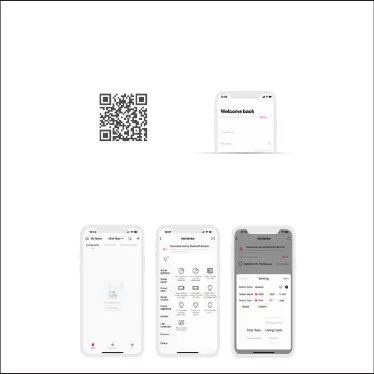
1.2 Open the App and log in or register an account.
1. Register an account
1.1 Scan the QR code below with you mobile phone and follow the prompts to complete the
app installation.
Scan and download the App
App Operating Instructions
2. Pairing instructions
Create a home if you are a new user. Click“+”icon in the upper right corner to access the “Add
device”page. Select “DMX/DALI/0-10V module” and follow the prompts to click “Search via
Bluetooth”. After the device is found, you can set the output signal (Default is DMX signal) and
the light fixture type, then save your settings.


 To Next Page