
 Need help?
Do you have a question about the Ltl Acorn Ltl 5210 and is the answer not in the manual?
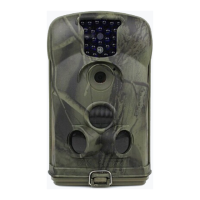
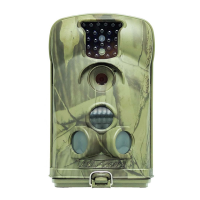
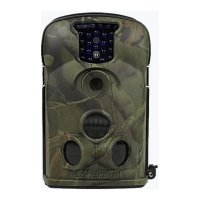
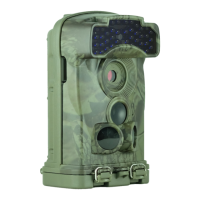
Details the front view of the camera with labeled components like lens, IR LEDs, and sensors.
Explains the battery cover and recommends using high-performance AA or NI-MH rechargeable batteries.
Explains how to use the TEST mode for manual operations, parameter settings, and PIR testing.
Details the functions of the 6 keys on the keypad for controlling camera operations.
Explains how to access and navigate the camera's menu functions using the keypad.
Guides on formatting the SD card, warning about data deletion upon confirmation.
Details on how to change the video resolution to 640x480 or 320x240.
Explains how to set the camera's date and time through the 'Set Clock' submenu.
Configures the automatic video recording length (AVI 01S-60S) per trigger.
Sets the waiting time for PIR restart after a photo or video is captured.
Enables or disables time stamps on photos and videos for identification.
Enables printing the serial number on photos for identification.
Resets all camera parameters to their factory default values.
Explains how to play back and delete stored photos and videos.
Describes the folder structure and naming conventions for photos and videos.
Instructions for installing USB drivers for computer connectivity.
Information on warranty, maintenance, and repair services.
 General
| Brand | Ltl Acorn |
|---|---|
| Model | Ltl 5210 |
| Category | Scouting Camera |
| Language | English |







 To Next Page