•
•
•
15
Use Instructions
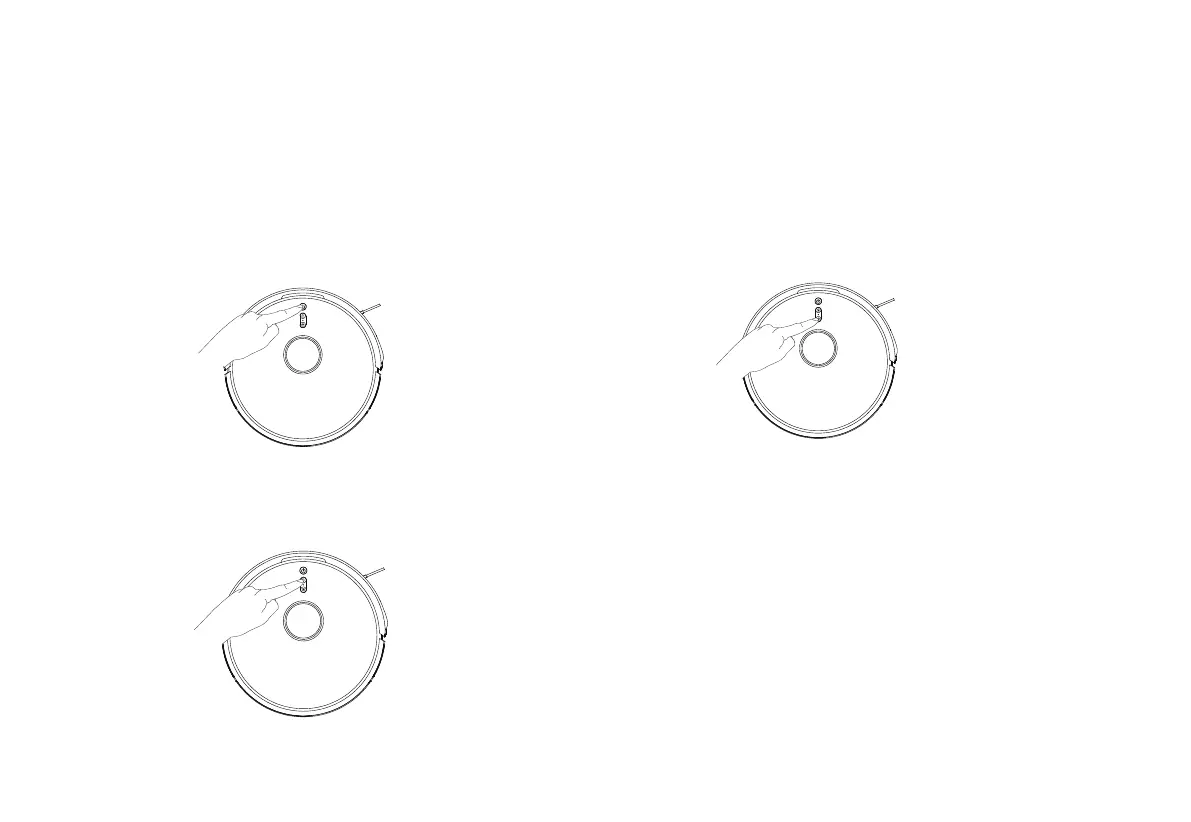
Start/Pause
Operations
Child Lock
Charging
Short press ‘ON/OFF’ button to start robot, press it again to pause.
When the robot is on, it will scan the surroundings to generate the
map and dynamic cleaning route, and clean the whole room along
the edge first then the Zigzag route.
Short press the “Charging button” and the robot will return to the base for charging.
(The robot can’t work when it is powered off.)
Note:
If the battery is less than 15%, the robot will return the charge base for charging
automatically.
If the battery is more than 80%, then robot automatically returns to the spot it was cleaning
before continuing by default (it can be canceled through APP).
Before the robot is powered on, please clean the cables (including power cord) to avoid the
robot being disturbed.
Note: The Child Lock can be controlled through APP.
Long press child lock for 3 seconds to activate or inactivate it.



 To Next Page