EasyManua.ls Logo

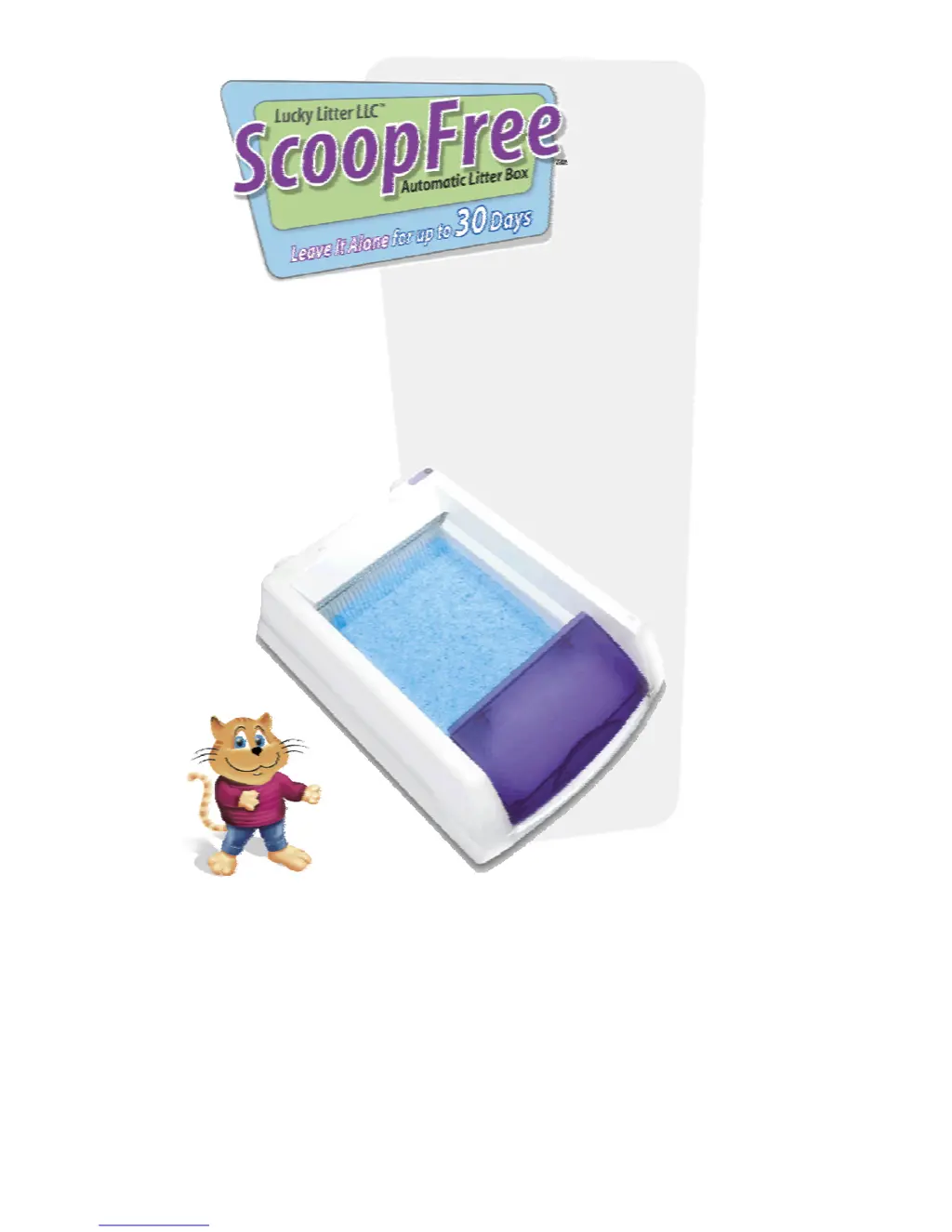
Lucky Litter ScoopFree - User Manual

Lucky Litter ScoopFree
13 pages
Print Icon
To Next Page IconTo Next Page
Loading...
User Guide
TM
ScoopFree Overview 1
Automatic Operation 1
Product Setup 2
Cartridge Installation 3
Maximizing Cartridge Life 4
Cycle Button 5
Indicator Light 5
Acclimating Your Cat 6
Safety Precautions 6
Changing the Cartridge 7
Care and Cleaning 8
Troubleshooting 8
Replacement Cartridges 10
Customer Service 10
Limited Warranty 11
Guarantee 11
Important Safeguards 12
SAVE THIS INSTRUCTION MANUAL

Questions and Answers

  • J
    Joshua GlennJul 27, 2025
    What to do if the indicator light is flashing rapidly and the rake is stalled on my Lucky Litter ScoopFree Pet Care Product?
    • A
      Alyssa GarciaJul 27, 2025
      If the indicator light on your Lucky Litter Pet Care Product is flashing rapidly and the rake is stalled, there are several possible solutions: * First, check if the waste trap is full and replace the cartridge if needed. * Next, check for any obstructions and remove them before pressing the cycle button. * Also, ensure the litter is evenly distributed and the waste lid is properly installed, avoiding extra litter. * If the light continues to flash, unplug the box, remove and reinstall the cartridge, plug it back in, and then press the cycle button to reset and activate the rake.
  • B
    Brittany MeyersAug 2, 2025
    What to do if the rake stops under the waste lid on my Lucky Litter Pet Care Product?
    • M
      Marilyn WalkerAug 2, 2025
      If the rake on your Lucky Litter Pet Care Product stops under the waste lid, first check if the waste trap is full and replace the cartridge if it is. If the waste trap isn't full, ensure the magnets are properly connected, and then press the cycle button.
  • D
    davisashleyAug 8, 2025
    What to do if the rake stalls near the waste lid on my Lucky Litter Pet Care Product?
    • R
      Robert GatesAug 8, 2025
      If the rake stalls near the waste lid on your Lucky Litter Pet Care Product, ensure the magnets on the waste lid are properly attached to the cartridge. If they aren't, lift the waste lid and press it back down until you hear a 'click.' Also, ensure the litter box is seated properly on the cartridge and that the box is level. Then, press the cycle button to reset the litter box.
  • D
    Dennis TaylorAug 14, 2025
    What to do if the indicator flashes rapidly and the system will not rake on my Lucky Litter ScoopFree Pet Care Product?
    • S
      simmonspatrickAug 14, 2025
      If the indicator is flashing rapidly and the system won't rake on your Lucky Litter Pet Care Product, check to see if the sensors are obstructed. Clear any litter that may have collected in the sensor holes.
  • G
    gloria58Aug 20, 2025
    How to level the litter box on the cartridge of my Lucky Litter ScoopFree?
    • B
      benjamin51Aug 20, 2025
      Your Lucky Litter Pet Care Product should rest on the cartridge when installed, not on the floor. Make sure the litter box is completely seated and level on the cartridge.

Summary

ScoopFree Overview

Automatic Operation

Details on how the litter box automatically cleans itself using sensors and a rake.

Product Setup

Cartridge Installation

Maximizing Cartridge Life

Cycle Button Operation

Indicator Light Status

Understanding the meaning of different indicator light signals for system status.

Acclimating Your Cat

Important Safety Precautions

Safety Stop Mechanism

Details on the safety feature that stops the rake if an obstruction is detected.

Full Waste Trap Indicator

Explanation of how a full waste trap can cause the rake to stop and how to address it.

Changing the Cartridge

Care and Cleaning

Troubleshooting

Replacement Cartridges and Parts

Customer Service

Limited Warranty

90 Day Money Back Guarantee

Important Safeguards

Lucky Litter ScoopFree Specifications

General IconGeneral
BrandLucky Litter
ModelScoopFree
CategoryPet Care Product
LanguageEnglish