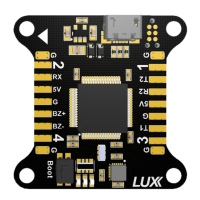
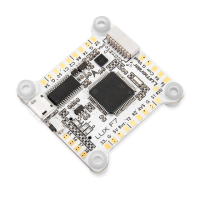
LED DISPLAY
SmartAudio
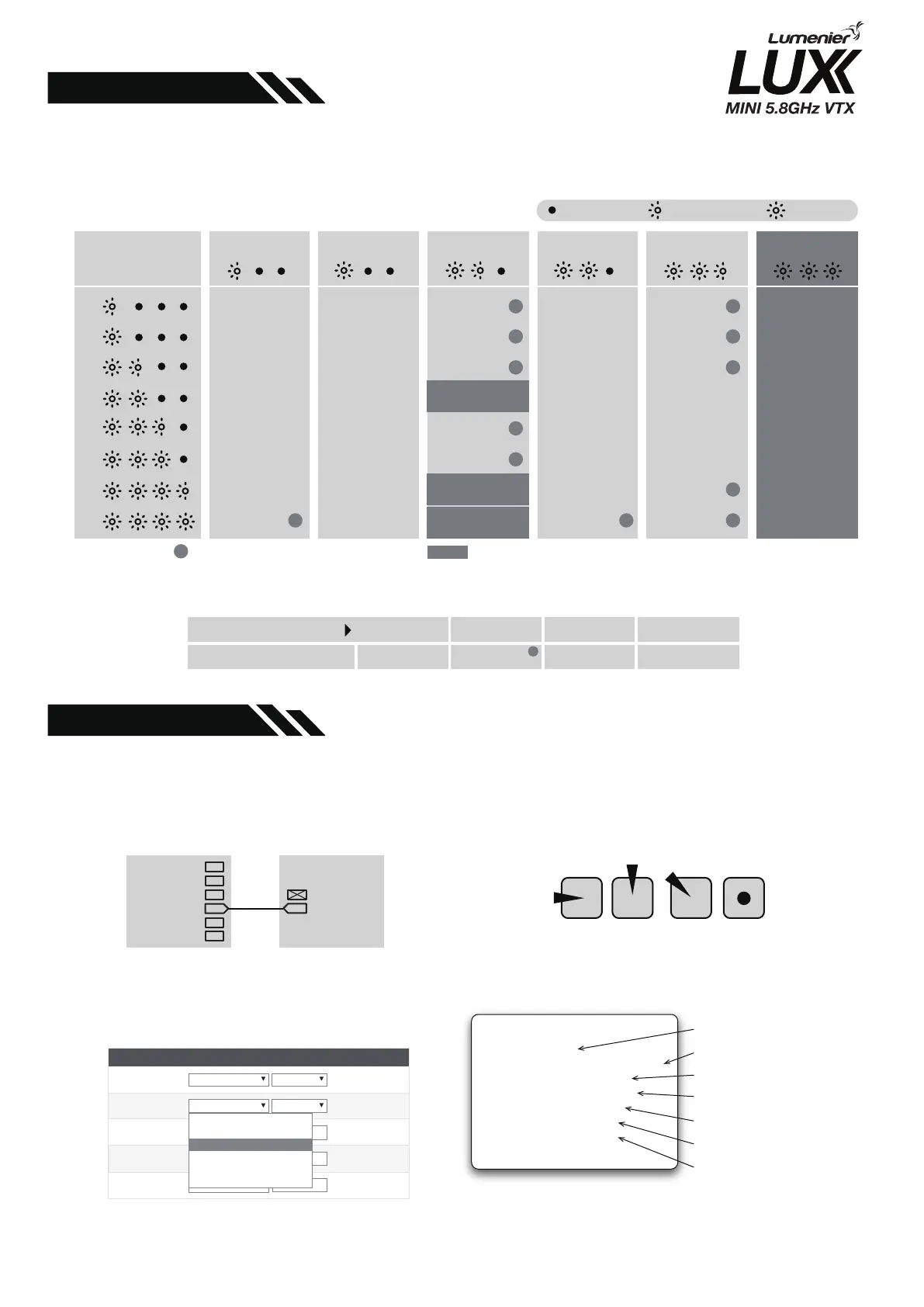
The VTX uses 4 red channel LEDs, 3 blue band LEDs, and one RGB power LED. They display
the VTX status in real time and can be linked to the SmartAudio control.
The VTX has built-in SmartAudio Control Protocol.After the VTX is connected to the FC or
CF receiver, the VTX parameters can be quickly set via the OSD or radio control.
1.Connect the smartaudio port to the Flight
controller Free UART-TX
2.Open BetaFlight configurator, Goto Ports
tab, Select TBS SmartAudio from Peripherals
drop down menu, Speed can be left at
AUTO.and save settings
4.In FEATURES > VTX SA menu,you can set
the transmit frequency and power.
3.Turn on the radio control,THR middle,YAW
left,PITCH up,Enter the OSD menu.
Frequency table
Power table
For more information please visit:https://github.com/betaflight/betaflight/wiki/Unify-Smartaudio
CHANNEL
BAND A BAND B BAND E BAND F RaceBAND LowRace
5865
5845
5825
5805
5785
5765
5745
5725
5733
5752
5771
5790
5809
5828
5847
5866
5705
5685
5665
5645
5885
5905
5925
5945
5740
5760
5780
5800
5820
5840
5860
5880
5658
5695
5732
5769
5806
5843
5880
5917
5362
5399
5436
5473
5510
5547
5584
5621
!
!
!
!
!
!
!
!
!
!
!
!
!
!
The selections in requires HAM license to operate.legally. selections are only available on special request.
Power LED color
ULTIMATE Series
GREEN
25mW
RED
500mW
PURPLE
800mW
YELLOW
200mW
1
2
3
4
5
6
7
8
LED OFF
LED FLASH LED ON
Mode-2 Mode-1
VTX
FC UART
SA TX
RX
Peripherais
Disabled
Disabled
Blackbox logging
VTX(TBS SmartAudio)
VTX(TBS Sma
VTX(IRC Tramp)
Camera(RunCam Protocol)
Benewake LIDAR
AUTO
AUTO
5820
FATSHARK
5
25
- SMARTAUDIO -
R F5 5820 25
>BAND
>
>
CHAN
(FREQ)
POWER
SET
CONFIG
BACK
Device status
Band selection
Channel selection
Frequency of selected band and
channel(not selectable;read only)
RF power selection
Commence current selection
Configuration menu
SmartAudio VTX top menu(Band/Channel mode)


 To Previous Page
 Loading...