Need help?
Do you have a question about the Lumenier LUX and is the answer not in the manual?
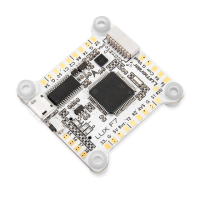
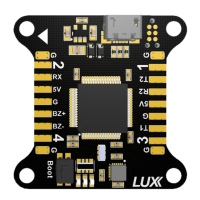
Detailed pinout and function for each connector on the LUX board.
Instructions for selecting RX input and logic level via jumpers.
Connecting the main power lead to the LUX board. Includes polarity warning.
Instructions for installing hardware drivers and software.
Using the Google Web Store configurator for the LUX board.
Recovering and restoring the LUX board to factory defaults via DFU mode.
 General
| MCU | STM32F405 |
|---|---|
| Mounting | 30.5x30.5mm |
| Gyro | MPU6000 |
| Input Voltage | 2-6S LiPo |
| Firmware | Betaflight |
| Dimensions | 36x36mm |
| Mounting Pattern | 30.5x30.5mm |
| Processor | STM32F405 |

 To Next Page