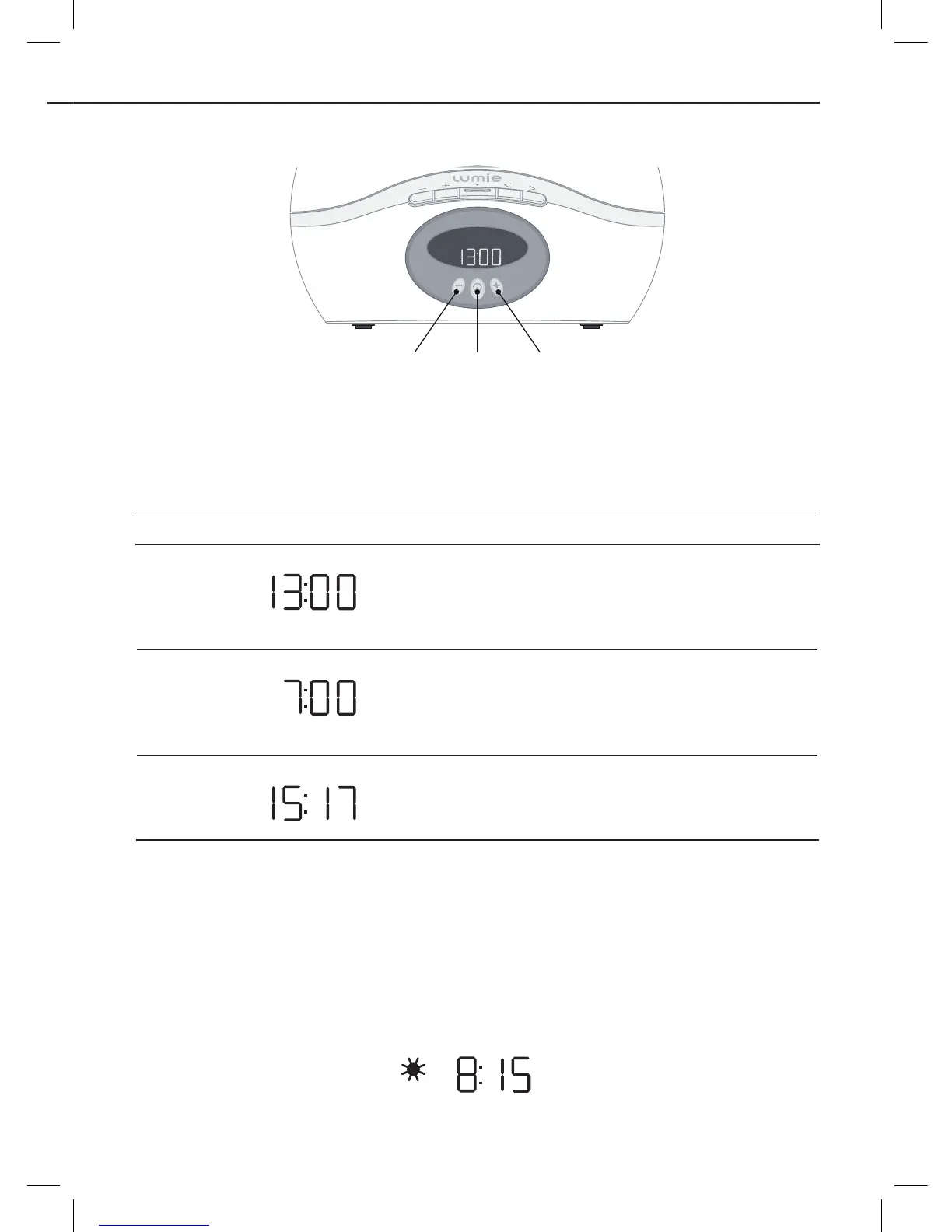
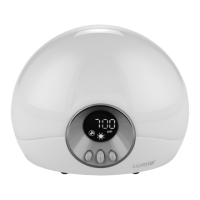
To set up Bodyclock Active
Set
time –
Next
setting
Set
time +
Plug in the unit and switch on at the mains.
You will then be prompted to enter the essential settings:
Display shows (for example) What you do
Use
-
or
+
to set the current time (24-
hour format).
Press
E
to continue.
Use
-
or
+
to set the time you want to
be woken up (24-hour format).
Press
E
to continue.
At this stage you can ignore the
remaining options. Wait 12 seconds for
the normal display.
To activate the alarm
When you‘re ready to go to sleep:
Press
E
.
The display shows
A
to confirm that the alarm is set with a sunrise and shows
the alarm type and wake-up time you've set; for example:






 To Next Page