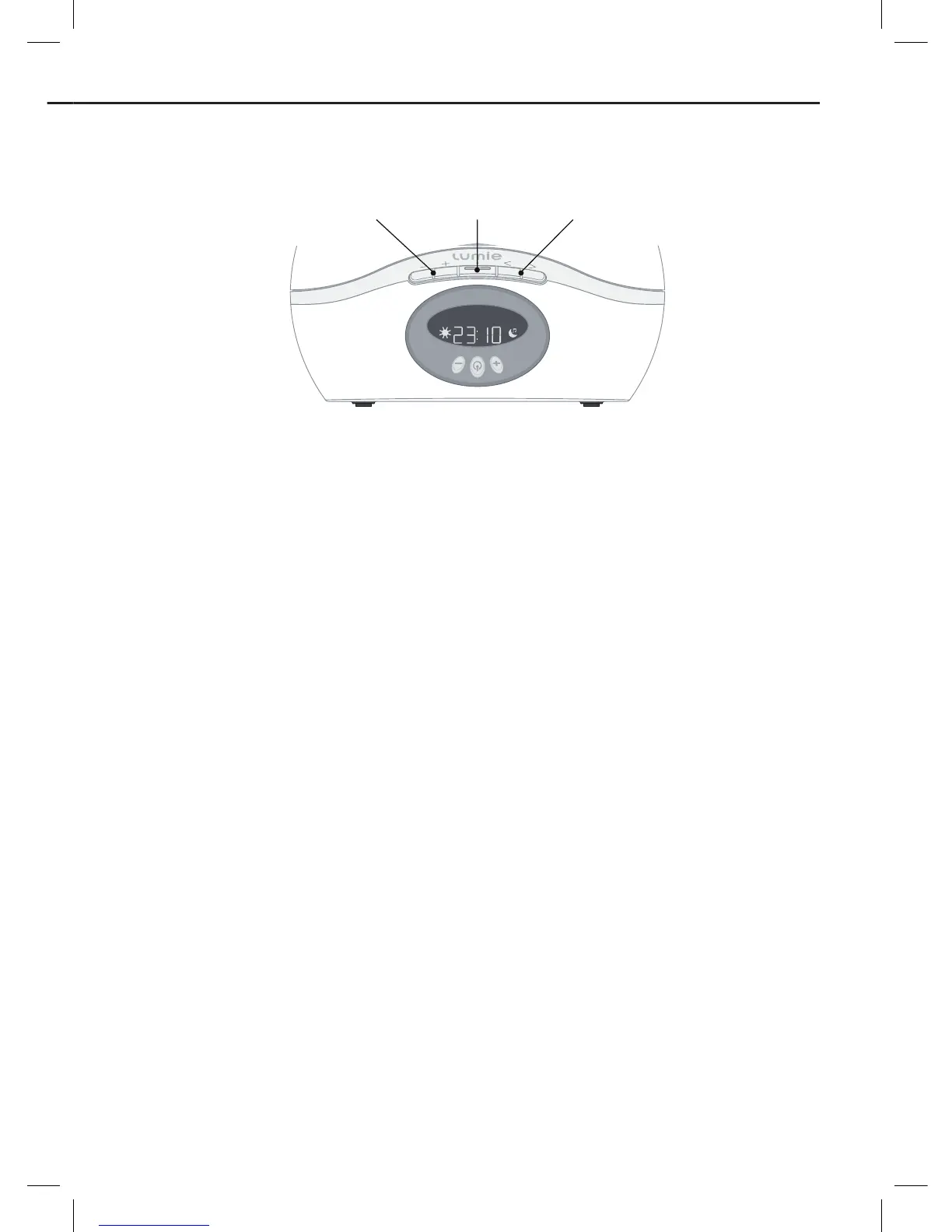
Press
\
to turn the radio on.
Use
<
and
>
to tune to a station.
Press
[
or
]
to adjust the volume.
A short press tunes manually. A longer press skips to the next station when
you release the button.
Press
\
to turn the radio off.
Note: If the radio has been on for less than 12 seconds press
\
again to
skip the sounds.
To play a well-being sound
Press
\
twice to select the sounds.
Use
<
and
>
to select the sound you want.
Press
[
or
]
to adjust the volume of the sounds.
Press
\
to turn the sounds off.
•
•
•
•
•
•
•
•
Using the bedside light and radio














 To Next Page