EasyManua.ls Logo

Luxor BTT90 - User Manual

Luxor BTT90
20 pages
Go to English
Print Icon
To Next Page IconTo Next Page
Loading...
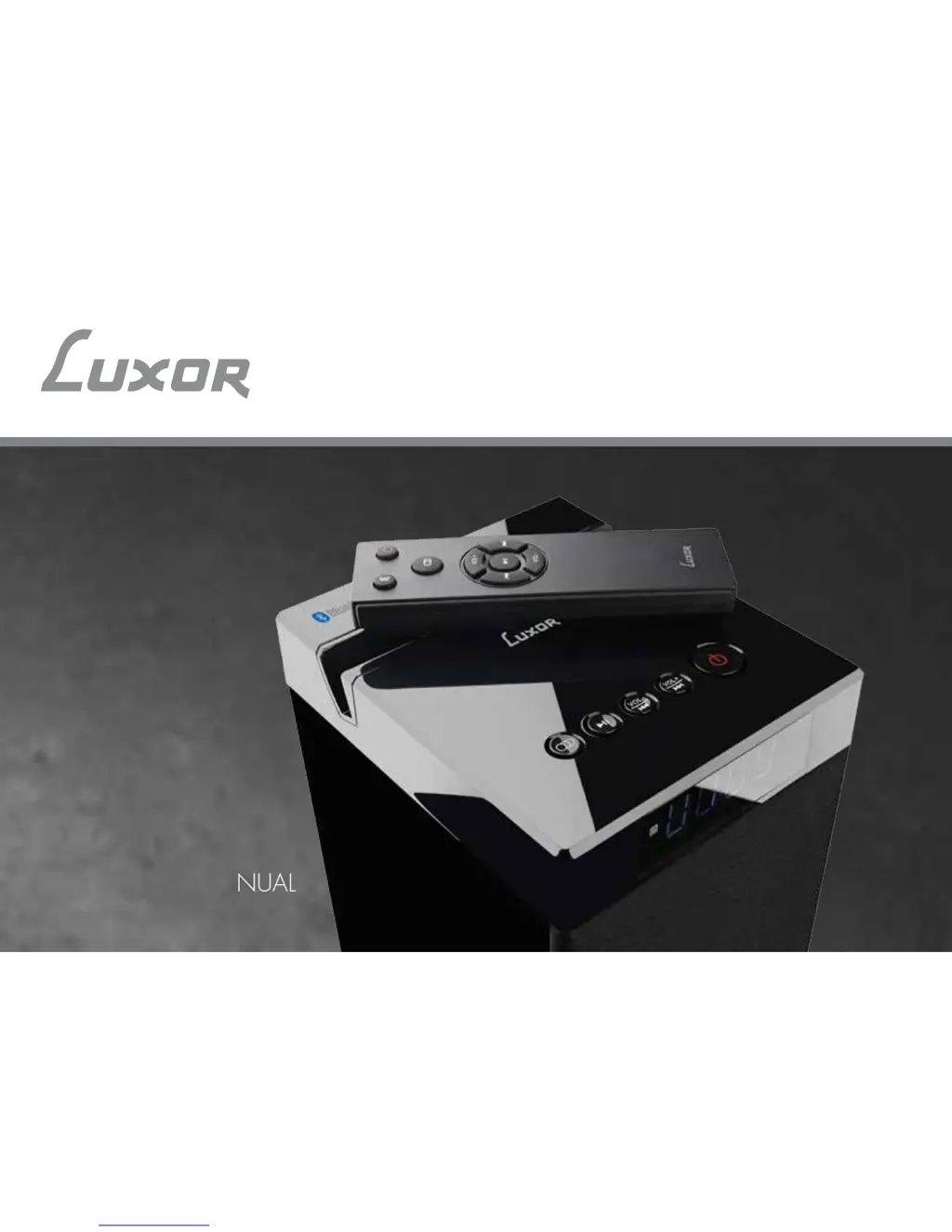
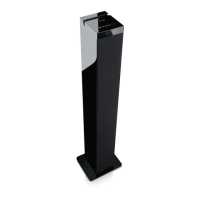
TOWER SPEAKER WITH BLUETOOTH
BTT90
INSTRUCTION MANUAL
SVENSKA | ENGLISH

Questions and Answers

  • S
    Sherry WillisAug 2, 2025
    What to do if there is no audio from my Luxor BTT90?
    • J
      John HuffmanAug 2, 2025
      If your Luxor Speakers are producing no audio, first ensure that the audio cable is properly connected to both the speaker and your audio device. Next, verify that the speaker is set to the correct audio source. If the problem persists, try turning the speaker off and then restarting it.
  • Z
    Zachary ClarkAug 12, 2025
    Why does the remote control for my Luxor BTT90 not work?
    • B
      brianmartinezAug 12, 2025
      If the remote control for your Luxor Speakers isn't working, the first thing you should do is replace the battery, as it may be empty. Also, make sure you are aiming the remote control directly at the front panel of the tower speaker.
  • J
    Justin LloydAug 21, 2025
    How to troubleshoot Luxor BTT90 when the tower speaker is not power supplied?
    • P
      Patricia TurnerAug 21, 2025
      If your Luxor tower speaker isn't receiving power, check to ensure that the power cable is securely connected to both the speaker and a functioning wall outlet.

Summary

Safety Instructions

General Safety Precautions

Explains electrical safety, proper usage, and handling precautions for the appliance.

Safety Instructions

Battery Safety

Provides guidelines for handling, removing, and disposing of batteries safely.

Overview

Top Panel Components

Identifies and describes the controls and ports on the top panel of the speaker.

Remote Control Functions

Details the buttons and functions of the remote control for the speaker.

Box Contents

Lists all items included in the product packaging.

Operation

General Operation

Explains how to turn on/off, adjust volume, mute, and navigate tracks.

Bluetooth Connection and Pairing

Guides on connecting and pairing devices via Bluetooth.

USB Playback

Instructions for playing music from a USB device.

AUX Input Connection

Details how to connect audio sources via AUX input.

Troubleshooting

Troubleshooting Common Issues

Provides solutions for common problems like no power or no audio.

Specifications

Technical Specifications

Lists detailed technical data of the speaker, including power, frequency, and dimensions.

Other Information

Copyright Information

States the copyright holder and usage restrictions for the manual.

Recycling and Disposal

Provides guidance on recycling packaging and disposing of the product.

Law and Safety Compliance

Explains CE marking and compliance with EU legislation.

Bluetooth Trademark Information

Information about the Bluetooth word mark and logos.

Luxor BTT90 Specifications

General IconGeneral
BrandLuxor
ModelBTT90
CategorySpeakers
LanguageEnglish

Related product manuals