Page 25
Section 5 – Programming the System
Your LS5000 System incorporates many programmable functions which can be used to make your
installation more flexible to your needs. Some of the functions can be activated by the user code
while others can be activated by engineer code.
5.1 Chime Zones
Any zone which is set to chime mode will cause the control unit to generate a two-tone sound when
the zone is activated with the system in “Standby” – this could be used on a shop front door, for
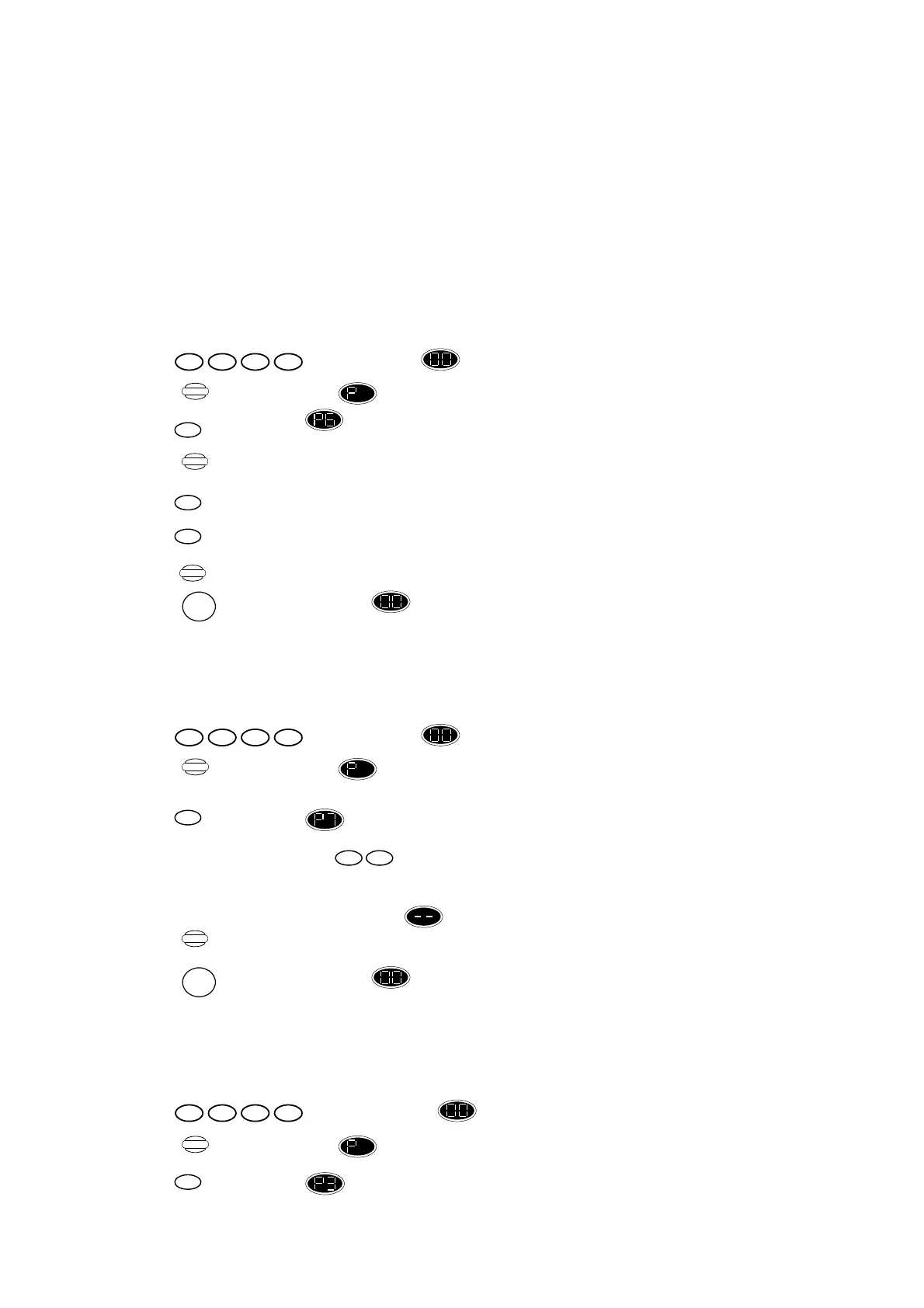
example. To set a zone to chime mode enter:
Press ,display changes to flashing.
Press display changes to .
Press ,display shows .
Press ,until the required zone is displayed.
Press ,to set chime ON, display shows the zone number is flashing.
or
Press ,to set chime OFF, display shows the zone number is steady.
Press ,to retain chime setting.
Or
Press ,to return display shows “ Standby” mode and cancel all recent changes.
5.2 Changing Entry/Exit Time
To change the time, enter:
Press ,display changes to flashing.
Press display changes to .
.
Press ,display shows .
Enter new Entry/Exit Time,
New entry/exit time in seconds – only times between 10 to 60 are allowed. The time
entered will be displayed. If an invalid time is entered, the control unit gives an error
beep and the display reverts to for you to enter another value.
Press ,to confirm the new entry/exit time.
Or
Press ,to return display shows “ Standby” mode without retaining recent settings.
5.3 Changing Siren Duration
To change siren duration, enter:
Press ,display changes to flashing.
Press display changes to .
Press ,display shows .
1432
Program
1432
Program
1432
Program
6
0
1
RESET
Store
7
Store
RESET
nn
3
Display


 To Next Page
 Loading...