EasyManua.ls Logo

Lyons NanoVNA - 8. How to update the firmware; i. How to get the firmware; ii. How to write the firmware; iii. How to write the firmware (Windows GUI)

Default Icon
51 pages
Print Icon
To Next Page IconTo Next Page
To Previous Page IconTo Previous Page
Loading...
08/09/2020 NanoVNA User Guide | NanoVNA User Guide
https://cho45.github.io/NanoVNA-manual/#7-
3/51
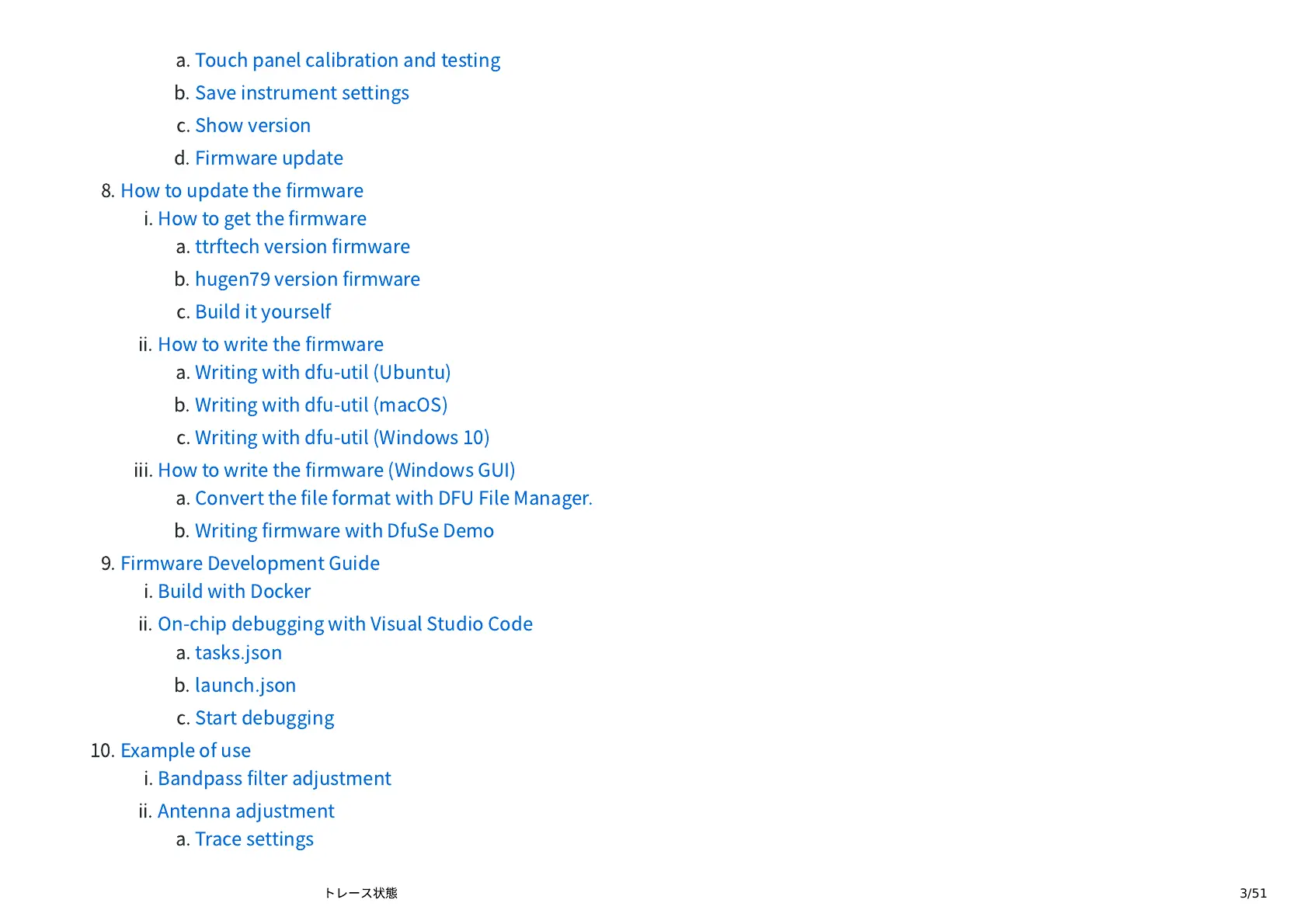
a.
Touch
panel
calibration
and
testing
b.
Save
instrument
settings
c.
Show
version
d.
Firmware
update
8.
How
to
update
the
rmware
i.
How
to
get
the
rmware
a.
ttrftech
version
rmware
b.
hugen
version
rmware
c.
Build
it
yourself
ii.
How
to
write
the
rmware
a.
Writing
with
dfu-util
(Ubuntu)
b.
Writing
with
dfu-util
(macOS)
c.
Writing
with
dfu-util
(Windows
10)
iii.
How
to
write
the
rmware
(Windows
GUI)
a.
Convert
the
le
format
with
DFU
File
Manager.
b.
Writing
rmware
with
DfuSe
Demo
9.
Firmware
Development
Guide
i.
Build
with
Docker
ii.
On-chip
debugging
with
Visual
Studio
Code
a.
tasks.json
b.
launch.json
c.
Start
debugging
10.
Example
of
use
i.
Bandpass
lter
adjustment
ii.
Antenna
adjustment
a.
Trace
settings