EasyManua.ls Logo

M-Tec Energy Butler Series - User Manual

M-Tec Energy Butler Series
49 pages
Print Icon
To Next Page IconTo Next Page
Loading...
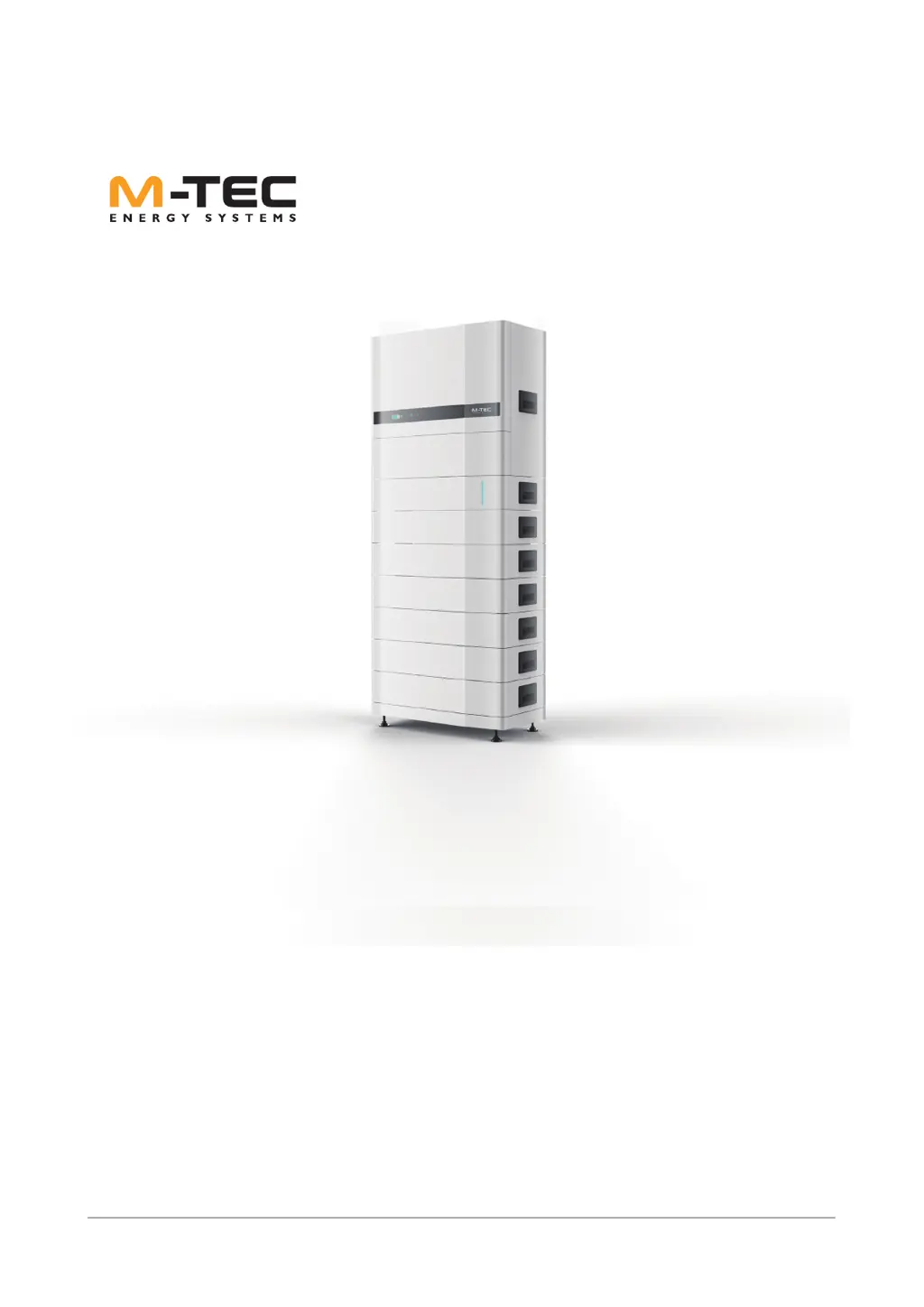
Energy Butler Hybrid Series
User Manual
1
Energy Butler Series
USER MANUAL
September 2021

Questions and Answers

  • J
    Jennifer SteeleAug 21, 2025
    What to do if M-Tec Energy Butler Camera Accessories show PV Over Voltage?
    • A
      Amber MendozaAug 21, 2025
      If your M-Tec Camera Accessories are showing a 'PV Over Voltage' error, reduce the number of PV panels. Ensure the open-circuit voltage of each string is lower than the maximum allowed input voltage of the inverter.
  • T
    Tiffany WoodAug 23, 2025
    Why M-Tec Energy Butler show Grid Voltage Fault?
    • R
      Robert JonesAug 25, 2025
      A 'Grid Voltage Fault' in your M-Tec Camera Accessories could be due to a high impedance of the AC cable, leading to increased grid voltage. Try changing to a thicker AC cable. If allowed by your electricity company, you might also extend the voltage protection range.
  • H
    hudsonlaurenAug 26, 2025
    What causes Inverter Over Temperature in M-Tec Energy Butler?
    • J
      Jason MooreAug 26, 2025
      An 'Inverter Over Temperature' error in your M-Tec Camera Accessories might be caused by the input voltage exceeding the allowable limit. Check whether the input voltage is over the limitation. If the problem persists, seek help from the installer or manufacturer.
  • D
    Damon MorrisonAug 28, 2025
    What does Bus Voltage Fault mean for M-Tec Camera Accessories?
    • T
      Terri AllisonAug 28, 2025
      A 'Bus Voltage Fault' in your M-Tec Camera Accessories indicates a problem with the voltage level on the bus. Check if the input voltage exceeds the specified limit. If the issue continues, it's recommended to seek assistance from the installer or manufacturer.
  • M
    Michelle WrightAug 30, 2025
    What to do for Grid Frequency Fault in M-Tec Camera Accessories?
    • S
      sharon69Aug 30, 2025
      If you're encountering a 'Grid Frequency Fault' with your M-Tec Camera Accessories, first, check that the AC cable is correctly and securely connected. If the issue persists, and if permitted by your local electricity company, consider changing to a country with a wider protection range.
  • L
    Lisa NashSep 1, 2025
    How to fix DCI Fault on M-Tec Energy Butler?
    • T
      Tyler FrankSep 1, 2025
      If you're experiencing a 'DCI Fault' with your M-Tec Camera Accessories, try restarting the inverter. If the problem continues, seek help from the installer or manufacturer.
  • S
    Sean MartinSep 3, 2025
    How do I resolve a GFCI Fault on M-Tec Camera Accessories?
    • J
      Jonathan WilsonSep 3, 2025
      To address a 'GFCI Fault' on your M-Tec Camera Accessories, begin by restarting the inverter. Should the problem persist, it is advisable to seek assistance from either the installer or the manufacturer.
  • B
    bradyjeremiahSep 5, 2025
    What should I do if my M-Tec Camera Accessories show SCI Fault?
    • D
      dbellSep 5, 2025
      If your M-Tec Camera Accessories are showing an 'SCI Fault', try restarting the inverter. If the issue continues after the restart, seek assistance from the installer or manufacturer.
  • P
    Paula ZamoraSep 7, 2025
    How to troubleshoot SPI Fault in M-Tec Energy Butler?
    • E
      Eric MckenzieSep 7, 2025
      If you're encountering an 'SPI Fault' on your M-Tec Camera Accessories, the first step is to restart the inverter. If restarting doesn't resolve the issue, seek assistance from the installer or manufacturer.
  • J
    Jeffrey ThompsonSep 9, 2025
    How to resolve GFCI Device Fault in M-Tec Energy Butler?
    • B
      Brandon EsparzaSep 10, 2025
      If you're facing a 'GFCI Device Fault' with your M-Tec Camera Accessories, try restarting the inverter. If the problem persists, seek assistance from the installer or manufacturer.

Summary

Important Safety Instructions

General Information and Warnings

Provides critical general information and warnings for system installation and battery handling.

Mechanical Installation

Installation Location Selection

Provides guidelines for selecting an appropriate installation location for the inverter.

General Installation Procedure

Outlines the step-by-step procedure for general system installation.

Cables Connection (Inverter to Sub-Master BMS)

Details cable connections between the inverter and Sub-Master BMS.

Inverter Cables Connection

Electrical Connection and Wiring Diagram

Explains electrical connection principles and provides a wiring diagram for the inverter.

Electrical Connection (Grounding)

Describes external grounding connection procedures and safety precautions.

Electrical Connection (PV String)

Details steps for PV string connection and ground terminal connection.

Electrical Connection (DC Connector Assembly)

Provides instructions for assembling DC connectors for photovoltaic cables.

Electrical Connection (Inverter Battery Connection)

Explains principles and steps for connecting the inverter to the battery.

System Start and Stop

Start Inverter

Provides instructions on how to safely start the inverter and the system.

Troubleshooting

Fault Messages and Solutions

Lists common fault messages and their troubleshooting steps.

M-Tec Energy Butler Series Specifications

General IconGeneral
BrandM-Tec
ModelEnergy Butler Series
CategoryCamera Accessories
LanguageEnglish