Attention: In the facto state, all the presets only open the IR
module, and the EQ module is not open by default. If the user needs
to open and save the EQ parameter to the machine, please enter the
APP or connect the computer for operation.
This product suppos independent use of the EQ module when the
IR module is turned o.
■ Software suppo:
CubeSuite for Windows/Mac OS:
http://www.m-vave.com/appdownload
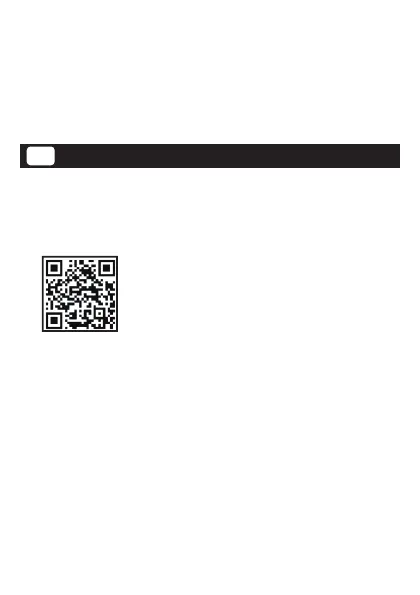
CubeSuite for Android/iOS:scan the QR code
■ Website: www.m-vave.com
■ Computer connection method: use USB cable to connect the
computer, you can connect the computer software CUBESUITE for
operation.
■ Mobile APP connection method: search and use CUBESUITE for
download and install. After entering the software inteace, click
"Scan nearby device", select "IR-BOX", and click "Pair", which can be
used after successful loading.
Attention: Only suppo BT wireless control APP, do not suppo BT
audio transmission.
7
Software SupportEN


 To Next Page