7 Video Settings
LN5000HD-User’s Guide 14
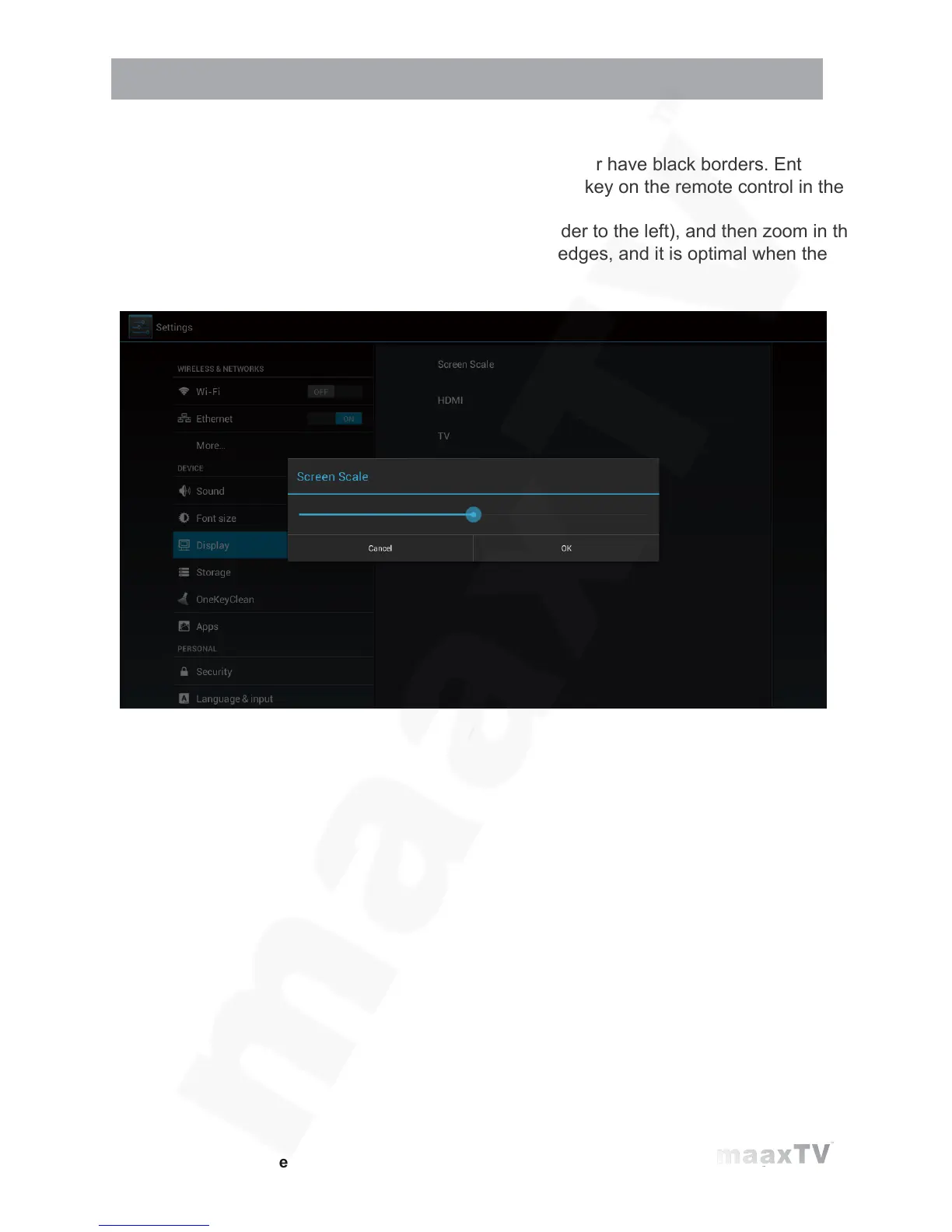
7.2.2 Screen size settings
After adjusting the resolution, the screen edges will be cut or have black borders. Enter
Settings - Display - Aspect Ratio, and press the Left/Right key on the remote control in the
aspect ratio window and adjust.
Tips: Zoom out the screen to the smallest (adjust the slider to the left), and then zoom in the
screen (adjust the slider to the right), check the screen edges, and it is optimal when the
screen edges coincide with the TV edges.



 To Next Page