transit info, and more.
Find your files quickly.
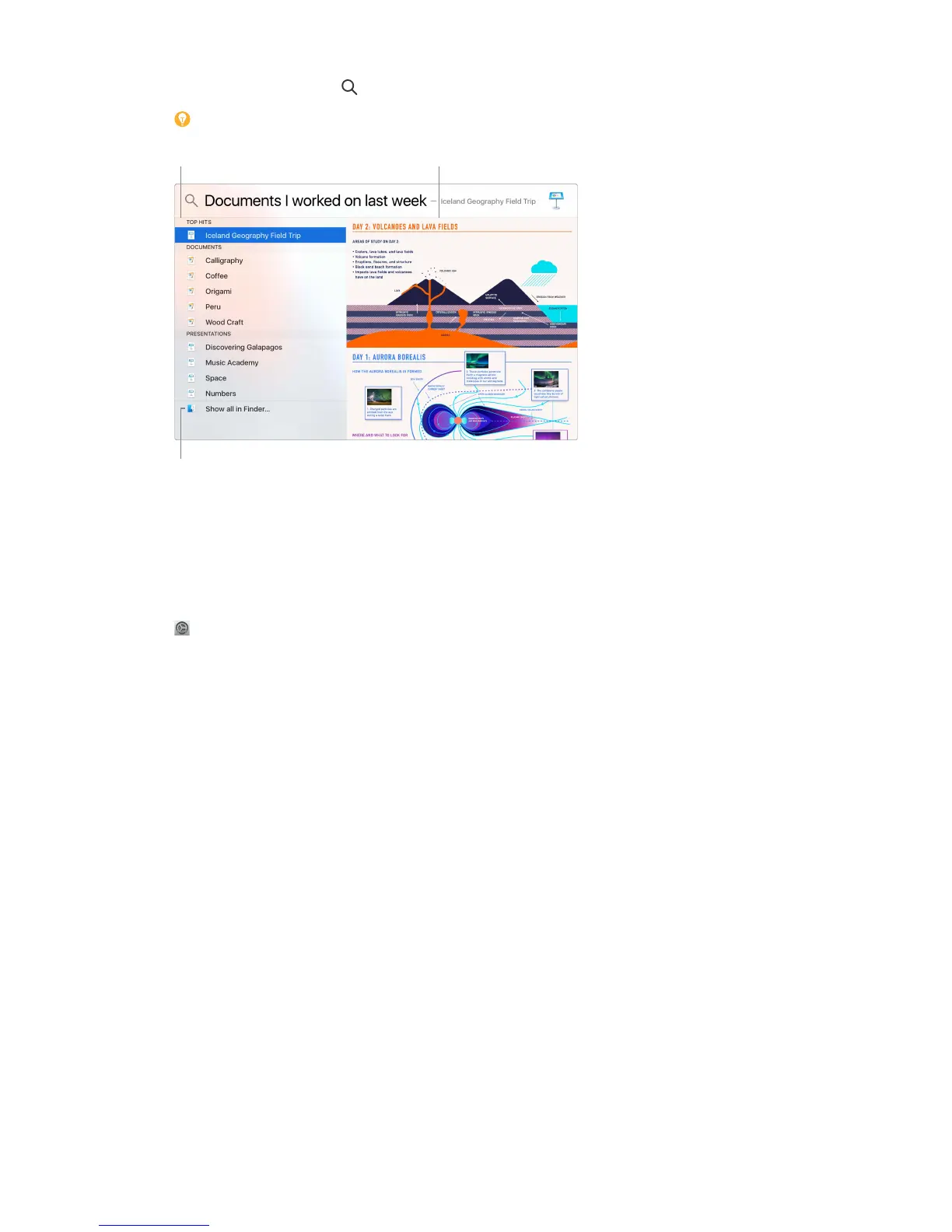
Preview your results. Click a search result and view it in the preview on the right. Sometimes
that’s all you need to do—click items or links directly in the preview. You can also double-click a
result to open it.
Open an app. Type the app name in Spotlight, then press Return.
Turn o Spotlight Suggestions. If you want Spotlight to search only for items on your Mac mini,
you can turn o Spotlight Suggestions in Spotlight preferences. Click the System Preferences icon
in the Dock, click Spotlight, then click to deselect Spotlight Suggestions. Make any other
changes you want to the list of categories Spotlight searches.
Note: Not all features of Spotlight Suggestions are available in all languages or regions, and
some features may vary by region.
Siri
Now you can talk to Siri on your Mac mini, just as you do on your iOS devices and Apple Watch,
and use your voice for many tasks. For example, you can nd les, schedule meetings, change
preferences, get answers, send messages, place calls, and add items to your calendar. Siri can give
you directions (“How do I get home from here?”), information (“How high is Mount Whitney?”),
perform basic tasks (“Create a new list called Groceries”), and much more.
Important: Mac mini doesn’t have a built-in microphone, so you must connect an external
microphone (sold separately) in order to use Siri.
74% resize factor


 To Next Page
 Loading...