Chapter 2 Get started 23
AirPrint
You can use AirPrint to print wirelessly to:
•
An AirPrint-enabled printer on your Wi-Fi network
•
A network printer or printer shared by another Mac on your Wi-Fi network
•
A printer connected to the USB port of an AirPort base station
Print to an AirPrint printer. When you print from an app, click the Printer pop-up menu in the
Print dialog, then choose an AirPrint printer in the Nearby Printers list.
Can’t nd the printer you’re looking for? Make sure it’s connected to the same Wi-Fi network
as your Mac mini. If it’s connected and you still don’t see it, try adding it: Click the System
Preferences icon in the Dock, click Printers & Scanners, then click Add . (You may have to
temporarily connect the printer to your Mac mini using a USB cable.)
For a list of AirPrint-enabled printers and other supported printers, see About AirPrint and
Printer and scanner software available for download for your Mac.
AirPlay
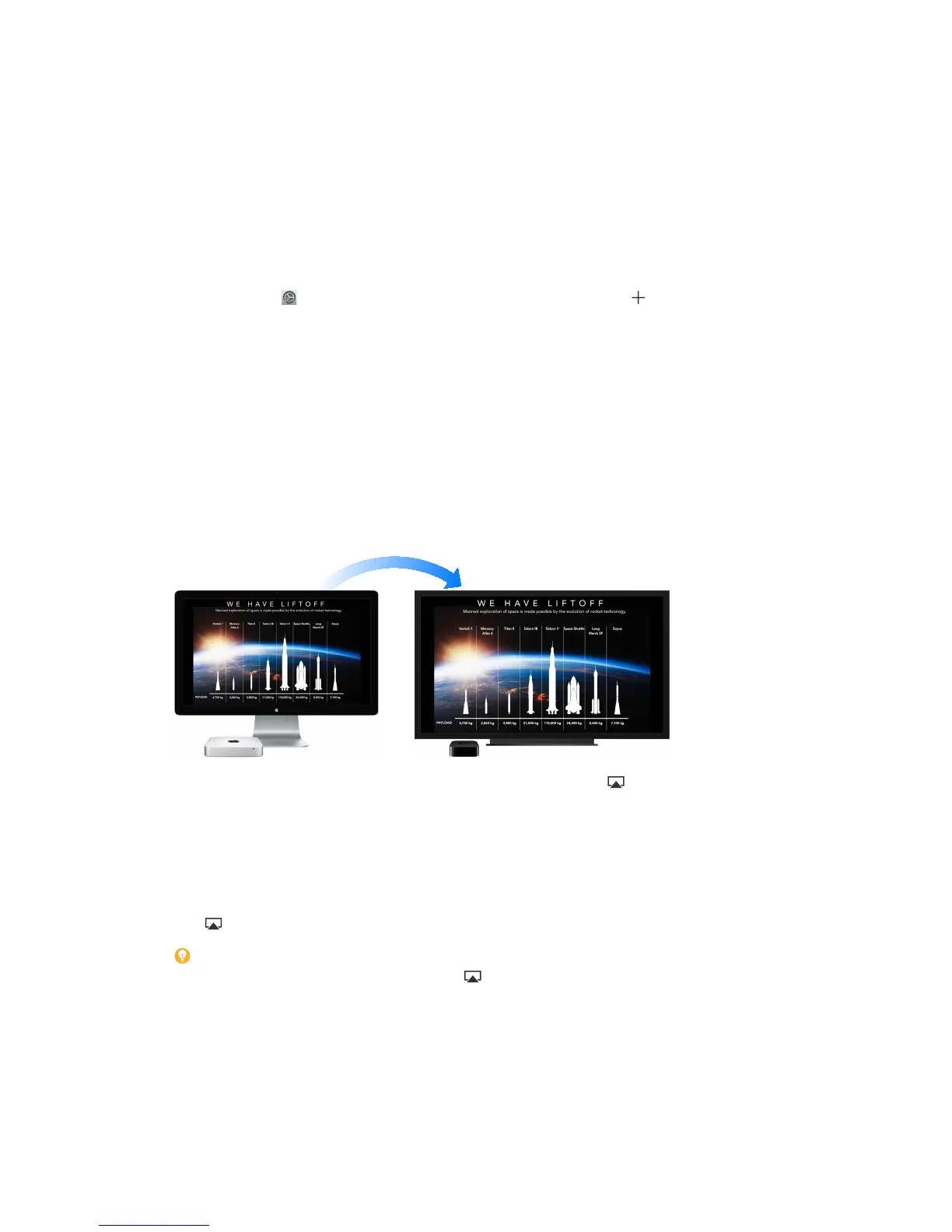
Show whatever’s on your Mac mini screen on the big screen using AirPlay Mirroring. Connect
your HDTV to Apple TV, and make sure the Apple TV is on the same Wi-Fi network as your
Mac mini to mirror the Mac mini external display on your TV screen or use the HDTV as a second
display. You can also play some web videos directly to your HDTV without showing what’s on
your desktop—handy when you want to play a movie but keep your work private.
Mirror your Mac mini using AirPlay Mirroring. Click the AirPlay icon in the menu bar, then
choose your Apple TV. When an AirPlay display is active, the icon turns blue.
In some cases, you can use an AirPlay display even if your Mac mini isn’t on the same Wi-Fi
network as Apple TV (called peer-to-peer AirPlay). To use peer-to-peer AirPlay, you need an
Apple TV (3rd generation rev A, model A1469 or later) with Apple TV software 7.0 or later.
Play web videos without showing your desktop. When you nd a web video with an AirPlay
icon , click the icon, then select your Apple TV.
Tip: If the image doesn’t t your HDTV screen when you mirror the display, adjust the desktop
size for the best picture. Click the AirPlay icon , then choose an option under “Match Desktop
Size To.”
Apple TV is sold separately at apple.com or your local Apple Store.
To learn more about AirDrop, AirPrint, and AirPlay, go to Mac Help (see Mac Help). To learn more
about using a display with your Mac mini, see Connect a display.
74% resize factor


 To Next Page
 Loading...