for travel by mass transit.
Send directions
to your iPhone.
Show your current location.
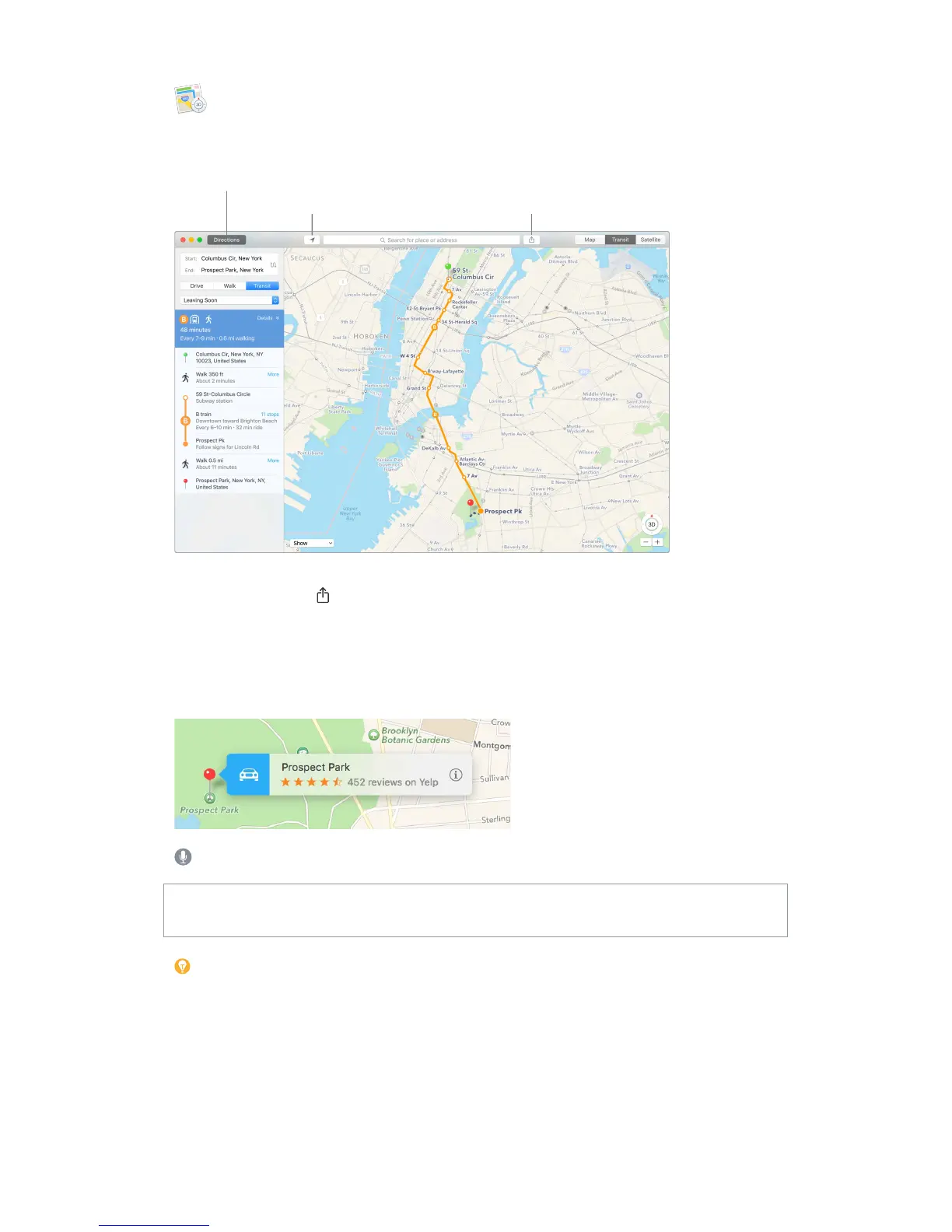
Let iPhone show you the way. Click Directions to nd the best route to your destination, then
click the Share button to send the directions to your iPhone for turn-by-turn voice navigation.
Get there on public transit. Maps provides public transit information for select cities. Click
Transit, then click a destination to get suggested travel routes and estimated travel time.
More than just maps. For local points of interest such as hotels and restaurants, Maps shows you
phone numbers, photos, and even reviews.
Ask Siri. Say something like: “Find coee near me.”
WARNING: For important information about navigation and avoiding distractions that could
lead to dangerous situations, see Important safety information.
Tip: Maps can show you what trac is like in both Map and Satellite view. Click Show, then
choose Show Trac.
74% resize factor


 To Next Page
 Loading...