1
4
Mac mini at a glance
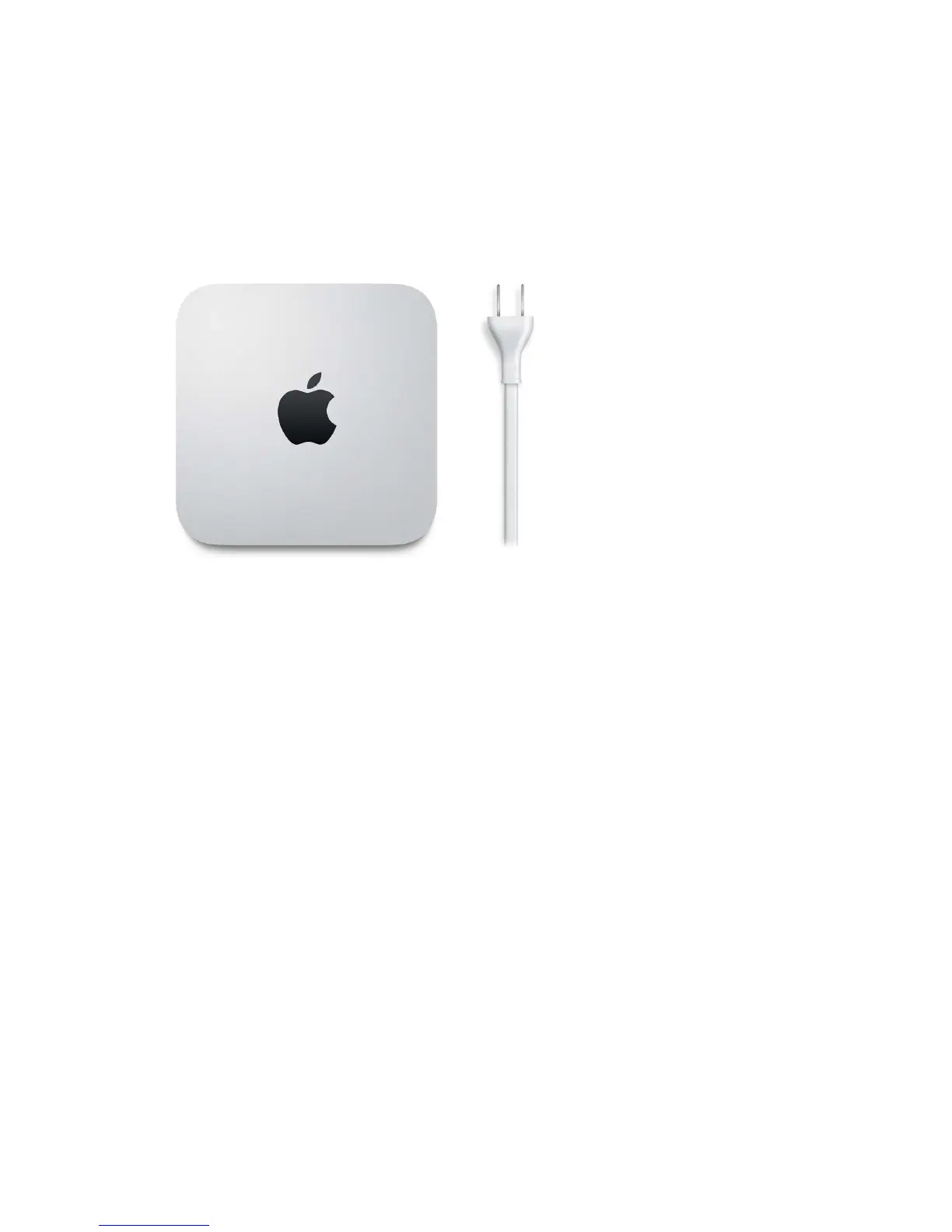
Say hello to Mac mini
This guide provides the essential information you need to get the most from your Mac mini. The
sections described below cover the hardware features, the software setup process and highlights,
what you can do with apps on your Mac, and how to nd more information on any topic.
Take a look around. Want a quick intro to the features of your Mac mini? Go to the next section,
Take a tour.
Get started. After you connect a display, keyboard, and mouse or trackpad, press the power
button on the back of your Mac mini and you’re ready to get started. For details, see Connect
accessories, Set up, and Migrate your data.
Stay in sync. Access your documents, photos, music, apps, contacts, and calendars across all your
devices with iCloud. And use your Mac mini with your iOS devices to make and receive phone
calls (requires an external microphone) and texts, copy and paste across devices, or create an
Instant Hotspot. Learn more in Access your content anywhere with iCloud and Continuity.
Unleash your creativity. Plan events and share info and photos with Notes; organize and listen to
music, books, movies, and more with iTunes; create presentations with Keynote; and check out all
the apps available on the App Store, to express yourself in as many ways as you have ideas.
Dig deeper. Explore your Mac mini and get your questions answered. Go to Mac Help.
74% resize factor


 To Next Page
 Loading...