Chapter 1 Mac mini at a glance 6
Connect accessories
Plug in a compatible keyboard, mouse, trackpad, or other optional device to start using Mac mini.
You also need to connect a display (see Connect a display for details).
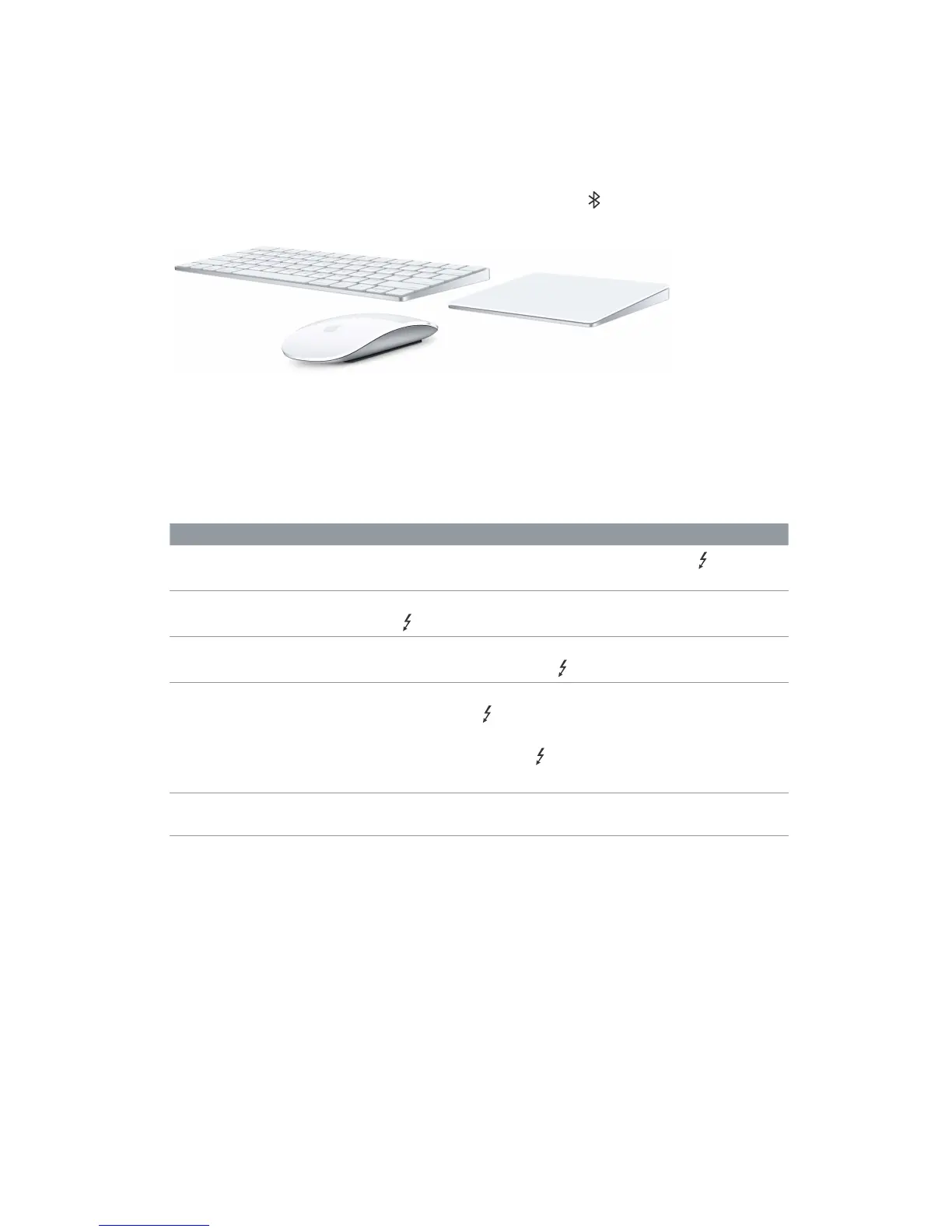
You can also work wirelessly using Bluetooth® technology. Your Mac mini can connect to
optional wireless devices such as Magic Keyboard, Magic Mouse 2, Magic Trackpad 2, peripheral
devices, and wearable sport accessories. Use the Bluetooth menu at the top of the screen to
connect and pair the device with your Mac mini.
Accessories are sold separately at apple.com or your local Apple Store.
Connect a display
The Thunderbolt 2 and HDMI ports on your Mac mini support video output. You can use a
display, a projector, or an HDTV with your Mac mini.
To connect Do this
Apple Thunderbolt Display
Plug the display’s cable directly into the Thunderbolt 2 port on your
Mac mini.
DisplayPort or Mini DisplayPort
display
Plug the display’s Mini DisplayPort cable directly into the Thunderbolt 2
port on your Mac mini.
VGA display or projector Use a Mini DisplayPort to VGA Adapter and a VGA cable to connect the
display to the Thunderbolt 2 port on your Mac mini.
DVI display or projector Use a Mini DisplayPort to DVI Adapter to connect the display to the
Thunderbolt 2 port on your Mac mini.
Use a Mini DisplayPort to Dual-Link DVI adapter for dual-link DVI output
using the Thunderbolt 2 port on your Mac mini.
Use an HDMI to DVI adapter to connect the display to the HDMI port.
HDMI display or HDTV Connect an HDMI cable from your HDMI display or HDTV to the HDMI
port on your Mac mini.
Adapters and other accessories are sold separately at apple.com or your local Apple Store.
Review the documentation or check with the manufacturer to make sure you choose the
right adapter.
74% resize factor


 To Next Page
 Loading...