Chapter 2 Get started 8
Get an Apple ID. Your Apple ID is the account you use for everything you do with Apple—
including using the App Store, the iTunes Store, iCloud, iMessage, and more. Your Apple ID
consists of an email address and a password. You need only one Apple ID to use any Apple
service, on any device—whether it’s your computer, iOS device, or Apple Watch. It’s best to have
your own Apple ID and not share it—create separate Apple IDs for each family member.
If you don’t already have an Apple ID, you can create one (it’s free). Go to appleid.apple.com.
Important: If you forget your Apple ID password, you don’t need to create a new Apple ID. Just
click the Forgot link in the login window to retrieve your password.
Set up iCloud on your Mac mini. With iCloud, you can store all of your content—documents,
movies, music, photos, and more—in the cloud, and access it anywhere you go.
To set up iCloud, choose Apple menu > System Preferences, then click iCloud. In the window that
appears, enter your Apple ID and password. Then select the features you want to use. To nd out
more, see Access your content anywhere with iCloud.
Important: Be sure to use the same Apple ID for iCloud on all your devices.
For information about setting up and using Siri on your Mac mini, see Siri.
Find your way around
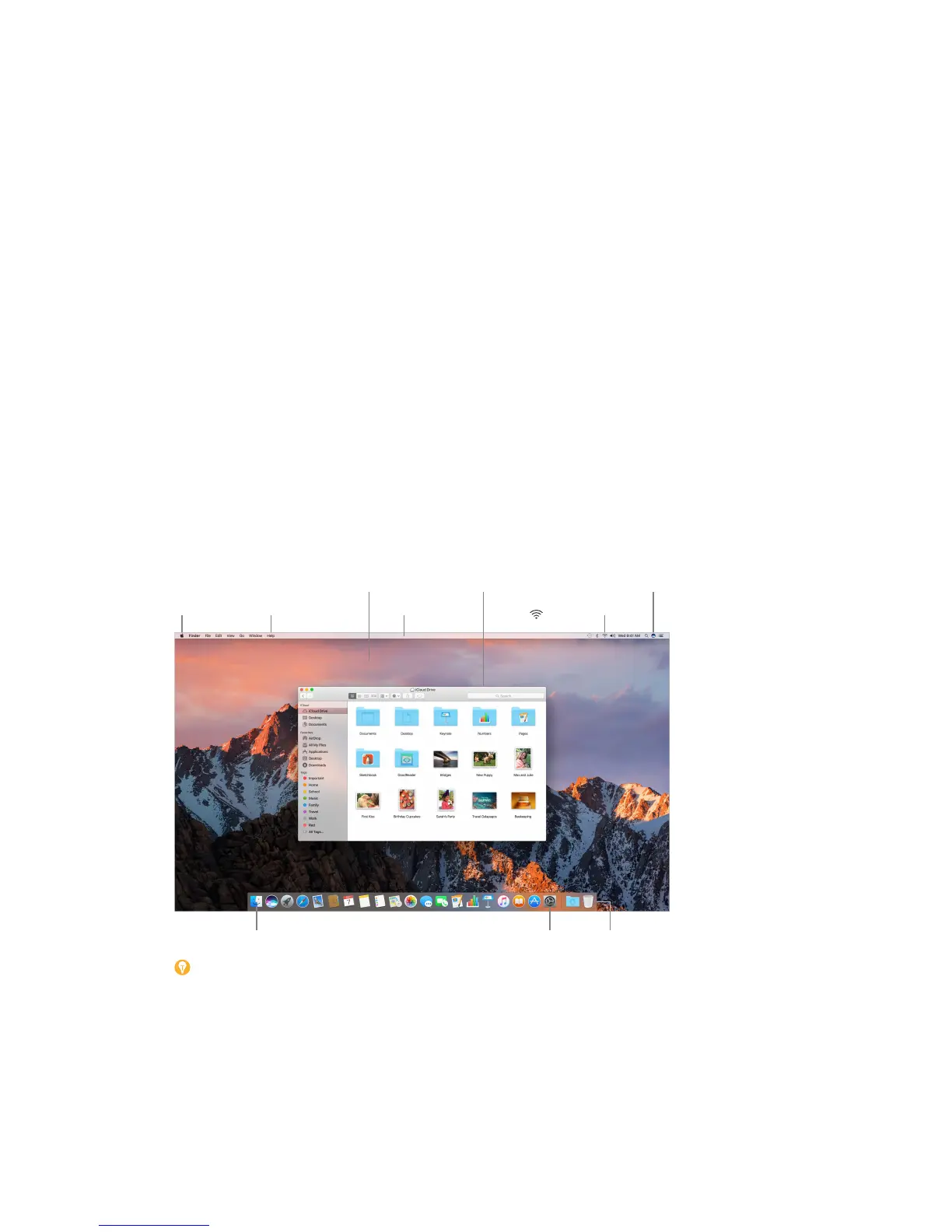
The desktop
The rst thing you see on your Mac mini is the desktop, where you can quickly open apps, search
for anything on your Mac mini and the web, organize your les, and more.
Help menu
Menu bar
Wi-Fi icon


 To Next Page
 Loading...