22
MSCD18-Li-2
Getting Started . . .
Before you start
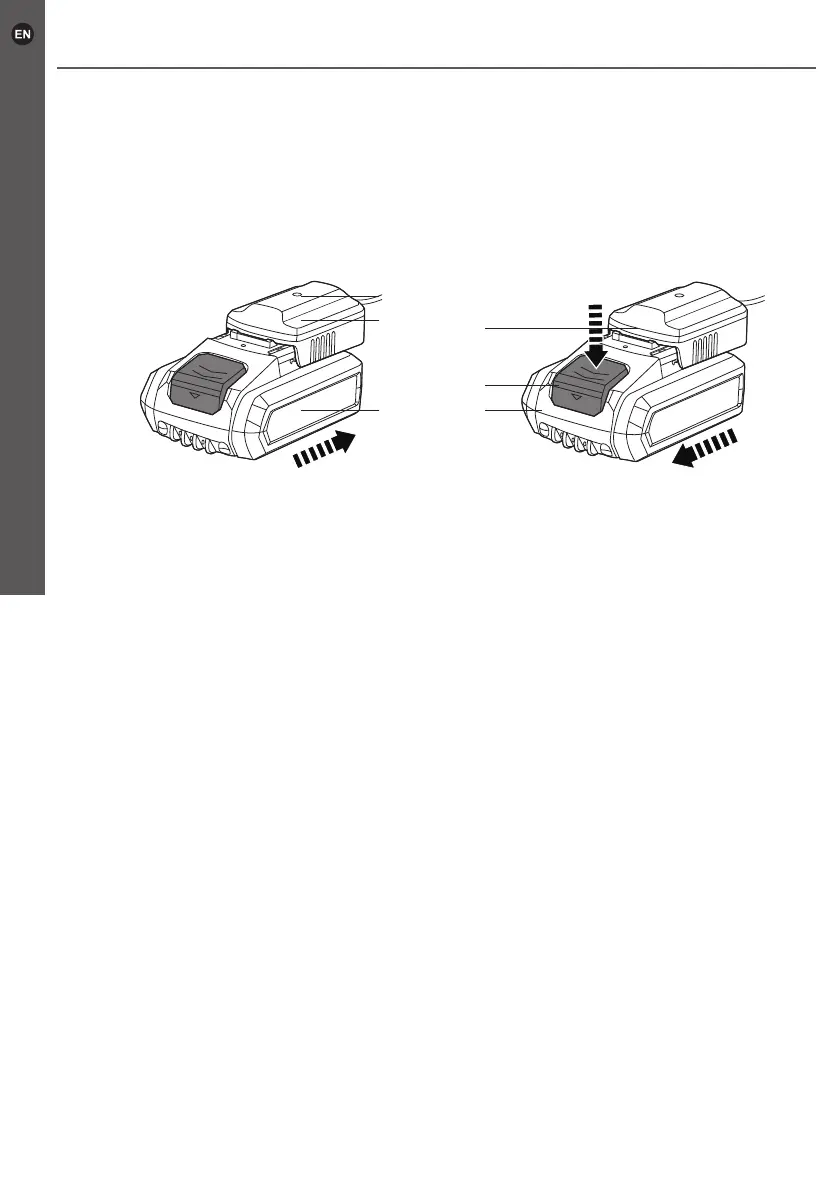
> Slide the battery pack (8) into the charger base (11) until it locks in place (Fig. 6).
>
Connect the charger (12) to the power supply. The indicator light (10) lights in red
when battery is charging and green when charging is nished.
> After charging nished, disconnect the charger (12) from power supply and remove
battery pack (8) from the charger base (11) by pressing the release button (9) and
pulling out the battery pack (8) (Fig. 7).
8 8
9
11
11
10
Fig. 6 Fig. 7



 To Next Page