EasyManua.ls Logo

MacAllister MSCD18-Li-2 - User Manual

MacAllister MSCD18-Li-2
36 pages
Print Icon
To Next Page IconTo Next Page
Loading...
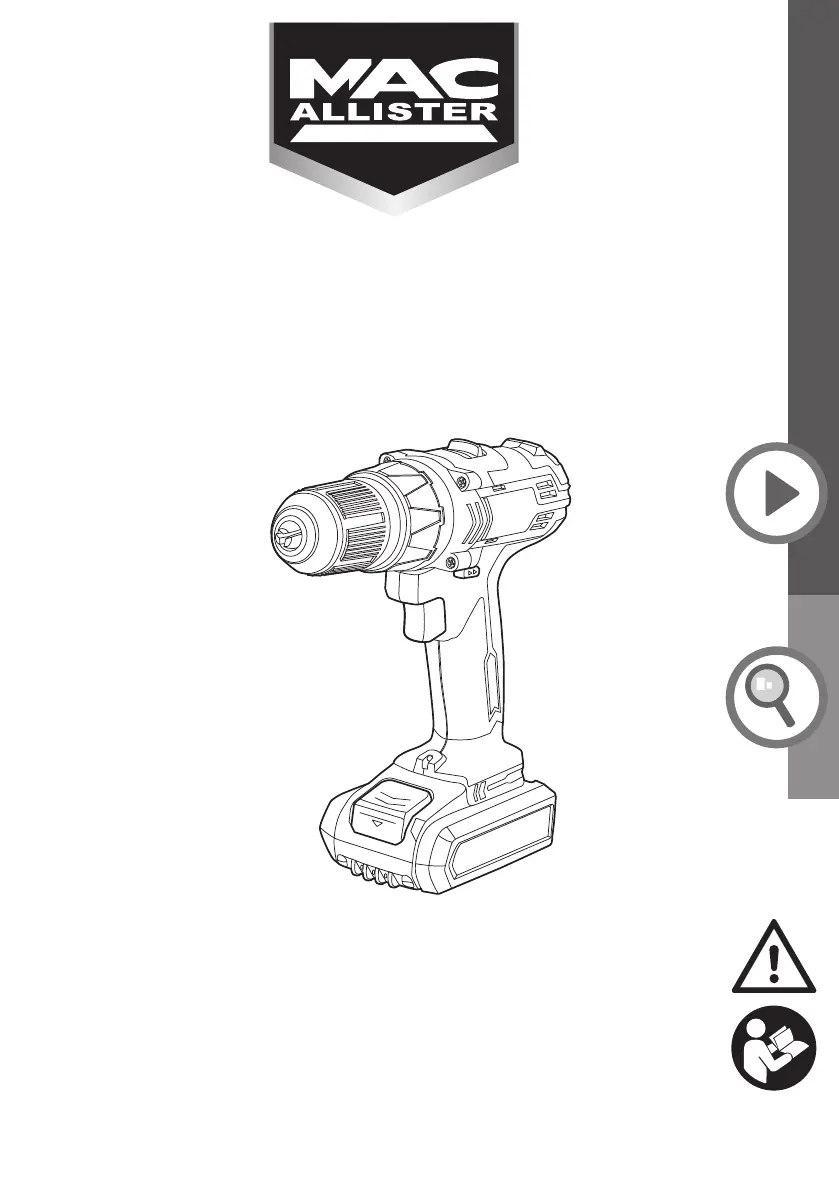
18V Combi Drill
ORIGINAL INSTRUCTIONS - MSCD18-Li-2 V10-13-07-2018
MSCD18-Li-2
EAN: 3663602798446/EAN.3663602798453
WARNING: Read the instructions before using the product!

Questions and Answers

  • R
    riceedwinAug 6, 2025
    What to do if MacAllister Drill does not start?
    • B
      Brenda WheelerAug 6, 2025
      If your MacAllister Drill isn't starting, there are several potential causes: * The forward/reverse rotation control switch might be in the center lock position. Try pushing it to the left or right. * The battery pack may not be properly attached; ensure it is securely connected. * The battery pack could be discharged; remove it and charge it. * There may be an electrical defect to the product or the battery pack may be damaged, in which case you should have it checked by a specialist electrician.
  • C
    Corey CarrAug 13, 2025
    Why does my MacAllister MSCD18-Li-2 stop suddenly?
    • A
      Audrey TaylorAug 13, 2025
      Your MacAllister Drill might stop suddenly due to these reasons: 1. The product may be overloaded. Remove it from the workpiece and switch it on again. 2. The battery pack may be discharged. Remove and charge the battery pack. 3. The battery may be too hot. Remove the battery pack and let it cool down.
  • C
    Charles ByrdAug 21, 2025
    What to do if MacAllister MSCD18-Li-2 Drill does not reach full power?
    • M
      Mr. Seth Marshall MDAug 21, 2025
      If your MacAllister Drill isn't reaching full power, it could be due to: * The battery pack capacity being too low, in which case you should charge the battery pack. * Blocked air vents. Clean the air vents to resolve this.
  • M
    Mercedes HarperAug 28, 2025
    Why am I getting an unsatisfactory result with my MacAllister MSCD18-Li-2 Drill?
    • K
      Keith BurtonAug 28, 2025
      If you're getting unsatisfactory results with your MacAllister Drill, it could be because: * The driver/drill bit is worn, so replace it with a new one. * The driver/drill bit is not suitable for the intended operation, so use a suitable driver bit.

Summary

General Safety Warnings

Work Area Safety

Guidelines for safe operation in the work area.

Electrical Safety

Precautions regarding electrical connections and grounding.

Personal Safety Guidelines

Power Tool Safe Use and Care

Battery Tool Safety and Care

Tool Service and Drill Safety

Service and Repair

Guidance on qualified repair and servicing of power tools.

Drill Safety Warnings

Specific safety advice for using the drill function.

Charger Safety Warnings

Battery Pack Safety Warnings

Construction Dust Hazards

Dust Exposure Risks

Information on health risks from construction dust.

Chemical Hazards in Dust

Vibration Safety Information

Vibration Emission Values

Details on declared vibration emission values and comparisons.

Minimizing Vibration Exposure

Health Surveillance and Emergency

Guidance on health monitoring and emergency preparedness.

Residual Risks and Dangers

Product Design Related Risks

Dangers arising from product structure and design, like vibration or flying objects.

Symbols and Abbreviations

Electrical and Measurement Symbols

Defines symbols for voltage, current, frequency, and measurements.

Safety and Usage Symbols

Explains symbols related to safety, operation, and maintenance.

Compliance and Operational Symbols

Compliance and Disposal Symbols

Symbols indicating compliance, waste disposal, and environmental considerations.

Operational and Technical Symbols

Symbols related to usage conditions, charging, and protection.

Product Components Overview

Drill Components

Details the parts of the drill, including chuck, controls, and handle.

Battery and Charger Components

Identifies the battery pack, release button, charger, and charging base.

Technical Specifications

Drill and Battery Specifications

Lists voltage, speed, torque, capacity, and weight for the drill and battery.

Charger, Sound, and Vibration Data

Details charger input/output, sound levels, and hand-arm vibration values.

Rating Label Explanation

Explains the meaning of the model number components.

Getting Started: Unpacking and Setup

Unpacking and Initial Checks

Instructions for unpacking and verifying all parts are present and undamaged.

Required Accessories and Setup

Lists necessary supplied and not-supplied items and initial setup warnings.

Drill;Driver Bit Usage

Advice on selecting and using drill and driver bits safely.

Getting Started: Bit Insertion

Getting Started: Battery and Charging

Battery Pack Release and Attachment

Instructions on how to detach and attach the battery pack to the tool.

Battery Charging Procedure

Guidance on charging the battery, including initial charging and notes.

Getting Started: Charger Connection

Product Functions: Basic Operations

Intended Use Definition

Specifies the allowed uses for the combi drill, including drilling and screw driving.

Switching ON;OFF and Speed Control

Instructions on operating the ON/OFF switch and variable speed control.

Forward;Reverse Rotation Control

Explains how to change the direction of rotation and lock the switch.

Product Functions: Rotation Modes

Product Functions: Lighting and Gears

Automatic Work Light

Describes the automatic illumination of the work light when the trigger is pressed.

Two-Speed Gear Control

Explains the function of the two-speed gear selector for power and speed.

Product Functions: Torque Adjustment

Product Functions: Spindle Lock

General Operation: Drilling

Pre-Operation Checks and Handling

Advice on checking the product, accessories, and ensuring safe handling.

Drilling Procedures

Instructions and tips for drilling in various materials.

Drilling into Plastic and Metal

Guidance on drilling into plastic and metal, including bit selection and lubrication.

General Operation: Masonry and Screwdriving

Drilling into Masonry

Specific instructions for drilling into brickwork and masonry, including impact function.

Screw Driving Procedures

Steps for driving screws, including torque setting and bit placement.

Care and Maintenance: Cleaning

Post-Use Procedures

Steps for switching off, cooling down, cleaning, and storing the product.

General Cleaning Guidelines

Methods for cleaning the product, including warnings about cleaning agents.

Care and Maintenance: Storage and Repair

Troubleshooting: Identifying Malfunctions

Identifying and Solving Malfunctions

Guide to diagnosing and resolving common problems with the tool.

Troubleshooting: Product Issues

Recycling and Disposal

Waste Electrical Product Disposal

Guidance on disposing of electrical products and electronic waste.

Battery Pack Disposal and Recycling

Instructions for safe disposal and recycling of the battery pack.

Guarantee Information

Guarantee Coverage and Limitations

Details what the guarantee covers, exclusions, and limitations.

EC Declaration of Conformity

Product Compliance Statements

Lists the EU directives and harmonized standards the product meets.

MacAllister MSCD18-Li-2 Specifications

General IconGeneral
TypeCordless Drill
Voltage18V
Battery TypeLi-Ion
Chuck Size10 mm
Max Torque30Nm
Speed Settings2
No Load Speed0-400/0-1500 rpm
Weight1.3 kg

Related product manuals